
Patzer
Self-hosted chess: Stockfish review, LLM coach, family profiles
Replaces Chess Com
Who it's for
Patzer's multi-user profiles let parents track a child's progress alongside their own, with kid mode that tones down technical language and adds blunder warnings. Per-profile languages mean family members can play and get coached in their own language. The admin console controls who can register.
You only need chess for a single player with no kid-safety requirements. A local desktop app or Lichess handles that with less setup.
If you have an Ollama server on your LAN, connecting the AI coach takes one URL in Patzer's admin panel. Game Review works the same day; the coach reads from the same game history that analysis builds. No additional infrastructure is needed.
You have no local inference server and are not willing to set one up or use a cloud API key; the coaching voice will not be available.
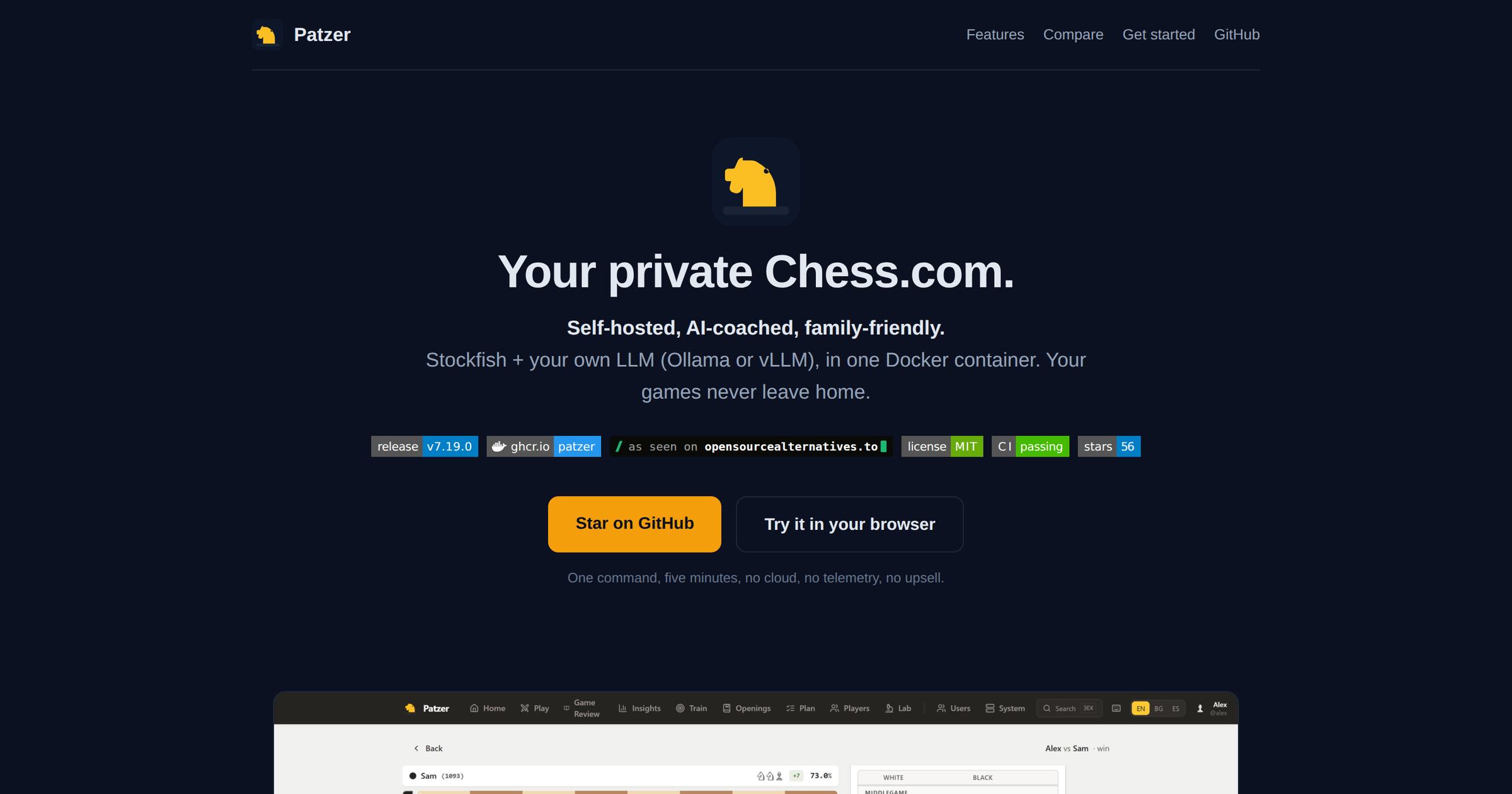
Patzer syncs your public Chess.com and Lichess games automatically (Chess.com can sync every 15 minutes), analyzes them with Stockfish, and keeps the full review history locally. You get Chess.com-style move classifications and an eval graph without relying on a cloud service.
You need analysis depth beyond Stockfish's bundled binary, or you play on platforms other than Chess.com and Lichess.
Every analyzed game, coaching note, and rating history lives in a SQLite database inside the Docker volume on your own machine. Patzer sends nothing out except an optional six-hourly version check to GitHub, which can be disabled in Admin.
Your primary concern is playing strength and access to a large pool of online opponents. Cloud platforms like Lichess offer more players and stronger community features.
The problem
Serious chess players rely on game review and coaching to improve, but the main online platforms restrict those features behind paid tiers. Chess.com charges for full move analysis, AI coaching, and detailed lesson access. Moving to a paid tier works until pricing changes or features shift, and it gives you no control over where your game history lives. For a household with multiple players at different skill levels, the problem compounds: family accounts cost more, kid-safe modes vary by platform, and there is no way to run everything on your own hardware with a shared leaderboard or a coach tuned to your specific game history.
How it works
Pull your public Chess.com or Lichess games (or paste a PGN) and analyze with bundled Stockfish. Every move is classified as Brilliant, Great, Best, Excellent, Good, Inaccuracy, Mistake, Miss, or Blunder. The review shows accuracy percentage, estimated Elo, an eval graph, top engine lines, key moments, and a "What's the threat?" probe that explains each tactic in plain text.
Point Patzer at an Ollama or vLLM host on your network (or a DeepSeek API key if you have no local GPU). The coach explains why a move works or fails, shows the better alternatives, and connects your mistake to patterns in your own recent game history. It never contradicts the engine, because the LLM is given Stockfish's verdict first.
Seven Stockfish tiers from Kid to maximum strength, all standard time controls, and up to six premoves queued on the board. The same server also hosts real-time PvP between profiles over WebSocket, with draw offers, takebacks, and one-click rematch.
Each user gets a profile with their own rating, language setting, audience tuning for the AI coach, and optional kid mode that uses friendly piece names like "horsey" and adds blunder warnings. The admin console controls sign-up (open, invite-only, or closed) and assigns user roles.
69 interactive lessons across four skill levels, from piece movement to tactics, mating patterns, and endgames. The opening trainer drills 16 built-in main lines or custom repertoires; moves you miss return in a daily review queue.
The UI and AI coach prompts are available in English, Bulgarian, Spanish, German, and Russian. Adding a language requires one table entry per file, documented in CONTRIBUTING.
Features
- Stockfish Game Review with Move Classification
- Bring-Your-Own-LLM AI Coach
- Play vs Stockfish or a Friend
- Multi-User Family Profiles
- Interactive Lessons and Opening Trainer
- Multilingual Interface and Coaching
How to install
Self-host Patzer with Docker; the container includes Stockfish and starts on port 8800.
docker run -d \
  -p 8800:8800 \
  -v patzer-data:/app/data \
  --name patzer \
  ghcr.io/SikamikanikoBG/patzer:latest
Recommended for this setup
Strengths
- No subscription paywalls: Full game review, AI coaching, lessons, and multi-user support work at no cost on your own hardware. Chess.com requires a paid plan for comparable depth of move analysis and AI coaching features.
- LLM hallucination prevention by design: The AI coach is given only facts the server has already verified: Stockfish's verdict on each move, chess.js tactical analysis, and the player's own game history. The LLM turns those facts into coaching. Because the model does not analyze positions itself, a small quantized model running on a Pi 5 is genuinely useful.
- Single-container deployment: One Docker command, one volume mount, one port. Stockfish is bundled; there is no separate database to provision; SQLite stores all state inside the container volume. This is a simpler operational footprint than most self-hosted productivity apps.
- MIT license with no hosting restrictions: Patzer is MIT licensed, so you can run it internally at a chess club, a school, or a company without licensing fees or a commercial-use rider. No source-available or copyleft restrictions.
Trade-offs
- AI Coach requires a separate LLM host: The coaching narration needs a running Ollama or vLLM server on your network, or a DeepSeek API key. Without it, the Coach panel shows Stockfish engine facts in plain text but gives no prose explanations. Players with no local GPU and no API key will see a reduced coaching experience until they configure one.
- Small community at an early stage: The project launched in May 2026 and has 56 GitHub stars and 16 open issues. There is no large ecosystem of plugins or themes, and some rough edges are expected in a project this young.
- Internet play against remote friends requires a tunnel: Real-time play against a friend outside your local network requires a tunnel (such as Tailscale or ngrok) in front of the container. The README's FAQ covers the setup, but it adds a step for players who want to host games for a remote opponent.
Tech stack
FAQ
For game review and AI coaching on games you've already played, yes. Patzer imports your public Chess.com and Lichess games, analyzes them with Stockfish, and provides an AI coaching voice if you have an Ollama or vLLM server. It does not replace Chess.com's live matchmaking against strangers, its puzzle rush, or its daily puzzle stream; Patzer is designed for analysis and learning on your own recorded games.
Any model reachable through Ollama or vLLM works, including small quantized models like Llama 3.2 3B. Because Patzer's server works out all chess facts first and hands them to the model as a structured prompt, a small model is sufficient. The setup wizard lists available models once you point Patzer at your Ollama URL. DeepSeek's hosted API is also supported if you have no local GPU.
The LLM coach is separate from the playing engine. Games are played against Stockfish at one of seven strength tiers. The coach reviews moves after a game is complete, not during play. There is no mode where the LLM itself plays you.
Patzer checks GitHub every six hours and shows a notice in the admin panel when a newer release is available. To update, pull the new image and restart: `docker pull ghcr.io/SikamikanikoBG/patzer:latest && docker restart patzer`. If you use docker-compose with the Watchtower label, updates can be automated.
The core features work offline: playing against Stockfish, reviewing games from PGN paste, and the AI coach if your Ollama host is on the local network. The features that need internet access are importing games from Chess.com or Lichess, and the optional GitHub version check. The version check can be disabled by setting `UPDATE_CHECK=0` in the container environment.