
ownCloud
Self-hosted file sharing with data sovereignty for teams and enterprises.
Replaces Dropbox, Nextcloud, Filecloud, Box, Microsoft Onedrive, Google Drive
Who it's for
ownCloud fits teams that need file sync and sharing without placing all files in a proprietary cloud account.
Skip if your team wants a managed office suite with no server administration.
Use it when files must stay on infrastructure controlled by the organization or a chosen hosting provider.
Skip if end users depend heavily on Google Workspace or Microsoft 365 co-authoring features.
The problem
Cloud file services are convenient, but they move sensitive files, calendars, contacts, sharing rules, and collaboration workflows into a vendor-controlled platform. Organizations with privacy, compliance, or data-location concerns need a way to sync and share files without giving up server ownership.
How it works
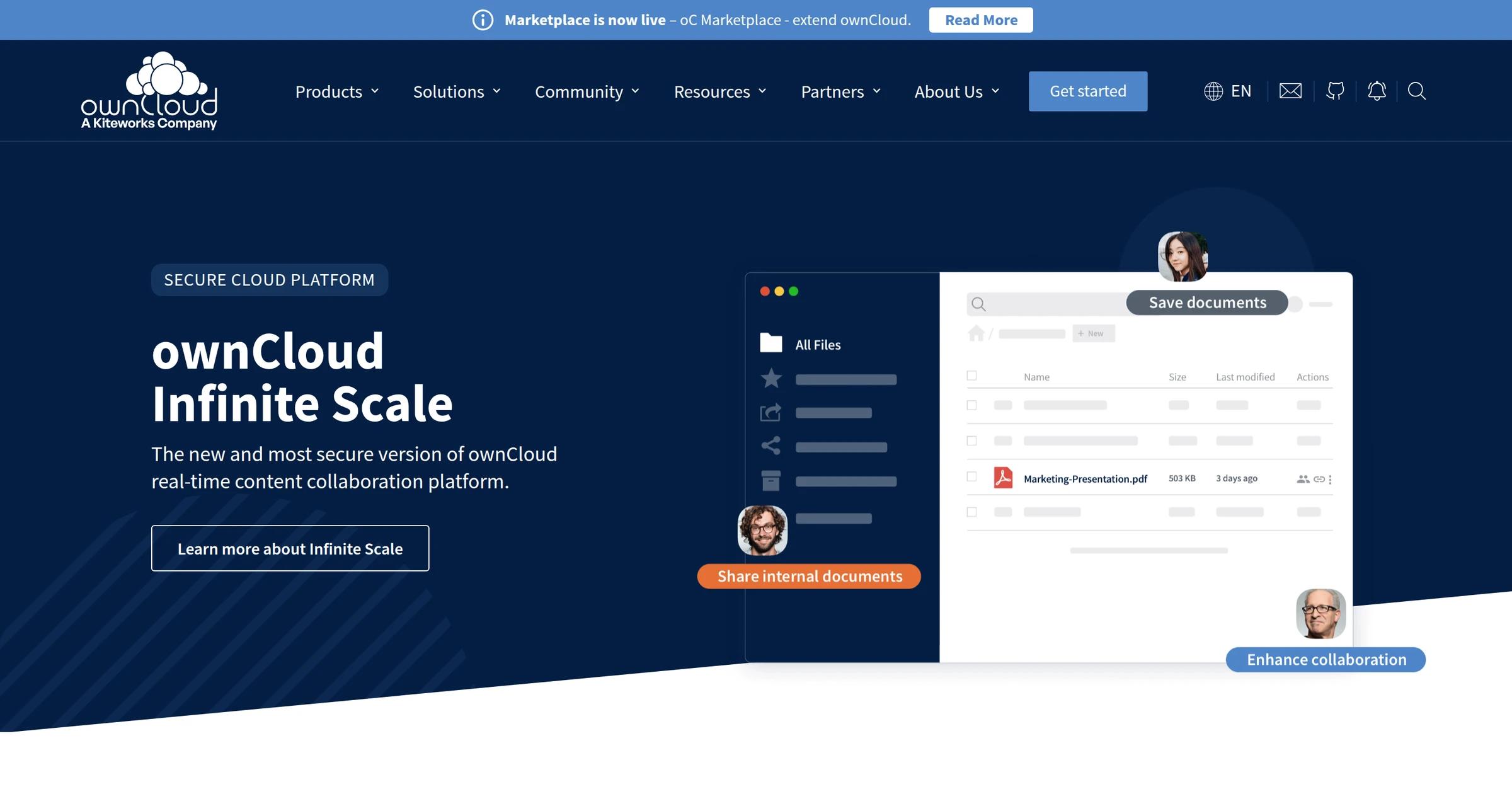
Stores files, contacts, calendars, and more on a server you choose, then syncs and shares them across devices.
Extends through apps such as Calendar, Contacts, Mail, and News to cover more than basic file storage.
Supports encrypted transport with HTTPS and an encryption app for storage-level privacy improvements.
Features
- File access, sync, and sharing
- App-based collaboration surface
- Server-side encryption option
Recommended for this setup
Strengths
- Cloud workflow on owned infrastructure: ownCloud gives teams Dropbox-style access and sharing while keeping the server under their control.
- Long-running collaboration project: The project has mature documentation, installation manuals, and an established server product footprint.
Trade-offs
- Server operations affect user trust: File sync must be reliable. Admins need to handle storage, backups, upgrades, HTTPS, desktop clients, and user support.
Tech stack
FAQ
Yes. ownCloud is designed to run on a server of your choosing for file access, sync, and sharing.
It can replace Dropbox-style sync and sharing when server ownership matters. Dropbox is easier when users only need a managed file cloud.
The README notes HTTPS for data in transit and an encryption app for storage encryption improvements.