
ONLYOFFICE
ONLYOFFICE Document Server is an AGPL-3.0 online office suite for teams that need self-hosted document, spreadsheet, and presentation editing with strong Microsoft Office format compatibility. It is c
Replaces —
Who it's for
ONLYOFFICE works well when Nextcloud, ownCloud, or another storage system needs browser-based office editing.
Choose Google Workspace or Microsoft 365 if managed collaboration, email, calendar, and office apps must come as one vendor bundle.
Teams can keep more document workflows on controlled infrastructure while still giving users online editors.
Skip it if your documents depend heavily on Microsoft macros or advanced Office desktop features.
The problem
Office documents often contain sensitive contracts, reports, budgets, and customer data, yet cloud office suites centralize editing inside a proprietary vendor account. Teams that self-host file storage still need collaborative editing, otherwise users fall back to emailing attachments or uploading files to a separate cloud suite. Self-hosted document editing solves that gap, but compatibility and operations matter. Users expect DOCX, XLSX, and PPTX files to look right, and administrators need to keep the editing service available.
How it works
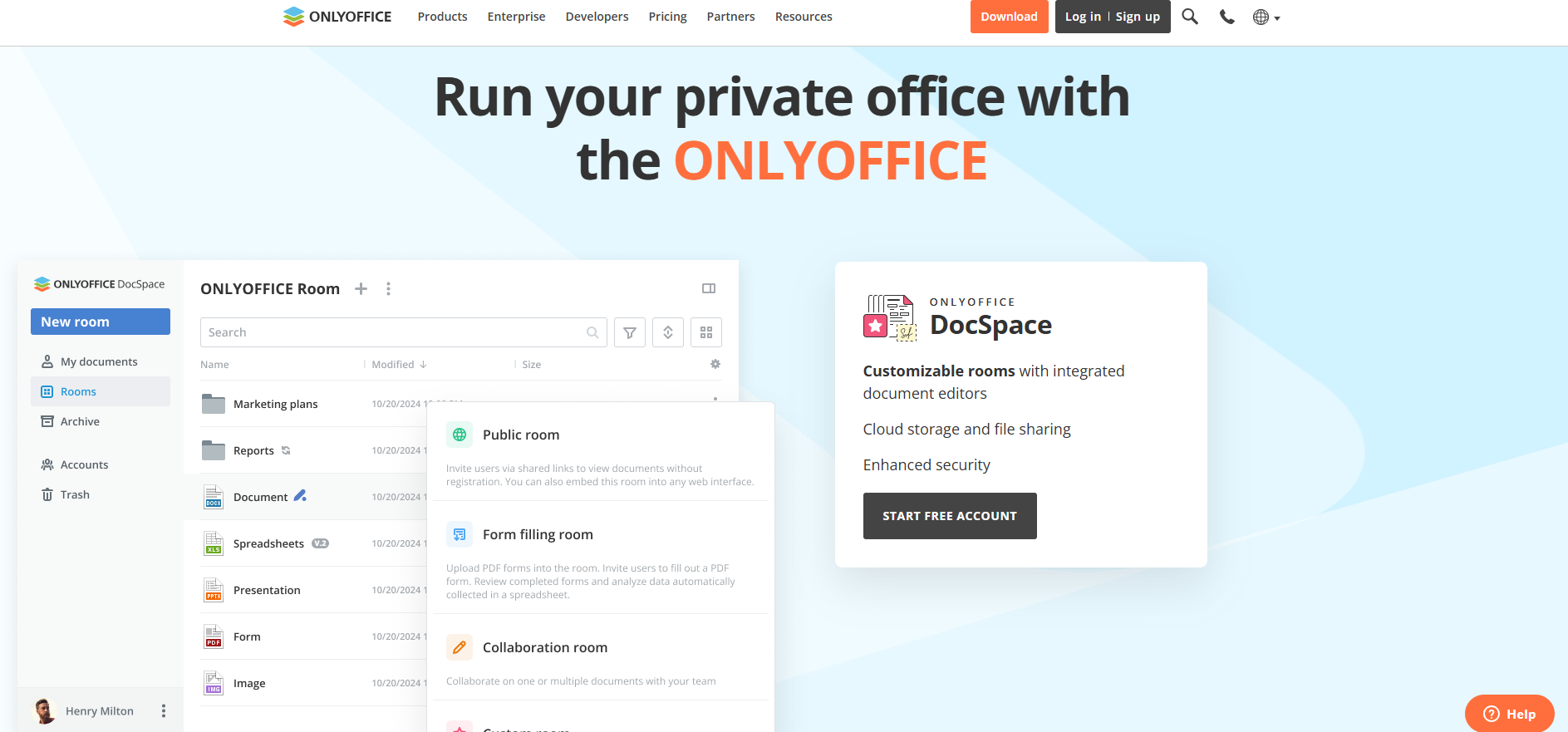
ONLYOFFICE Document Server provides browser-based editors for documents, spreadsheets, and presentations.
ONLYOFFICE positions itself around high compatibility with Microsoft Office formats, which matters for teams exchanging DOCX, XLSX, and PPTX files.
Document Server can be integrated with file and collaboration systems to add online editing to existing storage workflows.
The GitHub repository reports AGPL-3.0 licensing, so hosted modifications should be reviewed for source obligations.
Features
- Online document editors
- Microsoft Office format compatibility
- Collaboration server role
- AGPL-3.0 license
Recommended for this setup
Strengths
- Keeps document editing close to self-hosted storage: ONLYOFFICE is useful when a team already controls its files and needs web editing without moving documents into Google or Microsoft cloud storage.
- Familiar office-file workflow: Strong DOCX, XLSX, and PPTX compatibility reduces friction for users who exchange files with Microsoft Office users.
- Integrates into broader collaboration stacks: Document Server can serve as the editing layer for systems that already manage identity, storage, and sharing.
Trade-offs
- Needs a separate storage and collaboration layer: Document Server is not the whole document management system by itself. Most deployments pair it with another app for file storage, sharing, and users.
- Compatibility should be tested: Complex Office files, macros, templates, and edge-case formatting should be tested before replacing Microsoft Office or Google Docs for critical documents.
Tech stack
FAQ
It is the self-hostable server component that provides online editors for documents, spreadsheets, and presentations.
Yes. ONLYOFFICE emphasizes compatibility with Microsoft Office formats such as DOCX, XLSX, and PPTX.
The GitHub repository reports AGPL-3.0 licensing.