Nabyscape
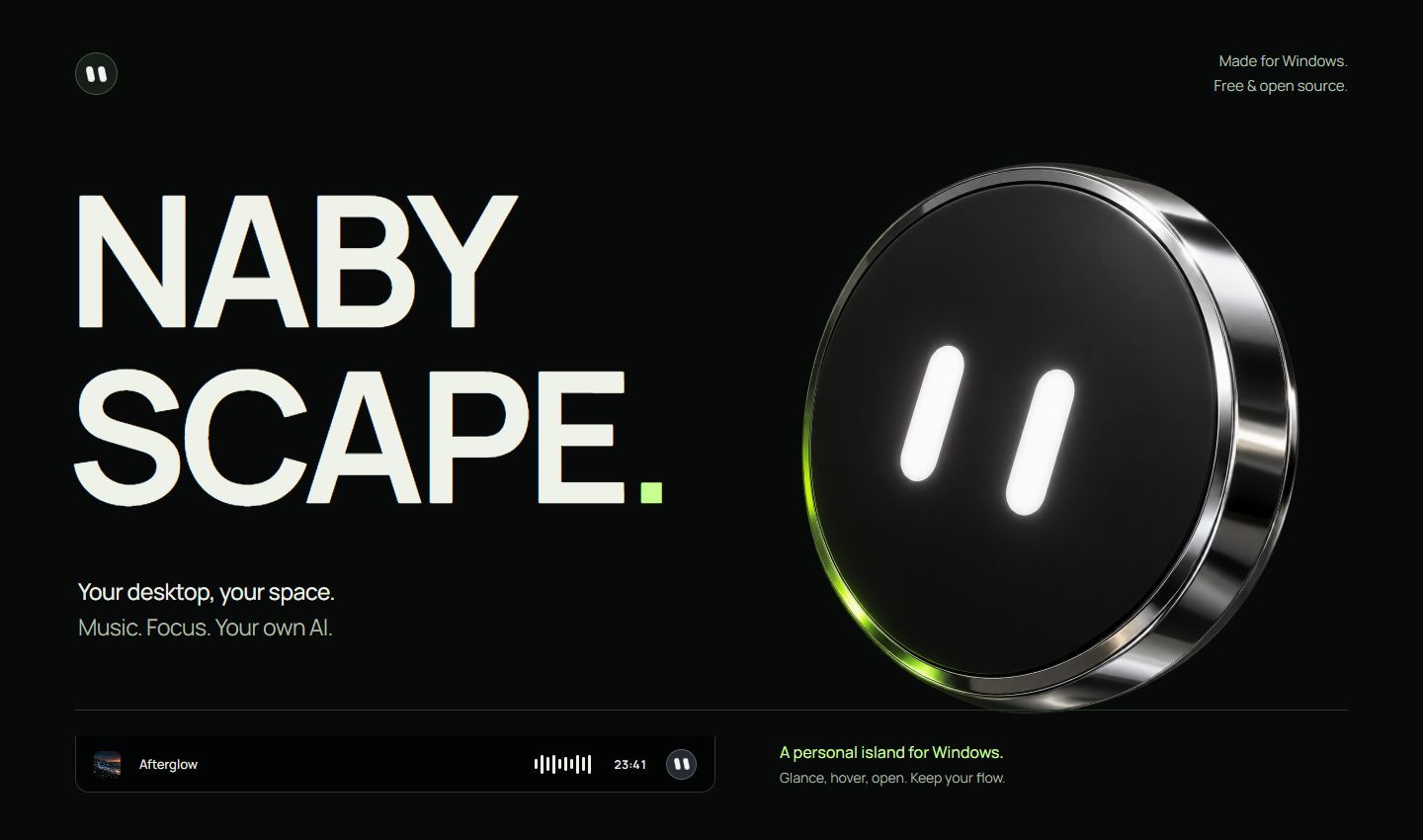
Music, focus tools and AI companion for Windows
Replaces —
Who it's for
A developer running long build or coding sessions can keep playback controls, live lyrics, and a Pomodoro-style focus timer in the dock without alt-tabbing away from their editor. The dock stays out of the way when closed and surfaces controls on hover.
user is on macOS or Linux
Someone who wants an AI chat companion with file and image attachment support, without routing queries through a hosted SaaS dashboard, can connect their own API key or run a compatible local model and keep Naby one click away on the desktop.
user wants a fully managed AI assistant with no provider setup
A listener who plays music from multiple sources, including Spotify, YouTube Music, or Apple Music, can get automatically matched live lyrics and a cover-art-tinted ambient background without installing a full media center application.
user is on a platform other than Windows
Someone who currently uses separate widgets for weather, calendar, notes, tasks, and clipboard history can replace them with NabyScape's configurable widget layer, choosing only the tools they use and hiding the rest to reduce resource overhead.
The problem
Windows lacks a built-in way to keep music controls, focus timers, notes, and quick AI access within reach without cluttering the taskbar or switching between multiple apps. NabyScape addresses this by placing all of those tools in a single configurable dock island that stays at the desktop edge, out of the way when closed and fully accessible on hover or click.
How it works
Album art colors spill into the dock background with tunable direction, softness, spread, and an audio-reactive mode. Idle and tucked states stay quiet and black, and Reduce Motion is respected.
Lyrics are matched automatically across LRCLIB, BiniLyrics, BetterLyrics, and LyricsPlus. Spotify, YouTube Music, and Apple Music session metadata can supply timed lyrics when available. Long lines crossfade into readable phrases, and local LRC file import is supported.
A focus timer with configurable work and break sessions and a separate stopwatch both persist through restarts and sleep. Notes, tasks, file shelf, clipboard history, calendar, weather, keep-awake, and clean-links are available as draggable widgets.
Naby supports chat with image, video, and PDF attachments, voice via realtime providers or local speech packs, and optional hands-free wake-word detection. API keys are stored in Windows Credential Manager, and the microphone starts only when explicitly chosen.
The dock runs in closed, hover, and open states, each with independently configurable dimensions. It can be dragged, pixel- or percentage-positioned, centered, or set to follow the cursor smoothly across monitors.
Hidden pages reduce their processing work, unused audio resources are released, and weather refreshes only while its widget is enabled. Feature usage offers an Essentials or Custom mode with explicit controls for each integration.
Features
- Cover-inspired ambience
- Live lyrics across multiple sources
- Focus timer and productivity widgets
- Optional AI companion with local voice
- Three-state dock with independent dimensions
- Transparent resource management
Recommended for this setup
Strengths
- Music controls without leaving the desktop: Playback, seeking, volume, media-source selection, output switching, and an app mixer are all accessible from the hover state without opening a separate player window, using Windows native media and audio APIs.
- Privacy-first AI and voice setup: No AI provider is bundled; users connect their own API key or local server. The microphone starts only on explicit user action, wake-word listening is an explicit setting, and API keys are stored in Windows Credential Manager rather than a plain config file.
- Persistent productivity state: Timer and stopwatch timing survives restarts and sleep. Notes, tasks, and shelf references stay in the Windows user profile. Undo restores the last saved appearance, layout, or widget batch without touching content or credentials.
- Broad lyrics coverage with no private API scraping: Automatic matching spans four lyric providers and three streaming session sources. Manual selection from 14 sources, local LRC import, and Romaji conversion for Japanese tracks are available, with no private music-service lyrics API scraped.
Trade-offs
- Windows-only: NabyScape is built in WPF and targets Windows 10 build 19041 or later and Windows 11. There are no macOS or Linux builds.
- AI and voice require separate setup: No AI provider or voice capability is bundled. Users must supply their own API key, configure a compatible local server, or install a local speech pack separately. Managed speech packs require an x64 process with AVX2/FMA; ARM64 users need an external speech server.
- Installers are unsigned: The Windows installers are not code-signed, which means Windows SmartScreen and antivirus tools may flag them on first run. SHA-256 checksums and dependency notices are published alongside each release for verification.
- Lyrics coverage and sync are not guaranteed: Live lyrics depend on track metadata quality, provider coverage, and player session compatibility. A compatible Spotify, YouTube Music, or Apple Music session does not guarantee that a song has lyrics or that timing will be accurate.
Tech stack
FAQ
No. AI access requires connecting your own API provider, a compatible local server, or configuring a local speech pack separately. The Hermes agent connection for tool use and memory is also a separate setup step. Choosing a preset during onboarding never enables microphone listening, clipboard capture, or model downloads.
NabyScape supports Windows 10 build 19041 or later and Windows 11, with installers for x64 (Intel or AMD 64-bit) and ARM64 (Windows on ARM). Windows 10 22H2 is recommended over older Windows 10 builds. The .NET runtime is bundled; no separate runtime install is needed.
Lyrics are matched automatically by track title, artist, and duration across LRCLIB, BiniLyrics, BetterLyrics, and LyricsPlus. Spotify, YouTube Music, and Apple Music sessions can supply timed lyrics when their player provides usable metadata and timing. Coverage and sync vary by track. You can also import a local .lrc file or choose from 14 manual sources.
Notes, tasks, settings, and shelf references stay in your Windows user profile. Clipboard history is stored locally and cleared when you turn the feature off. API keys are stored in Windows Credential Manager. AI, lyrics, weather, and update checks contact their configured services; no other data leaves the device by default.
Download the installer for your Windows architecture from the latest GitHub release. Separate Setup (.exe) and Portable (.zip) packages are available for x64 and ARM64. The installers are unsigned, so Windows SmartScreen may prompt on first run. SHA-256 checksums are published alongside each release.