MyPaint
Free open source painting app optimized for drawing tablets
Replaces Corel Painter, Adobe Photoshop, Clip Studio Paint
Who it's for
Use MyPaint for freehand sketches, concept work, and painting practice with a pressure-sensitive tablet.
You need professional photo retouching or complex print production workflows.
Use MyPaint when you want a native-feeling open painting app on Linux without a subscription.
Your clients require Photoshop, Procreate, or Clip Studio project compatibility.
The problem
Many creative tools bundle painting, photo editing, vector design, cloud libraries, and asset management into one paid suite. Artists who mainly want a fast drawing surface can end up fighting the interface instead of sketching. Digital painting also depends on tablet feel, brush behavior, and low-friction canvas movement. A focused local app can be better than a broad commercial suite when the job is drawing rather than production design management.
How it works
MyPaint is designed for Wacom-style graphics tablets, which makes pressure-sensitive drawing and brush control central to the experience.
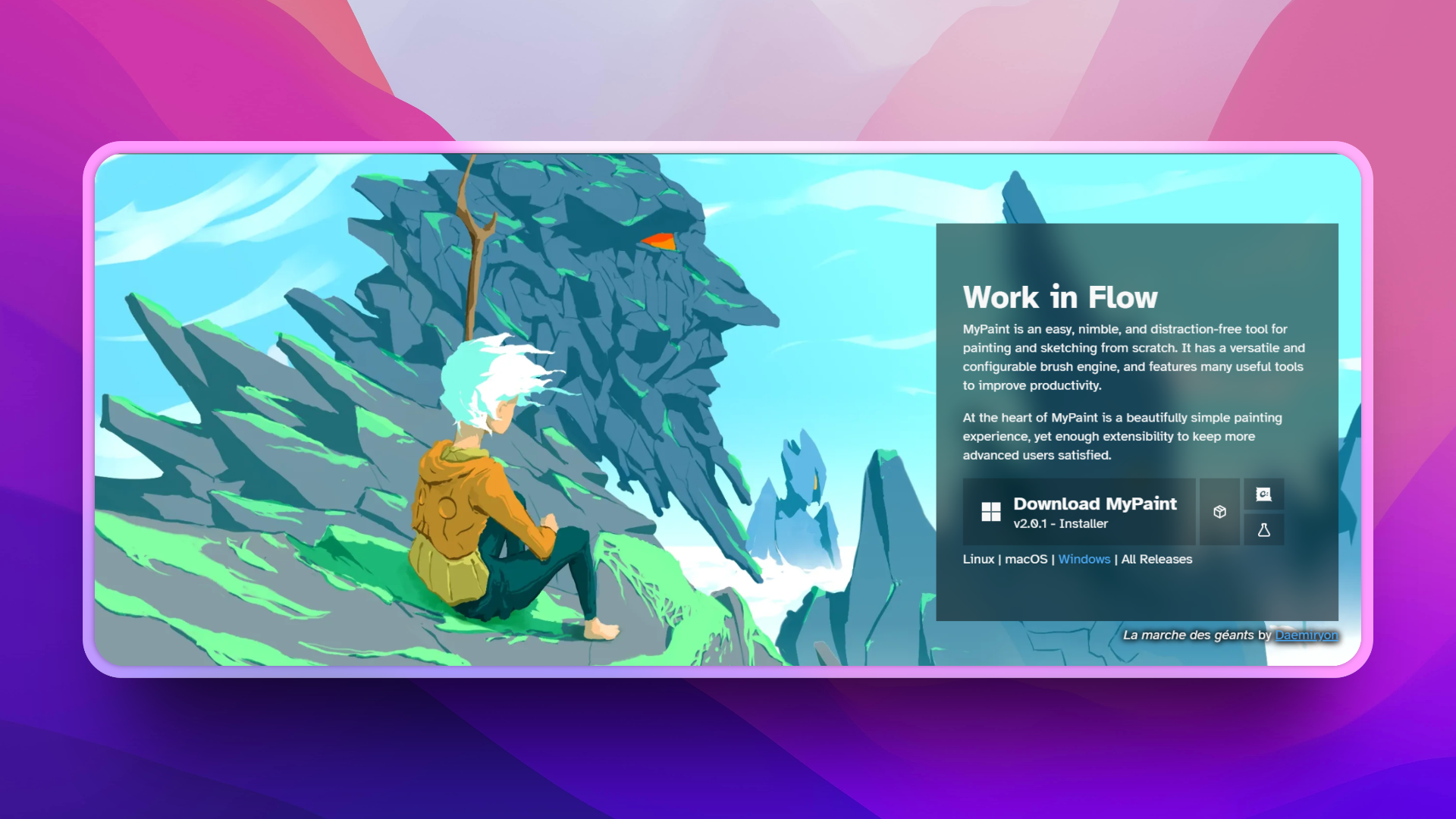
The app emphasizes drawing and painting rather than dense editing panels, helping artists stay focused during sketching sessions.
MyPaint includes painting-oriented brush behavior rather than treating brushes as a small part of a larger photo editor.
Features
- Tablet-first painting workflow
- Distraction-light canvas
- Brush-focused creative tooling
Recommended for this setup
Strengths
- Focused alternative to large suites: MyPaint is useful when artists need a drawing app, not a subscription design suite with many unrelated tools.
- Local creative workflow: Artwork stays on the artist's machine, which fits private sketching, offline practice, and Linux-based creative setups.
Trade-offs
- Not a full image production suite: MyPaint is strongest for drawing and painting. Teams needing advanced photo editing, layout, or design handoff tools should pair it with another app.
Tech stack
FAQ
MyPaint replaces Photoshop only for drawing and painting workflows. It is not meant to cover the full photo editing and production design surface.
Yes. MyPaint is designed around graphics-tablet painting and drawing workflows.
MyPaint is best for artists who want a focused local sketching and painting app, especially on Linux.