
Midori Browser
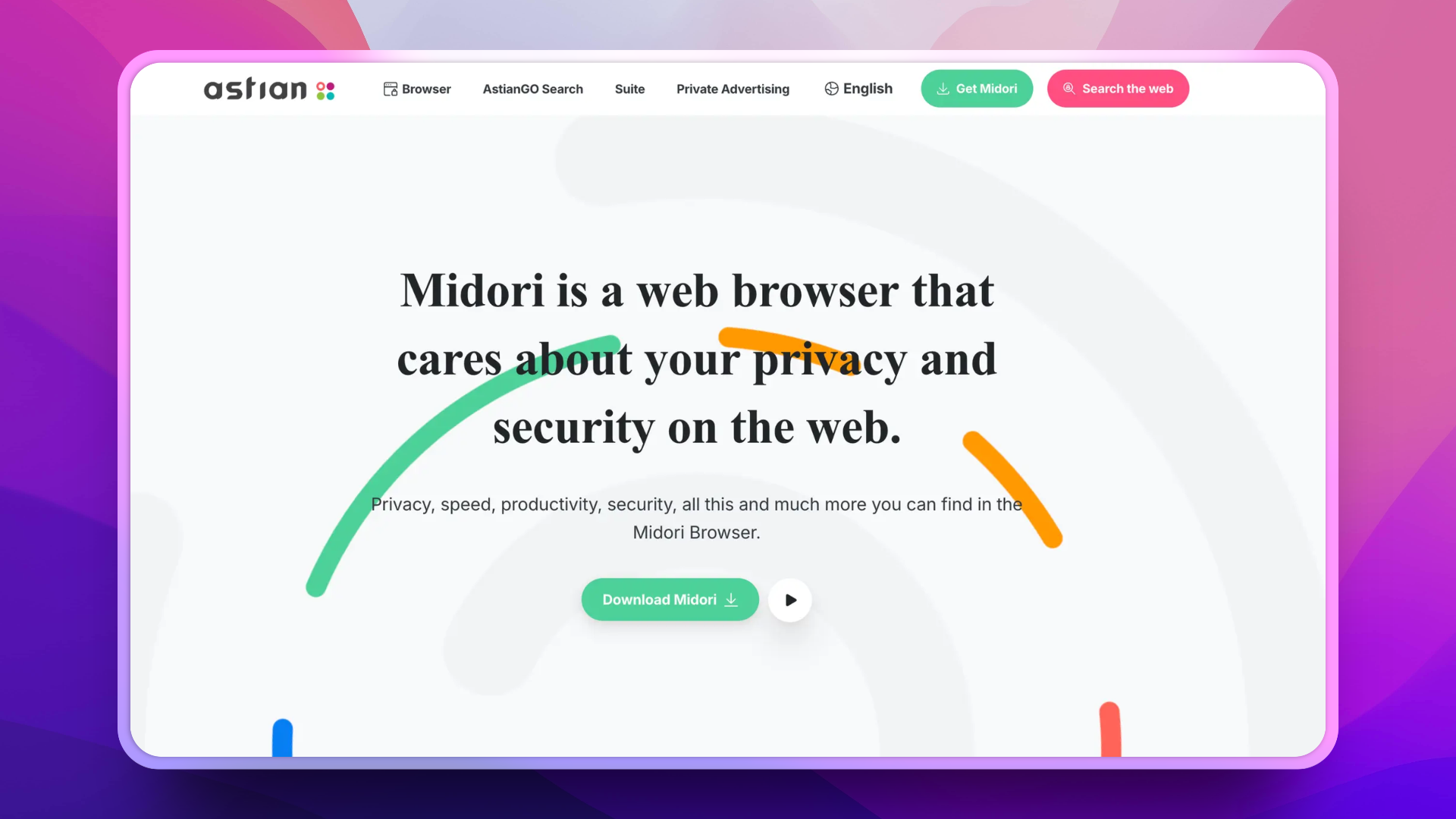
Fast private browser with tracker blocking and DNS-over-HTTPS
Replaces Google Chrome, Island Enterprise Browser, Palo Alto Networks Enterprise Browser
Who it's for
Midori fits users who want a daily browser with stronger privacy positioning and broad desktop operating-system support.
You need Chrome-specific enterprise policies, sync, or extension compatibility.
Midori's lightness positioning makes it useful for Linux users who want a browser that does not feel tied to a large vendor ecosystem.
You require official support from a major browser vendor.
The problem
Mainstream browsers optimize for broad platform ecosystems, accounts, and advertising-adjacent defaults. Privacy-conscious users often spend time disabling telemetry, changing search settings, and adding extensions before the browser matches their expectations. The tradeoff is that alternative browsers still need modern engine compatibility across Windows, Linux, and macOS. Users want stronger defaults without giving up the web compatibility they expect from a Firefox-derived browser.
How it works
Midori uses a Firefox-derived stack, giving users broad website compatibility while changing the product direction toward lightness and privacy.
The repository positions Midori for Windows, Linux, and Mac, which helps users keep the same browser choice across desktop devices.
Project metadata emphasizes privacy and security, making Midori a fit for users who want fewer tracking-oriented defaults than a mainstream browser.
Features
- Firefox-based desktop browser
- Cross-platform releases
- Privacy-oriented defaults
Recommended for this setup
Strengths
- Familiar compatibility model: Because Midori is Firefox-based, users do not need to move to an experimental browser engine to get a more privacy-oriented browser.
- Open browser codebase: MPL-2.0 licensing lets users and packagers inspect browser changes instead of trusting a closed desktop binary.
Trade-offs
- Smaller ecosystem than major browsers: Midori does not have the same support footprint, enterprise controls, or extension-market gravity as Chrome, Edge, or Firefox. Organizations should test managed-device needs before standardizing on it.
Tech stack
FAQ
Midori Browser is described in repository topics as Firefox-based and Gecko-related. That makes it closer to Firefox than to Chromium browsers.
Yes. The GitHub repository reports MPL-2.0 licensing.
Yes. The repository description positions Midori for Windows, Linux, and Mac desktop use.