KeePass
Free open source password manager with encrypted local file
Replaces 1password, Lastpass, Dashlane
Who it's for
KeePass fits users who want an encrypted local database instead of a hosted password manager account.
You need managed family or enterprise sharing out of the box.
Teams can use KeePass-style databases for sensitive credentials that should not depend on external service availability.
You cannot maintain secure backup and recovery procedures.
The problem
Hosted password managers are convenient, but they require trust in a vendor's infrastructure, pricing, breach response, and account recovery model. Some users prefer a password vault that is just an encrypted file they control. KeePass solves that with a local database protected by a master password and optional key material. The tradeoff is clear: users gain ownership and portability, while taking responsibility for backup and sync.
How it works
KeePass stores credentials in an encrypted database file rather than requiring a hosted account.
The .kdbx-style vault workflow lets users control where the database lives and how it is backed up.
Users can manage credentials without depending on a cloud password service being available.
Features
- Encrypted local vault
- Portable database format
- Offline-first password storage
Recommended for this setup
Strengths
- Strong personal data ownership: KeePass is best when the user wants password storage they can understand, move, back up, and keep offline.
- Long-lived ecosystem: The KeePass database model has broad recognition across many compatible tools and workflows.
Trade-offs
- Backup and sync are user-owned: KeePass does not remove operational responsibility. Users must choose safe backup, device sync, and recovery practices.
Tech stack
FAQ
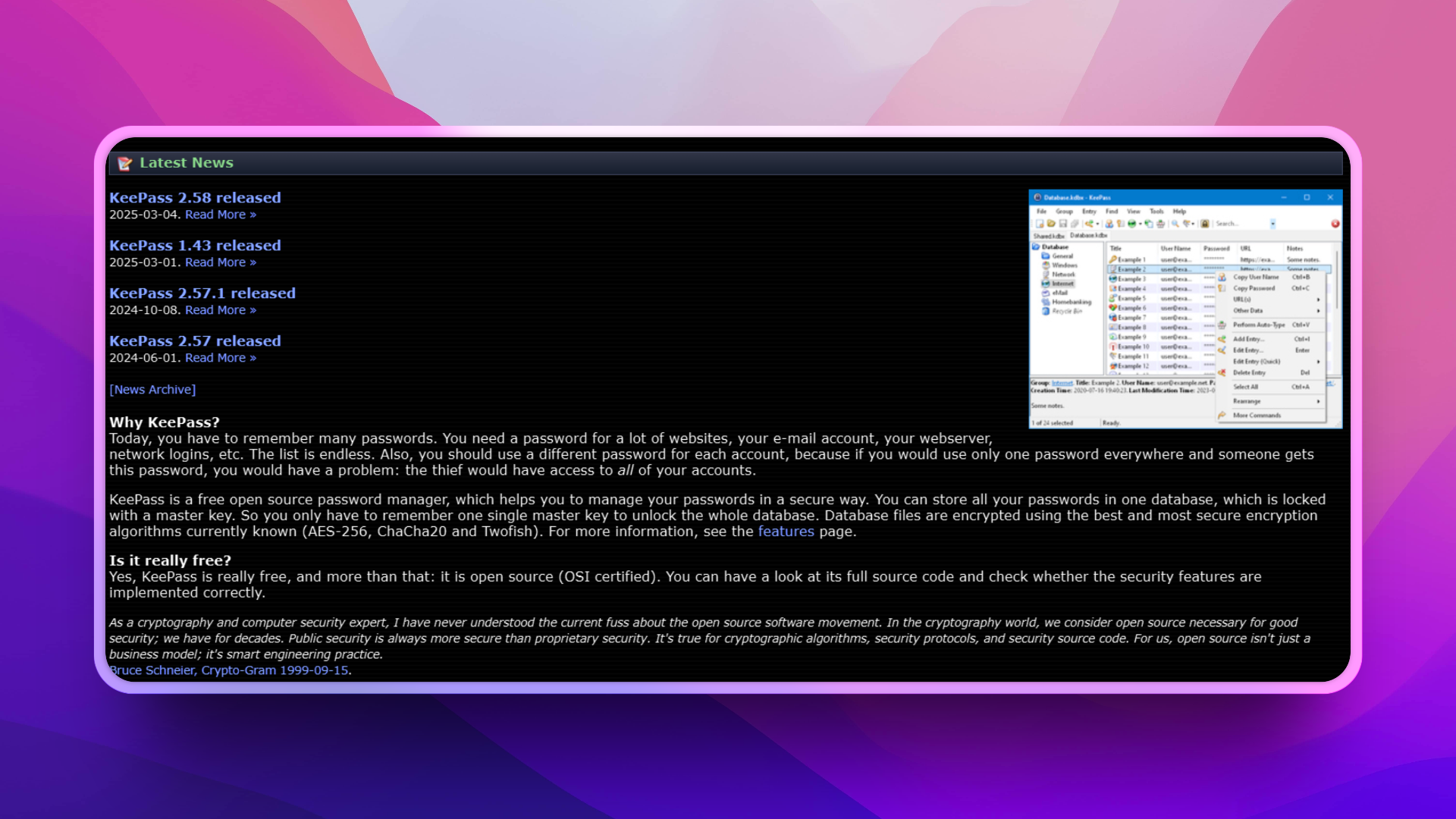
KeePass is a free open-source password manager that stores credentials in an encrypted local database.
No. KeePass works with local encrypted vault files, though users may choose their own sync method.
KeePass is best for users who want password data ownership and are comfortable managing backups.