
Haven
Self-hosted private chat server with voice and encrypted DMs.
Replaces Discord, Slack
Who it's for
Haven covers the full Discord feature set (channels, threads, voice, screen sharing, reactions, stickers, polls) and imports your existing server history in one operation. Friends who are not ready to leave Discord can still participate through the Ferry bridge, which forwards messages both ways.
Your group is spread across multiple existing servers and nobody is willing to manage infrastructure. Haven requires one person to run and maintain the server host.
Haven fits naturally into a homelab stack: Docker deployment, OpenID Connect for SSO with Authentik or Keycloak, UnifiedPush for notifications without Google, reverse proxy support, and backups that live in a single folder on the host.
You need a managed service with guaranteed uptime SLAs and no operational overhead. Haven requires you to manage its host machine.
Teams that cannot put their messages through third-party SaaS (legal, medical, or personal privacy constraints) can run Haven on internal infrastructure. No email or phone registration is required, and no data leaves the host machine. OpenID Connect ties it to an existing identity provider.
Your team needs compliance documentation (SOC 2, HIPAA BAAs) or audit logs that satisfy a legal obligation. Haven provides basic audit logs but no compliance certification.
Haven covers voice chat with per-user volume, noise suppression, and an optional voice relay for larger servers. It adds text channels, screen sharing, threads, and a browser join link with no client install required. The browser join path means zero friction for new members.
Your community has thousands of concurrent voice users or needs professional broadcast-quality audio infrastructure. Haven's voice is designed for friend groups and small communities.
The problem
The challenge with Discord and Slack is that both store your messages, files, and voice calls on servers you do not control. Discord requires an email address and phone number to sign up, and your channels can be shut down or changed at any time under their terms. Slack's free tier loses message history after 90 days, and the per-seat pricing becomes a real cost as a team grows. Both are proprietary services with no self-hosting option. For groups that need their data to stay on their own hardware, or that cannot or will not register accounts with large technology companies, every mainstream chat option has the same constraint.
How it works
Import your whole Discord server history (channels, threads, pins, reactions, and attachments) in one operation from inside Haven. Ferry, a two-way bridge, keeps messages flowing between a Haven channel and a Discord channel so friends who stay on Discord can still talk to the ones who moved.
Direct messages are E2EE with keys that never leave the browser. The server stores ciphertext but cannot read it, and neither can the server admin. Channel messages follow the Discord model: readable by the server admin, so run your own server or join one run by someone you trust.
Voice calls are peer-to-peer by default, so audio does not route through the server. Screen sharing runs multiple streams at once in a tiled grid. Watch parties with synced Spotify, YouTube, and SoundCloud playback work in voice channels. Per-user volume, mute, deafen, and noise suppression are built in.
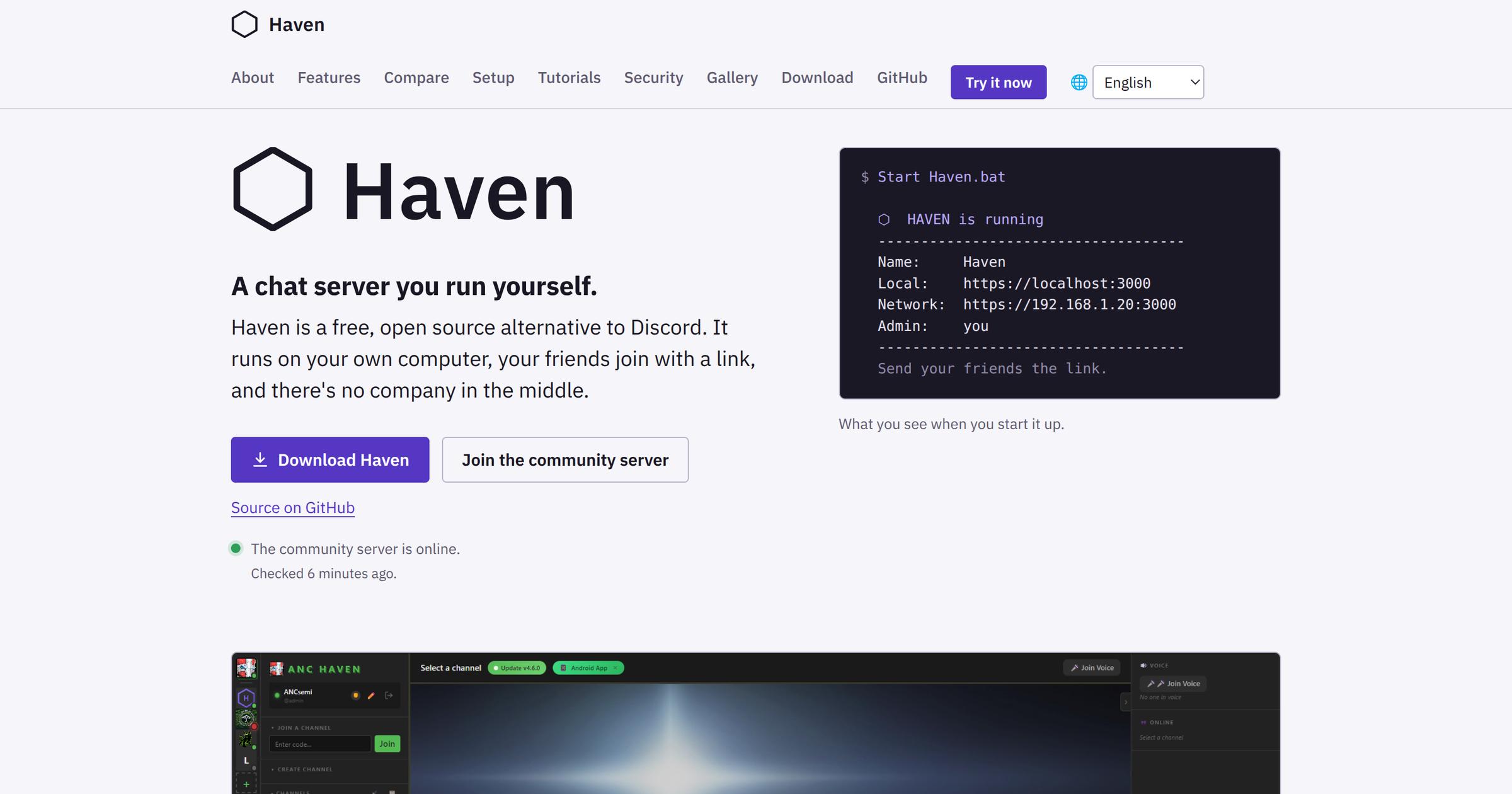
Haven deploys as a single Docker container or a double-click zip on Windows. The Docker image mounts a data volume and runs on port 3000. On Windows without Docker, Start Haven.bat installs Node.js automatically and starts the server. Memory footprint is about 100 MB for a group of friends.
Single sign-on via OpenID Connect lets Authentik, Keycloak, Authelia, and Auth0 act as the identity provider. Bots and webhooks work through a REST API that supports slash commands, voice channel participation, soundboard control, and signed callbacks. Webhook delivery is supported for external integrations.
Twenty-six built-in themes ship with stackable visual effects (CRT, Matrix rain, snowfall), a colour picker, and an RGB cycle. A plugin and theme system lets you add custom themes without forking the repo. The CSS override applies globally, and 12 interface languages are included out of the box.
Features
- Discord import and two-way bridge
- End-to-end encrypted direct messages
- Peer-to-peer voice and screen sharing
- One-command Docker deployment
- OpenID Connect and bots API
- 26 built-in themes with custom CSS
How to install
Self-hosting Haven uses Docker with a local data volume.
docker run -d -p 3000:3000 -v haven_data:/data ghcr.io/ancsemi/haven:latestRecommended for this setup
Strengths
- No telemetry, no central server, no company account: Haven sends no usage data or crash reports anywhere. There is no central Haven server and no Haven account to create or leak. Direct messages are E2EE, so even the person running the server cannot read them. External service contacts (Firebase for push, GitHub for update checks, GIF APIs) all have an off switch in the admin settings.
- AGPL-3.0: free to run for personal and internal use: AGPL-3.0 means Haven is free to run on your own infrastructure, including internal commercial or team use. The only condition is that if you deploy a modified version as a network service, you must publish its source code. No paid tier, no license key, no feature gating.
- Runs on commodity hardware, including a Raspberry Pi: About 100 MB of memory serves a group of friends. The measured benchmark at 1,000 people active in a busy channel used about one-eighth of one desktop processor core. A Raspberry Pi is a viable host; a full VPS is not required. The project documents hardware requirements with specific measurements.
- Active development with built-in self-update: Haven has 997 GitHub stars and 110 forks and has been in active development since February 2026 with a public changelog updated every release. One-click in-app updates handle version management: the admin panel downloads the update, takes a pre-update backup, and restarts the server automatically.
Trade-offs
- Windows installer is not code-signed: The Windows desktop app and Start Haven.bat trigger a Windows Defender SmartScreen warning on first run. The workaround (More info, then Run anyway) is documented, but it is a friction point for less technical users who may distrust the warning.
- Remote access requires port forwarding or a tunnel: Friends outside your home network cannot connect without opening a port or setting up a tunnel. Haven includes one-click Cloudflare Tunnel and LocalTunnel support in the admin settings, which removes the port-forwarding step, but it still adds setup compared to any hosted service.
- Channel messages are not end-to-end encrypted: Only direct messages are E2EE. Channel messages are readable by whoever runs the server, the same model as Discord. This is a deliberate design choice the README documents clearly, but it means Haven is not a fit for threat models where the server host is untrusted.
Tech stack
FAQ
Yes. Haven is free and always will be, per the project's stated commitment. The AGPL-3.0 license means free to run, modify, and share on your own infrastructure. There is no paid tier, no Nitro equivalent, and no feature gating. Donations are accepted on Ko-fi but are never required.
About 100 MB of memory for a group of friends. The project's measured benchmark found that 1,000 people active simultaneously in a busy channel used about one-eighth of one desktop processor core. A Raspberry Pi is a viable host. A dedicated VPS is not required for a small group, though it removes the port-forwarding step.
Yes. Haven's import tool copies channels, threads, forum posts, reactions, pins, and attachments from a Discord server. You paste a Discord token, pick a server, and Haven handles the rest. The Ferry bridge keeps messages flowing between Haven and Discord after the import, so friends who stay on Discord can still participate.
Direct messages are end-to-end encrypted. Private keys never leave the browser, so neither the server nor the admin can read them. Channel messages are not E2EE: whoever runs the server can read them, the same as a Discord admin can. For channel privacy, run your own server or join one run by someone you trust.
Yes. Haven for Android is on Google Play with native chat, voice, and push notifications. Haven for iOS is in TestFlight testing until it reaches the App Store; until then, the browser on a phone works for joining a server. Both mobile apps are built by a contributor. Desktop apps are available for Windows, Linux, and macOS.