
GSmartControl
Hard drive and SSD health inspector via smartctl, cross-platform.
Replaces Hard Disk Sentinel, Drivedx, Hd Tune Pro, Smart Utility
Who it's for
GSmartControl lets you run a SMART self-test and inspect SMART attributes on each drive in a server or NAS without opening a terminal session on each machine. The automated anomaly highlighting shortens the time to identify pre-failure conditions before a drive fails in production.
If you need centralized monitoring of drive health across a large fleet, GSmartControl's single-machine desktop model is not the right fit. Purpose-built SMART collection agents with a central dashboard are better suited for that scale.
The drive identity view, attribute table, and self-test runner give a technician everything needed to assess whether a drive is healthy, degraded, or failing in one interface. Saved smartctl output files from another machine or a failed system can be loaded as a read-only virtual device for offline review.
If the drive sits behind a RAID controller that blocks SMART command pass-through, GSmartControl cannot read individual drive data. Check the project's Supported Hardware page for your controller model before relying on it for RAID diagnostics.
GSmartControl runs on Windows, macOS, and Linux with no command-line knowledge required to interpret results. Anomaly highlights and self-test results give visibility into drive wear before a failure causes data loss, which is especially useful on older HDDs or drives nearing their rated write endurance.
Users who only need a basic pass/fail health indicator and are already comfortable with their OS's built-in disk utility may not need GSmartControl's depth. Its value is in reading and interpreting the full SMART attribute set, not just surfacing a top-level status.
The problem
Tracking drive health with smartctl alone means memorizing a command-line interface and interpreting dozens of vendor-specific SMART attributes without built-in guidance on which thresholds signal a problem. Raw smartctl output varies by drive model and firmware, and distinguishing a failing attribute from a normal quirk requires either deep experience or careful cross-referencing with manufacturer specifications. For IT teams and home users running multiple drives, this pain compounds across every inspection: running tests on each disk and comparing results across models is tedious without tooling that aggregates and highlights deviations automatically.
How it works
GSmartControl automatically flags SMART attributes outside normal thresholds, so you do not need to know which raw values indicate a failing drive. Anomalous readings appear visually distinct in the attribute list without any manual cross-referencing against drive specifications.
Performs SMART self-tests through a guided interface. Test progress and results are displayed in the application without needing to issue separate smartctl commands or parse terminal output.
Reads drives on Linux, Windows, macOS, FreeBSD, and other BSD-style systems. Supports SATA, PATA, and NVMe drives as well as drives behind some USB bridges and RAID controllers, covering the hardware range found in desktops, servers, and NAS units.
Displays drive identity information, capability flags, attribute tables, and device statistics in organized tabs. The data that smartctl surfaces across multiple command invocations is consolidated into a single interface, making it easier to compare readings across drives.
Can import a saved smartctl output file and treat it as a read-only virtual device. This is useful for reviewing drive data captured from a remote machine, a failed system, or an earlier snapshot without needing the physical drive attached.
Allows configuring global smartctl parameters and overriding them on a per-drive basis. This covers cases where specific drives or controller types need non-default flags to report correctly, matching the flexibility of direct smartctl invocation.
Features
- Automated anomaly highlighting
- SMART self-test runner
- SATA, PATA, and NVMe drive support
- Drive identity and statistics view
- Smartctl output file reader
- Global and per-drive smartctl options
Recommended for this setup
Strengths
- GPL-3.0 with no licensing cost: GSmartControl is GPL-3.0 licensed and free to install on any number of machines. Hard Disk Sentinel and DriveDx are paid products; GSmartControl covers the same core SMART inspection and self-test workflow at no cost.
- Cross-platform from a single install: Runs on Linux, Windows, macOS, FreeBSD, and other BSD-style systems. GSmartControl covers all major desktop environments, which matters for mixed-OS shops and sysadmins who move between systems.
- Active long-running project: The codebase dates to 2008 per the project copyright, the GitHub repository was last pushed in October 2026, and the current release is v2.0.2. Hardware coverage includes NVMe storage alongside legacy SATA and PATA drives.
- No cloud or network dependency: Operates entirely locally. No drive data is sent to a remote server and no internet connection is required to inspect a drive or read its SMART attributes. All analysis runs on the machine where the drives are installed.
Trade-offs
- Desktop application only; no remote monitoring: GSmartControl is a local desktop GUI. It has no web interface and no agent-based remote monitoring capability. Teams that need centralized drive health visibility across many machines from a single dashboard require a different tool.
- RAID controller pass-through is not guaranteed: Visibility behind RAID controllers depends on whether the controller passes SMART commands through to individual drives. Some controllers block pass-through entirely, preventing GSmartControl from reading individual disk data. The project's Supported Hardware page documents known working configurations.
- Hardware support bounded by smartmontools: GSmartControl is a GUI layer over smartctl from the smartmontools package. Drives with unusual firmware or controllers not yet in the smartmontools device database may not report correctly. Keeping smartmontools updated is the main path to broader hardware coverage.
Tech stack
FAQ
Yes. GSmartControl is licensed under GPL-3.0 and free to download, install, and run on any number of machines. There is no paid tier, subscription, or per-device fee. The source code is available on GitHub under the same license.
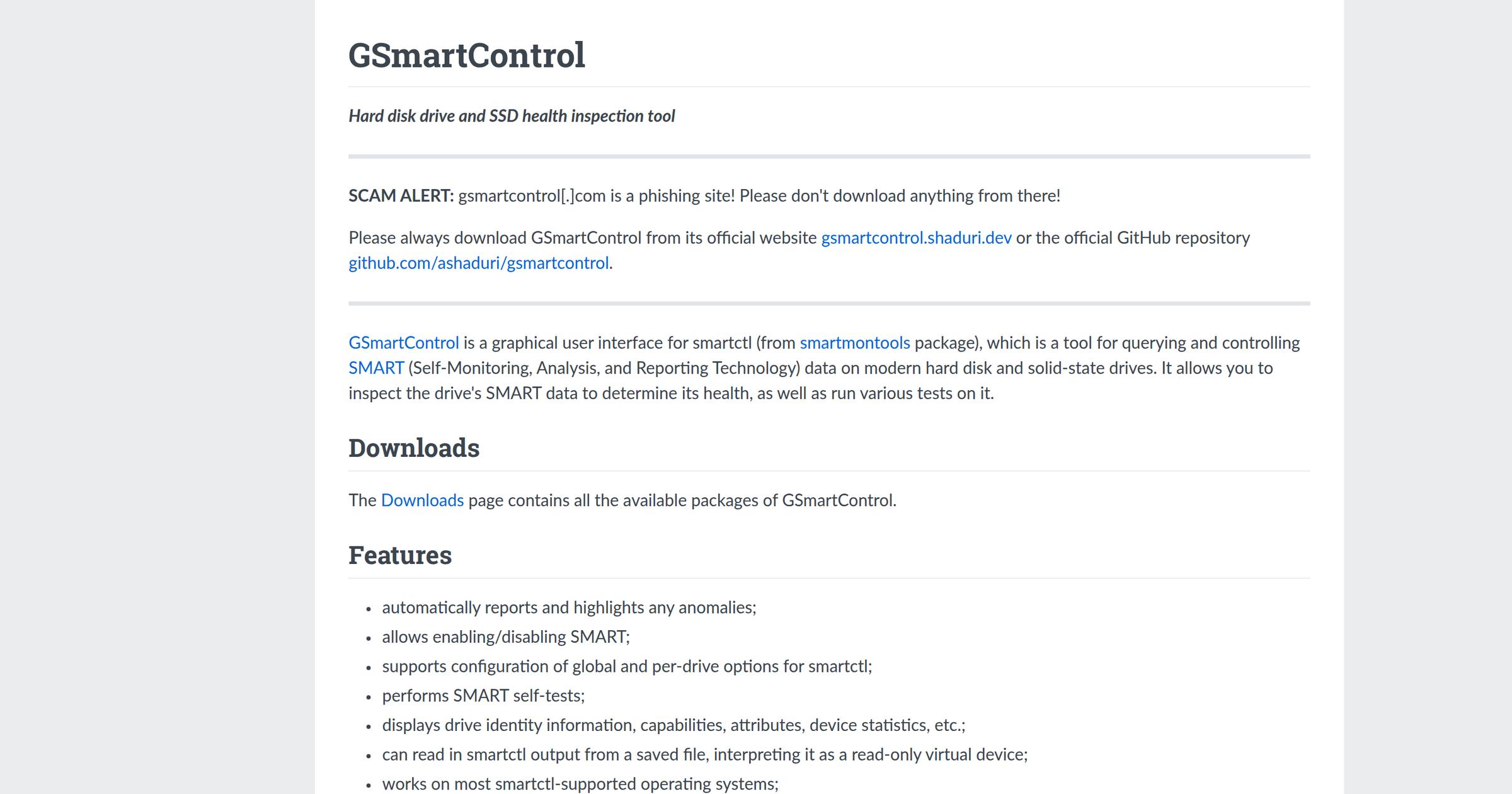
GSmartControl supports Linux, Windows, macOS, FreeBSD, and other BSD-style operating systems. The Downloads page at gsmartcontrol.shaduri.dev contains all the available packages of GSmartControl.
Smartctl is a command-line tool from the smartmontools package that queries and controls SMART data on drives. GSmartControl is a graphical frontend for smartctl that presents the same data in a point-and-click interface, highlights anomalous attributes automatically, and guides you through running self-tests without writing command-line flags. Both rely on the same underlying smartmontools hardware support.
Yes. GSmartControl supports NVMe drives alongside SATA and PATA drives. It also works with some drives connected via USB bridges and behind RAID controllers, depending on whether the controller allows SMART command pass-through. The project's Supported Hardware page documents known working configurations.
Download only from the official website at gsmartcontrol.shaduri.dev or the official GitHub repository at github.com/ashaduri/gsmartcontrol. The domain gsmartcontrol.com is a phishing site unaffiliated with the project. Do not download from it or trust anything hosted there.