
BentoPDF
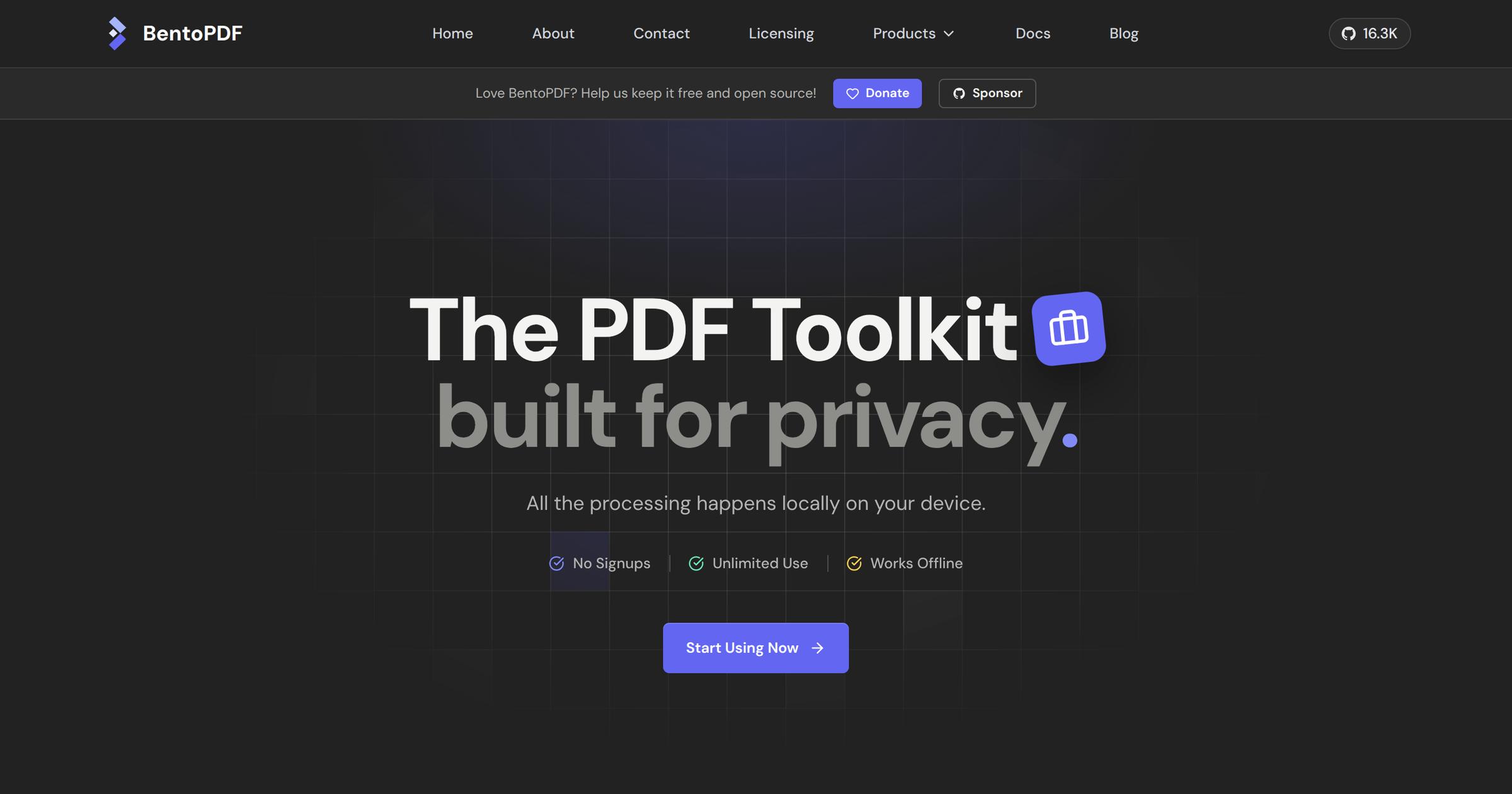
Browser-based PDF toolkit with 100+ tools, zero uploads, no signup.
Replaces Smallpdf, Ilovepdf, Adobe Acrobat, Sejda Pdf
Who it's for
Lawyers and paralegals working with contracts, court filings, or client records need PDF tools that do not upload documents to external servers. BentoPDF's client-side processing, redaction tool, Bates numbering, AES encryption, and X.509 digital signatures cover the core legal PDF workflow without cloud dependency.
Your firm uses Adobe Acrobat as part of an integrated e-signature and document management workflow with Adobe Sign. BentoPDF handles individual document tasks well but does not replace a document management system with version control or audit logs.
BentoPDF's FAQ explicitly notes HIPAA compliance because files never leave the client. Healthcare workers can split, redact, annotate, and convert patient-related PDFs without routing them through a third-party server. The offline mode works in clinical environments with restricted internet access.
Your facility requires a Business Associate Agreement with the PDF tool vendor. BentoPDF's self-hosted deployment has no BAA to sign since no data reaches the vendor's servers, which may or may not satisfy your compliance review depending on how your legal team interprets that.
IT teams can deploy BentoPDF on a Docker server or static hosting and share the URL with colleagues. All processing still happens in each user's browser, so the server only serves the application files. One user report mentions self-hosting for a team after colleagues were using data-collecting cloud tools.
Your team needs centralized document storage, version history, or audit logs alongside PDF processing. BentoPDF is a stateless toolkit, not a document management system.
The PDF Workflow Builder provides a node-based editor for chaining PDF operations into reusable pipelines. Developers and power users can build workflows that combine merge, compress, watermark, convert, and stamp operations and run them without writing code. The LlamaIndex JSON export tool also prepares PDFs for RAG pipelines.
You need server-side batch processing of hundreds or thousands of PDFs at once. BentoPDF runs in the browser and suits interactive and moderate-volume tasks; server-side PDF libraries are more practical for high-throughput pipelines.
The problem
Most PDF tools are cloud-first: they accept your file upload, process it on a server you do not control, and return the result. For anyone handling sensitive documents, contracts, medical records, legal filings, or personal identification, that model creates real exposure. Cloud PDF services also impose limits: file size caps, monthly page quotas, mandatory account creation, and watermarks on the free tier. Adobe Acrobat's desktop suite solves the privacy problem but costs hundreds of dollars per year per seat and locks you into an ongoing subscription. Smaller cloud tools like Smallpdf and Sejda PDF are affordable but still require file uploads. For teams with strict data handling requirements, neither path is ideal.
How it works
Every operation runs directly in the browser using WebAssembly. Files are never transmitted to a server: OCR, compression, conversion, editing, and signing all execute locally on your device. This applies to the hosted version at bentopdf.com and to any self-hosted instance.
The Workflow Builder lets you chain PDF operations into reusable pipelines using a drag-and-drop node editor. You can combine merge, compress, watermark, convert, and other tools into a single automated workflow without writing code. One user report notes it saved half a day on a repetitive document task.
BentoPDF covers organize (merge, split, rotate, reorder, extract, delete pages), edit (text editing, annotation, redaction, form filling, Bates numbering, watermark), convert (40+ formats to and from PDF including DOCX, XLSX, PPTX, EPUB, MOBI, and SVG), and secure (AES encryption, X.509 digital signatures, RFC 3161 timestamps, metadata removal).
The OCR tool makes scanned PDFs searchable and copyable using PyMuPDF's WASM module. The Extract Tables tool pulls tabular data from PDFs and exports it as CSV, JSON, or Markdown. Both run client-side, so sensitive documents with embedded tables or scanned text never leave the browser.
BentoPDF converts to PDF from images (JPG, PNG, HEIC, WebP, SVG, TIFF), documents (DOCX, XLSX, PPTX, ODT, RTF), e-books (EPUB, MOBI, FB2), and formats like XPS, PSD, EML, and MSG. It also exports from PDF to Word, Excel, CSV, Markdown, JSON, and common image formats.
BentoPDF ships a Docker container for self-hosted team deployments. Static hosting is also supported on Vercel, Netlify, GitHub Pages, Cloudflare Pages, AWS, and standard Nginx or Apache servers. Air-gapped deployments can configure WASM modules to load locally rather than from the jsDelivr CDN.
Features
- Client-side processing with no server uploads
- PDF Workflow Builder with a node editor
- 100+ tools covering organize, edit, convert, and secure
- OCR and table extraction via PyMuPDF
- Format conversion covering 40+ input types
- Docker and static hosting options for self-hosting
How to install
Self-hosting uses Docker with the official BentoPDF container.
docker run -d -p 3000:3000 ghcr.io/alam00000/bentopdf-simpleRecommended for this setup
Strengths
- Zero data exposure by architecture: BentoPDF's client-side design is not a privacy policy claim; it is an architectural guarantee. No server receives your files, so there is nothing to breach, subpoena, or accidentally retain. Healthcare workers, legal teams, and schools have adopted it specifically because it satisfies data handling requirements that cloud PDF services cannot meet.
- AGPL-3.0 with free self-hosting and no per-seat cost: The AGPL-3.0 license means anyone can run BentoPDF on their own infrastructure at no cost, modify the source, and deploy it internally. Unlike proprietary PDF tools with per-seat subscription pricing, BentoPDF has no per-user charge for self-hosted deployments. The commercial license at $79 (lifetime) covers teams building proprietary products on top of it.
- No file limits on any tier: BentoPDF imposes no file size cap, no daily usage limit, and no watermark on any tool, including the hosted version. Cloud PDF services typically restrict the free tier to small files or a limited number of operations per day. BentoPDF's browser-based model has no server cost to pass along, so there is no limit to enforce.
- 16,000+ GitHub stars in under one year: BentoPDF's repository reached 16,250 stars and 1,448 forks since its creation in October 2025, with the last push recorded in November 2026. That growth reflects active community use and ongoing development. The project receives organizational support from Vercel, DigitalOcean, NVIDIA Inception, and Vultr.
Trade-offs
- Commercial embedding requires a paid license: Embedding BentoPDF in a closed-source or proprietary product requires the commercial license at $79 (lifetime). The AGPL-3.0 license requires publishing source changes if you run a modified version as a network-accessible service. Teams building SaaS tools or white-labeled products on top of BentoPDF must either publish their source or purchase the commercial license. The commercial tier covers companies under $1 million in revenue and funding.
- Default setup loads processing modules from a CDN: PyMuPDF, Ghostscript, and CoherentPDF WASM modules load from the jsDelivr CDN by default. Air-gapped or strict-outbound-network deployments require manually configuring these modules to serve locally. The documentation covers this path, but it adds setup steps that the default Docker deployment does not need.
- Client-side performance is bounded by the user's hardware: Running PDF operations in the browser puts the compute load on the end user's device. Large files, complex OCR, or multiple concurrent tasks may run slowly on older hardware or mobile devices. Server-based PDF tools offload this processing to a dedicated machine; BentoPDF's client-side model trades that capacity for privacy.
- 125 open issues for a rapidly growing project: BentoPDF had 125 open GitHub issues as of November 2026, one year after its creation. Fast adoption at this scale typically generates a mix of feature requests, edge-case bugs, and integration questions. Users relying on less common conversion formats or advanced workflows should check open issues before depending on those features in production.
Tech stack
FAQ
Yes. All 100+ tools are free to use with no file size caps, no upload limits, no watermarks, and no account required. The hosted version at bentopdf.com and any self-hosted deployment both operate under these terms. The project is funded through donations and sponsorships rather than a freemium model.
Yes, once the page has loaded. BentoPDF runs entirely in your browser using WebAssembly, so after the initial page load the PDF processing tools work without an internet connection. The WASM modules load from the jsDelivr CDN by default; a self-hosted deployment can serve them locally for environments with no outbound access.
Yes. The simplest path is a Docker container: one command starts the full application. Static hosting is also supported on Vercel, Netlify, GitHub Pages, Cloudflare Pages, and standard Nginx or Apache servers. All PDF processing still happens in each user's browser after they open the hosted URL, so the server only serves static files.
AGPL-3.0 is free for personal use, internal team use, and open source projects. If you use BentoPDF as a network service and modify the source, AGPL-3.0 requires you to publish those changes. If you embed BentoPDF in a closed-source or proprietary product, you need the commercial license at $79 (lifetime). The commercial tier covers companies under $1 million in revenue and funding.
The PDF Workflow Builder is a node-based visual editor that lets you chain BentoPDF tools into automated pipelines. You can combine operations like merge, compress, watermark, convert, and add page numbers into a single reusable workflow that runs in your browser without writing code. It is designed for repetitive multi-step document tasks.