
Twake Drive
Twake file management for Cozy-backed Drive workflows
Replaces Google Drive, Microsoft Onedrive, Dropbox
Who it's for
Use Twake Drive when a team wants file browsing, uploads, sharing, and search inside a Twake-oriented collaboration environment.
Use it when building or operating a Cozy-backed Drive app and you need the official web app source, manifest, and development workflow.
The problem
Teams that want open source file management often need a familiar Drive interface, not only raw storage. Twake Drive covers that app layer for organizations already using or evaluating Twake and Cozy infrastructure.
How it works
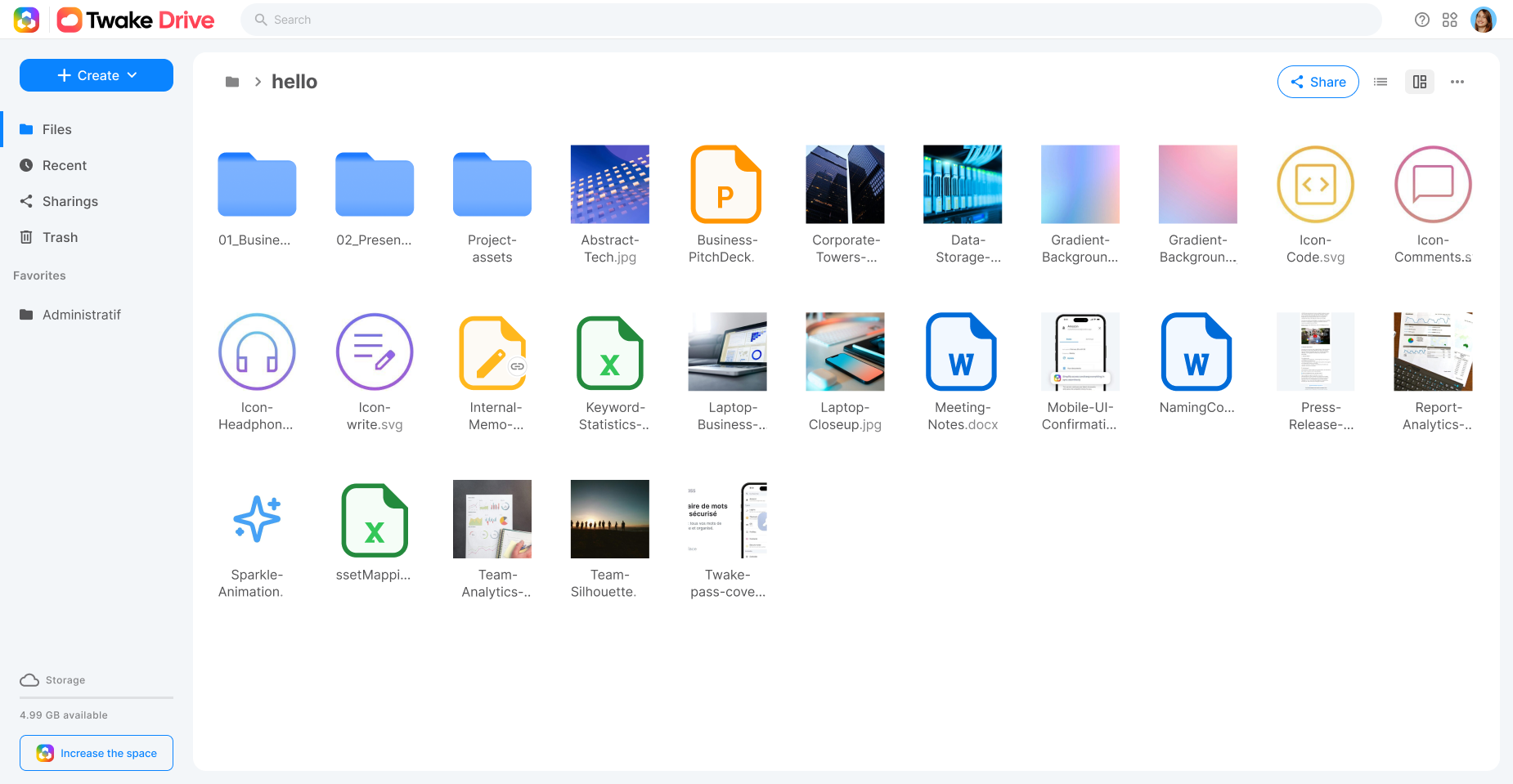
Users can browse folders and files through a Drive-style web interface instead of working directly against backend storage primitives.
The app supports file and folder upload flows plus URL-based sharing, which are the daily collaboration actions expected from a Drive surface.
Search and platform integration help teams find documents inside the Cozy/Twake environment rather than treating files as a separate silo.
Features
- File tree navigation
- Uploads and sharing
- Search in Twake workflows
Recommended for this setup
Strengths
- Product-owned repo: The GitHub repository is owned by LINAGORA, points to the Twake Drive website, and carries the Drive web app source, manifest, tests, and build configuration.
- Clear open source license: GitHub reports AGPL-3.0 and the repository includes a root LICENSE file, giving reviewers first-party license evidence for the listing.
Trade-offs
- Environment-specific scope: Twake Drive is not a drop-in replacement for every storage stack. It is strongest when Cozy or Twake platform services are part of the deployment plan.
Tech stack
FAQ
No. The repository is the Drive web app layer for Cozy/Twake workflows, so it expects the surrounding platform services for a full deployment.
GitHub reports AGPL-3.0, and the repository includes a root LICENSE file with the GNU Affero General Public License version 3 text.
The official README lists file tree navigation, file and folder uploads, URL sharing, and search as the main Drive features.