
The Merchant Engine
Self-hosted ecommerce stack for developers, MIT, one-command install
Replaces Shopify, Commercetools
Who it's for
One clone, one setup run per client, no platform fee per store. The store-specific identity, brand, locales, and currency all go through the installer rather than code, so each client store is independent without forking the codebase.
The agency depends on a card provider other than Stripe; Stripe is the only supported card gateway in v1.0.1.
French, English, and Arabic are built in with RTL layout and an Arabic font kit. Currency, tax, and shipping rates are set at install. No plugin layer or separate localization package is needed to run a fully mirrored Arabic storefront.
You need a managed hosting provider or a no-infrastructure deployment. The Merchant Engine runs on your own Linux server or Docker Desktop locally.
Every storefront endpoint is documented with a stable REST envelope, error codes in every locale, and idempotency on order creation. The shipped Analog.js storefront is the reference implementation, so a team building in React or Vue starts from a proven contract.
You need a GraphQL or event-driven API surface. The Merchant Engine is REST-only in v1.
The MIT license and self-hosted model mean customer data, order history, and product catalog live on your own server. The admin and storefront are yours to modify without waiting for Shopify app approvals or working within a closed theme system.
You need Shopify's established app ecosystem, managed PCI compliance, or more than one card payment provider.
The problem
Building an ecommerce store is manageable until it needs to handle real payment traffic. The pain emerges in the gaps: inventory updates that race when two customers buy the last item at the same moment, checkout flows that create duplicate orders on a network retry, webhook retries that fire twice on the same event, and refund workflows that cut across payment provider state, order state, and accounting state at once. Most frameworks hand you an API skeleton and leave the edge cases to you. Shopify and commercetools address these problems, but at the cost of control: transaction fees, monthly platform charges, data locked into their infrastructure, and a checkout flow you customize only within their rules. The gap between needing a store and needing a store you fully own has no clean middle ground unless you build it yourself or find a stack that already did.
How it works
Covers catalog, cart, checkout, orders, inventory, payments, promotions, gift cards, reviews, returns, shipping, notifications, SEO, analytics, RBAC, and an audit log. All modules sit behind a single public config endpoint that every app reads at request time, so store identity, brand, locales, and currency never need to be hardcoded.
The setup.sh stepper asks for each store value once (identity, brand, locales, currency, domains, third-party keys), verifies every integration live before writing to disk, builds images, seeds the database, issues TLS, and ends with a smoke test. A local profile finishes in about seven minutes with Docker Desktop and no cloud accounts needed.
Any pair or all three locales, with a configurable default. The Analog.js storefront mirrors its layout for Arabic and loads an Arabic font kit with no plugin or override code required. Currency symbol position, separators, and decimal count are served to every app from the store config endpoint.
Inventory decrements use atomic WHERE-guarded SQL so two customers buying the last item at the same second cannot both succeed. Order creation takes an X-Idempotency-Key header, so a network retry or double-click never creates two orders.
The included Analog.js storefront covers home, catalog, search, cart, checkout, and customer accounts and can be deployed as-is after branding from the admin. Every page it renders is a documented REST endpoint with a stable envelope, so teams building their own frontend in React, Vue, or Svelte start from the same surface.
The admin uses granular role-based access control with a full audit log of every admin action. Cloudflare Turnstile protects sign-up by default. Two-factor sign-in and magic links are on without additional configuration.
Features
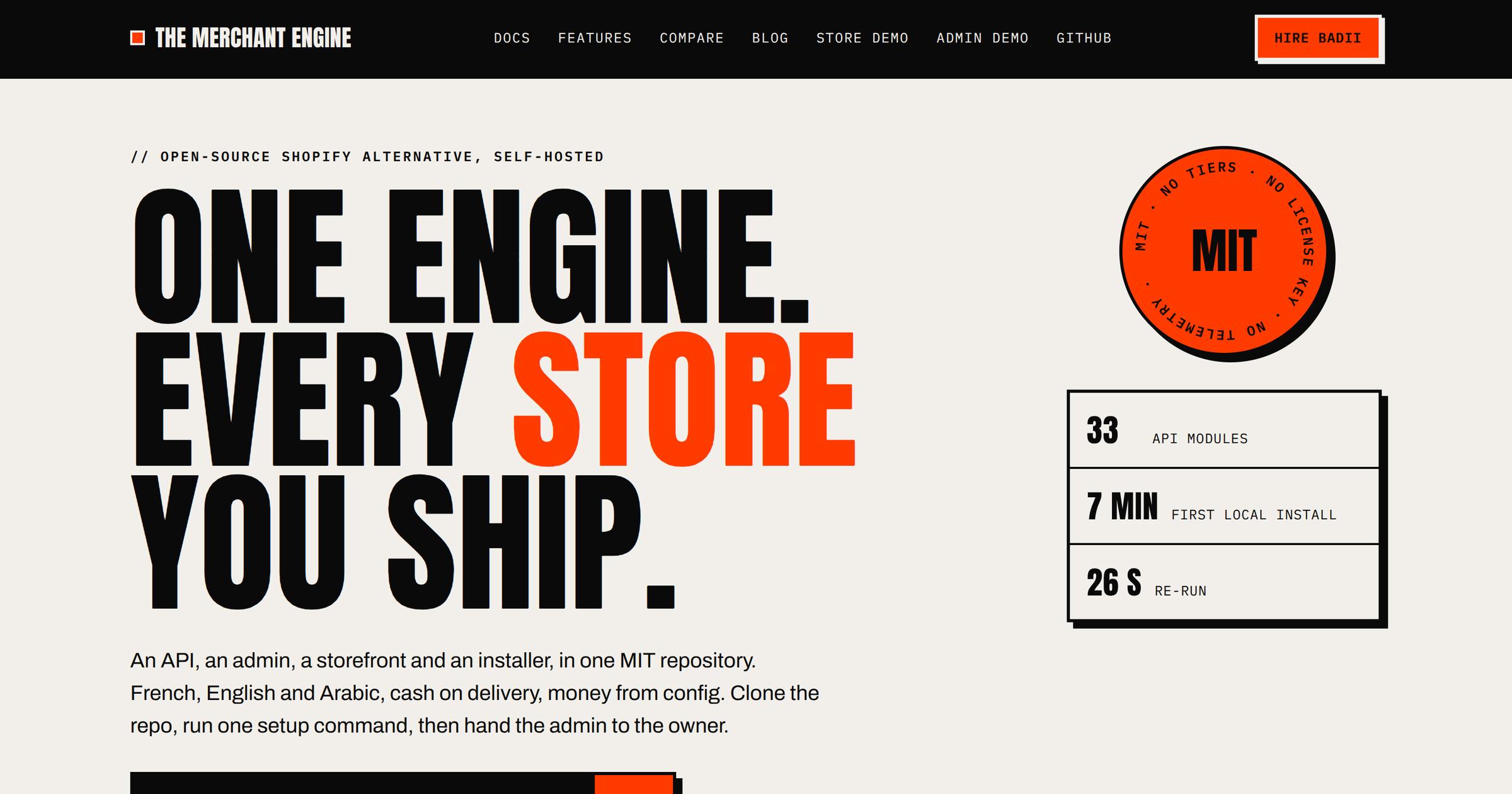
- 33-module NestJS REST API
- One-command install with live verification
- French, English, and Arabic with RTL
- Race-safe inventory and idempotent orders
- Headless API with a shipped storefront
- Built-in RBAC, audit log, and bot protection
How to install
Self-hosting runs on Docker and Node 22 with a one-command setup script.
git clone https://github.com/Xdabier/themerchantengine.git
cd themerchantengine
./setup.sh --local
Recommended for this setup
Strengths
- MIT license with no per-store fee: Any number of client stores, paid or not, with no license key, no tiers, and no telemetry. An agency installs once per client and bills for time, not for a platform seat. Unlike Shopify (which charges transaction fees on non-Shopify Payments) or commercetools (which uses enterprise pricing), the only ongoing cost is the server.
- Complete stack in one repository: API, admin, and storefront share one schema, one set of TypeScript types, and one test suite. A schema change lands in every app without maintaining separate packages or versioning contracts across repositories. The installer ties all three together without manual wiring.
- Arabic RTL built in: French, English, and Arabic with a mirrored storefront layout and an Arabic font kit are built in with no plugin layer. Few self-hosted ecommerce tools handle RTL at all; most treat it as a localization afterthought requiring a third-party package.
- Installer verifies integrations before anything goes live: The setup stepper checks S3, Resend, and Turnstile credentials live during install. If a key is wrong, the install stops before anything answers on a public port. Certificate renewal and nightly database dumps are installed as systemd timers automatically.
Trade-offs
- Stripe is the only card provider in v1.0.1; mail and shipping adapters pending: Card payment arrived in v1.0.1 (2026-11-07) as an embedded Payment Element form or a hosted Checkout page, with Stripe as the first supported provider. Provider keys are entered in the admin and stored encrypted at rest. Additional card providers, SMTP and other mail adapters, and live shipping adapters are open roadmap items not yet built. Teams that depend on a specific mail provider or shipping carrier should check the roadmap before committing.
- New project: one maintainer, 22 open issues: The repository was created in October 2026 with 11 stars and one primary maintainer. It ships with a CI workflow and a test suite, but it has not been through the volume or edge-case load of a mature project. Teams running production stores should monitor the issue tracker before upgrading.
- Server install requires several third-party accounts: A production install needs an S3-compatible bucket, a Resend account with a verified sending domain, and a Cloudflare Turnstile widget, in addition to a Linux box with Docker and Node 22. The local profile skips most of these, but server deployment has real external dependencies before the first order can go through.
Tech stack
FAQ
Yes. Stripe is available in v1.0.1 (released 2026-11-07), offered as an embedded Payment Element form or a hosted Checkout page. Provider keys are entered in the admin and stored encrypted at rest (AES-256-GCM). The env variables STRIPE_API_KEY, STRIPE_WEBHOOK_SECRET, and STRIPE_PUBLISHABLE_KEY work as a fallback. Cash on delivery, manual bank transfer, and gift cards remain available alongside Stripe. Additional card providers are on the roadmap as open issues.
A Linux box with Docker Engine, Compose v2, Node 22, and DNS pointing to the box. You also need an S3-compatible bucket for asset storage, a Resend account with a verified sending domain for transactional email, and a Cloudflare Turnstile widget for sign-up protection. The setup script verifies each of these live during installation and stops on the first failed check rather than leaving a broken stack.
Yes. The MIT license allows any number of client stores, paid or not, with no license key and no fee to the project. You keep the copyright notice and that is the full obligation. The creator also offers paid installation, customization, and hosting services for teams that prefer not to run it themselves.
A store enables any combination of French, English, and Arabic and sets a default locale during the installer. The storefront mirrors its layout for Arabic automatically and loads an Arabic font kit. Currency symbol, position, separators, and decimal count are set at install and served to every app from the store config endpoint at request time, so no per-locale build is needed.
The repository was created in October 2026 and reached v1.0.1 (released 2026-11-07), with one primary maintainer and 22 open issues as of 2026-11-10. It ships with a CI workflow and a test suite covering the API and install flow, and the installer smoke-tests the full stack before returning control. For early production use, monitoring the issue tracker and testing the Stripe payment integration in a staging environment before go-live is prudent.