
Telltaledns
Self-hosted DNS resolver with per-device visibility and ad blocking
Replaces Nextdns, Control D, Adguard Dns
Who it's for
TelltaleDNS runs on a Raspberry Pi with Docker Compose and replaces the router's upstream DNS. Per-device rules mean the work laptop can use different blocklists than smart TVs. The web UI shows every query with its explanation, so diagnosing why an app broke after a rule change takes seconds.
You need a managed service with no server to maintain. NextDNS and Control D handle DNS filtering with no hardware beyond a router setting.
TelltaleDNS names Kubernetes pods by their workload identity in the query log, so a misconfigured service making unexpected outbound calls appears with its pod name. The Helm chart deploys into an existing cluster with one persistent IP for DNS and the web UI.
Your cluster DNS is handled by a service mesh or cloud provider DNS with built-in observability, and you do not need per-pod visibility at the query level.
TelltaleDNS recognizes device types (Roku players, cameras, thermostats) from the maker prefix and DNS patterns, and suggests names and groups. Children's devices can get a different upstream with safe search enforced; IoT devices can be isolated to their own group with stricter blocking.
You have only one or two devices and no need for per-device policy. A simple Pi-hole setup covers ad blocking at that scale with less configuration.
The problem
Cloud DNS filtering services like NextDNS, Control D, and AdGuard DNS make network-wide ad blocking easy, but they come with a tradeoff: your devices' query logs travel to and are stored on someone else's infrastructure. For households and teams with strict privacy requirements, that sends the very metadata those services promise to protect somewhere outside your control. Even when privacy is acceptable, the visibility these services offer is limited. They report per-account aggregate stats. If one device on your network is making unusual queries, or if you want different blocking rules for a work laptop, a smart TV, and a child's tablet, cloud DNS services either lack per-device policy at that granularity or charge more for it. Setting up those policies and understanding why a specific query was blocked or allowed requires digging through vendor-specific dashboards, not an open log on your own machine.
How it works
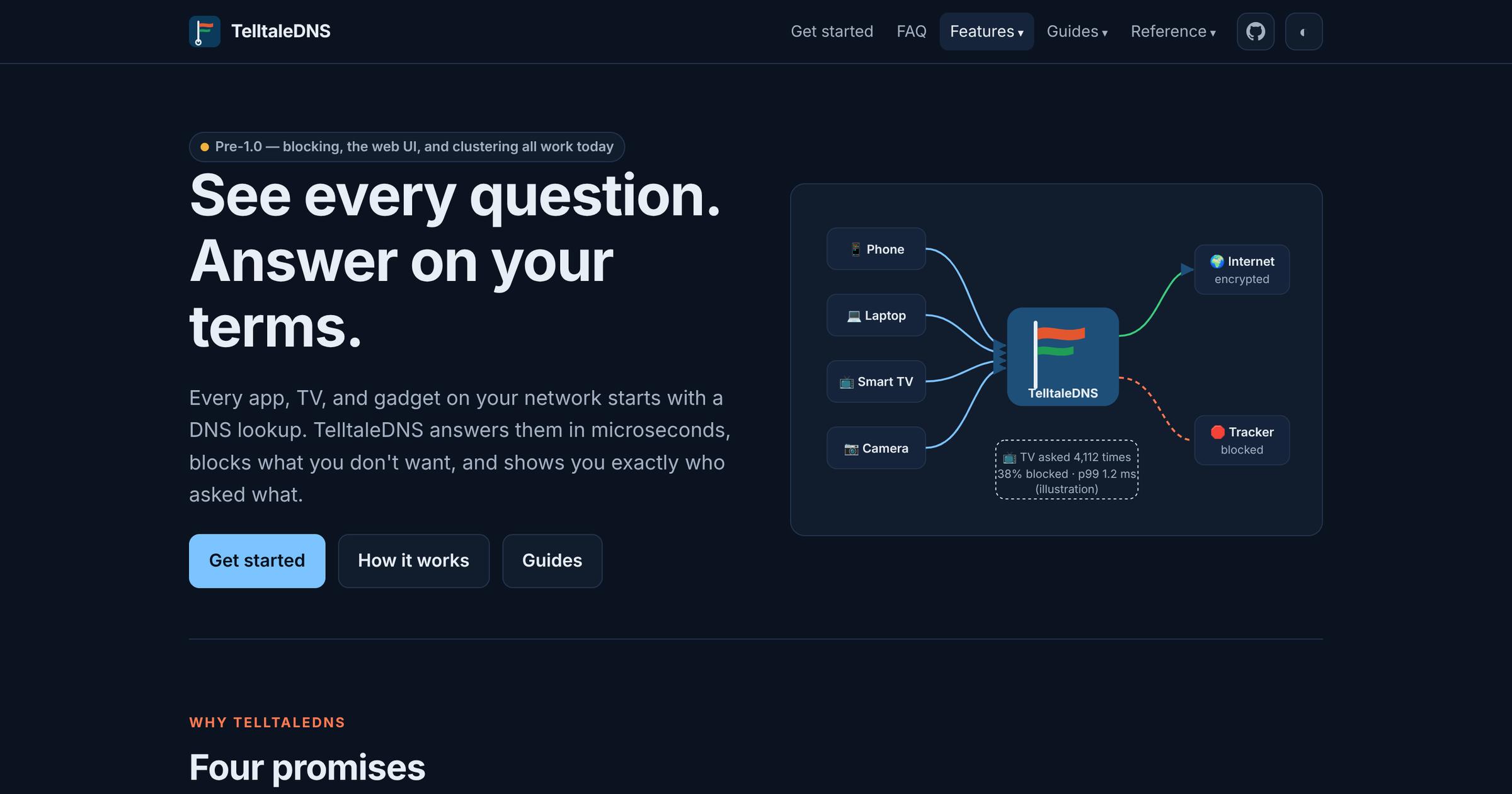
Every query in the log is tied to a named device, timed per stage (listener, cache, filter, upstream, response), and annotated with why it was blocked or allowed, down to the specific blocklist and line. The explanation is on every row, not just on blocked entries.
Each device or VLAN gets its own blocklists, service-blocking categories, schedules, safe search setting, and upstream servers. Changes can be previewed against yesterday's real traffic before saving, so you can see the effect without a live rollout.
Supports DoT, DoH, and DoQ to your devices and to your upstreams, plus DNSSEC validation. Full recursion is available for setups that prefer not to forward queries at all. All three encrypted protocols work as both listener types and upstream targets.
A single binary artifact runs on a Raspberry Pi, in Docker, and in Kubernetes. The same config and management plane spans all three. A Helm chart deploys resolver pods with one persistent IP, and a Pi can join as a second server for DNS failover.
The binary image is about 13 MiB; the resolver idles at about 14 MiB of RAM. With 2.7 million blocked names loaded, it uses about 50 MB on a Raspberry Pi 4. Cached and blocked answers arrive within 250 microseconds of the query at load, measured from another machine.
Exposes Prometheus metrics out of the box, with a prebuilt Grafana dashboard included in the repository. No separate instrumentation is required to get query counts, latency, block rates, and device-level stats into Grafana.
Features
- Per-device query log with explained answers
- Per-device and per-group blocking rules
- Encrypted DNS both ways
- Pi-to-Kubernetes clustering
- Small footprint with low RAM usage
- Prometheus metrics and Grafana dashboard
How to install
Deploy on any Linux host or Raspberry Pi using Docker Compose.
mkdir telltale && cd telltale
curl -fsSLO https://raw.githubusercontent.com/paimonsoror/telltaledns/main/deploy/compose/compose.yaml
curl -fsSLO https://raw.githubusercontent.com/paimonsoror/telltaledns/main/deploy/compose/telltale.toml
docker compose up -d
docker compose exec telltale telltale auth setup-token
Recommended for this setup
Strengths
- Query logs stay on your own network: NextDNS and AdGuard DNS store query history on their servers. TelltaleDNS keeps every log entry on your own machine, so no query metadata leaves the network; the entire history is yours to query, export, or delete at any time.
- Apache-2.0 OR MIT dual license: Licensed under Apache-2.0 OR MIT at the user's option, both OSI-approved permissive licenses. You can run it internally for a business, modify it, and redistribute it without restriction. No fees, no usage limits, no call-home requirement.
- Same artifact from Raspberry Pi to Kubernetes: The same static binary runs on a Raspberry Pi, in Docker on a Linux host, and in a Kubernetes cluster, managed as one system from a single control plane. A team that starts on a Pi can grow into Kubernetes without migrating configs or switching tools.
- Pi-hole and Technitium import: Reads Pi-hole's blocklist formats, regex rules, and Teleporter exports without conversion. Also reads the Technitium DNS Server API to import an existing configuration. Teams migrating from either tool can bring their rules across without rewriting them.
Trade-offs
- Pre-1.0 status means configuration and APIs can change: TelltaleDNS is pre-1.0. Configuration keys and APIs are documented as subject to change before 1.0, with each pre-release noting every breaking change. For production networks that cannot absorb breaking changes without notice, this is a real consideration until the 1.0 release ships.
- Self-hosting adds infrastructure management: Unlike NextDNS or Control D, TelltaleDNS requires a host you manage: a Raspberry Pi, a Linux server, or a Kubernetes cluster. You are responsible for uptime, updates, and backup. The serve-stale and failover features reduce the impact of outages, but they do not eliminate the operational burden.
- New project with a small contributor base: TelltaleDNS was created in October 2026 and has 218 GitHub stars and 3 open issues. The contributor list in the README names two contributors. For teams that require a mature community, long-term commit history, or guaranteed support paths, this is a newer project than established alternatives like Pi-hole or Technitium.
Tech stack
FAQ
Pre-1.0 tagged releases are marked stable in the README and the `latest` tag tracks them. The edge builds track every commit to main. Blocking, the web UI, and clustering all function in the current release. Configuration keys and APIs may still change before 1.0, but release notes document every such change.
Yes. TelltaleDNS reads Pi-hole's blocklist formats, regex rules, and Teleporter exports as-is. It also reads the Technitium DNS Server API to import an existing configuration. The project site links to migration guides for both paths.
TelltaleDNS is licensed under Apache-2.0 OR MIT at the user's option, both OSI-approved permissive licenses. You can run it internally for a business, modify it, and redistribute it without restriction. Neither license requires you to open-source modifications unless you choose to distribute them.
The binary image is about 13 MiB and runs on amd64, arm64, and 32-bit Pi OS. On a Raspberry Pi 4 with 2.7 million blocked names loaded, the resolver uses about 50 MB of RAM and idles at about 14 MiB. It runs on any Linux host with Docker, as a systemd service, or in a Kubernetes cluster via Helm chart.
Yes. TelltaleDNS accepts queries over DoT, DoH, and DoQ from devices that support encrypted DNS, so no agent or proxy is required on the device. For devices that only support plain UDP DNS, it answers plain queries as well. Outgoing queries from TelltaleDNS to your chosen upstream resolvers also use encrypted protocols where the upstream supports them.