
Skills Manager
Universal skills manager for Claude Code and AI coding agents
Replaces Buildbetter, Jfrog Ai Catalog, Crewai Amp, Google Vertex Ai Agent Builder
Who it's for
Skills Manager fits developers who use several coding agents and want consistent skills across them.
You only use one AI coding tool with default settings.
Teams can use the app to standardize shared skills and make them easier to install.
Your organization manages agent configuration through locked-down device policy.
The problem
AI coding agents increasingly rely on reusable skills, prompts, and workflow instructions, but each tool stores them differently. Developers end up copying folders by hand, forgetting which skills are active, and repeating setup across Claude Code, Cursor, Copilot, and related tools. Skills Manager creates a central control surface for those files. It is useful when a developer treats agent behavior as part of their toolchain rather than as one-off prompt text.
How it works
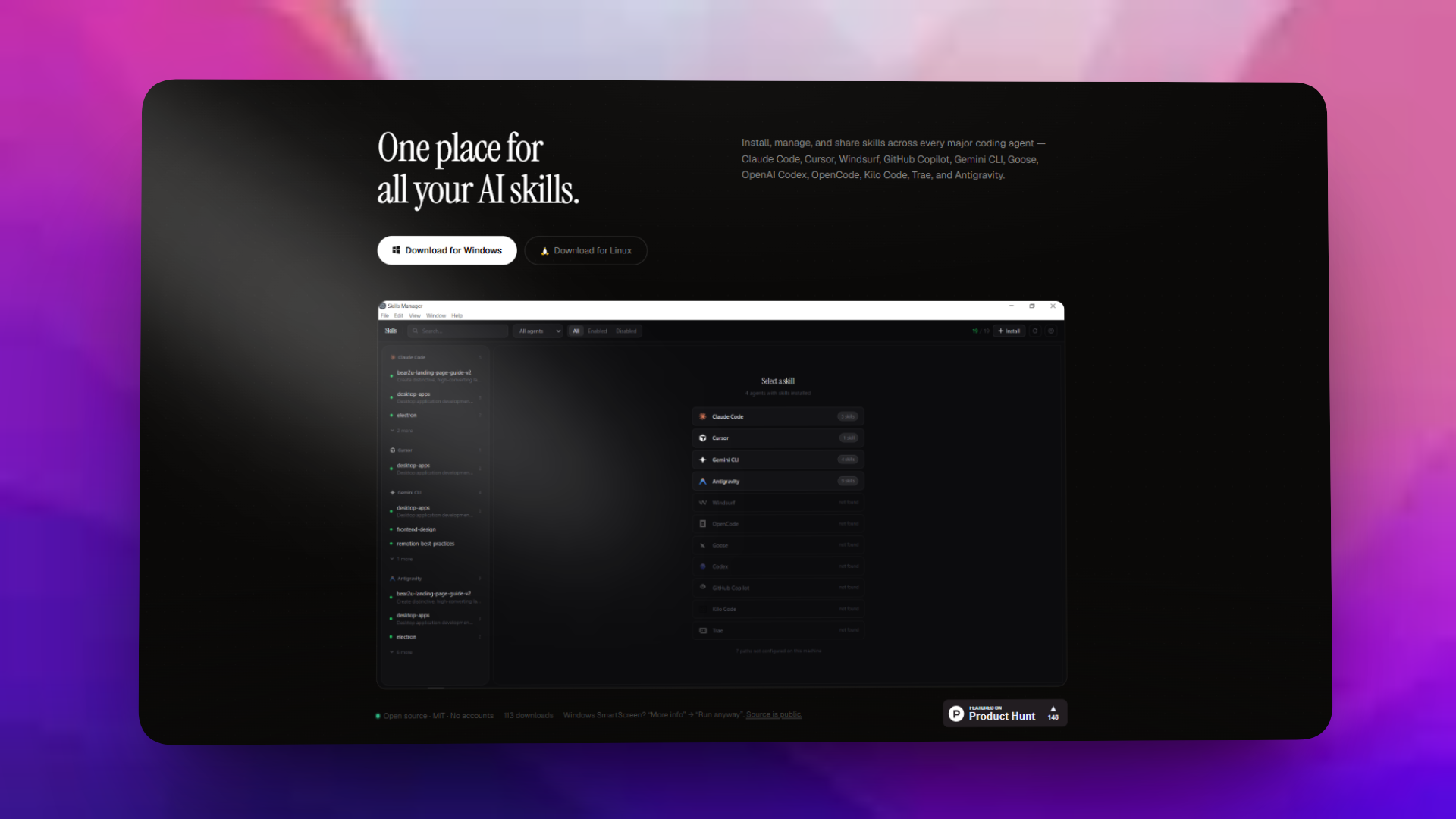
Skills Manager gives developers one place to view and manage skills instead of searching through multiple agent-specific folders.
The app helps move skills between supported coding agents, reducing repeated setup when developers switch tools.
Developers can browse, install, enable, and share skills from a desktop interface.
Features
- Unified skill library
- Cross-agent copying
- Install and sharing workflow
Recommended for this setup
Strengths
- Useful for agent-heavy developers: Skills Manager is strongest for developers who actively maintain reusable agent workflows across more than one coding tool.
- Reduces configuration drift: Central management helps keep skill versions, enabled state, and agent coverage easier to reason about.
Trade-offs
- Most valuable after skill sprawl: Developers with one agent and a small number of skills may not need a separate desktop manager.
Tech stack
FAQ
Skills Manager is a desktop app for managing AI agent skills across coding assistants.
The project targets major AI coding agents such as Claude Code, Cursor, and Copilot.
Skills Manager is best for developers or teams that maintain reusable agent skills across multiple tools.