
screenshot-to-code
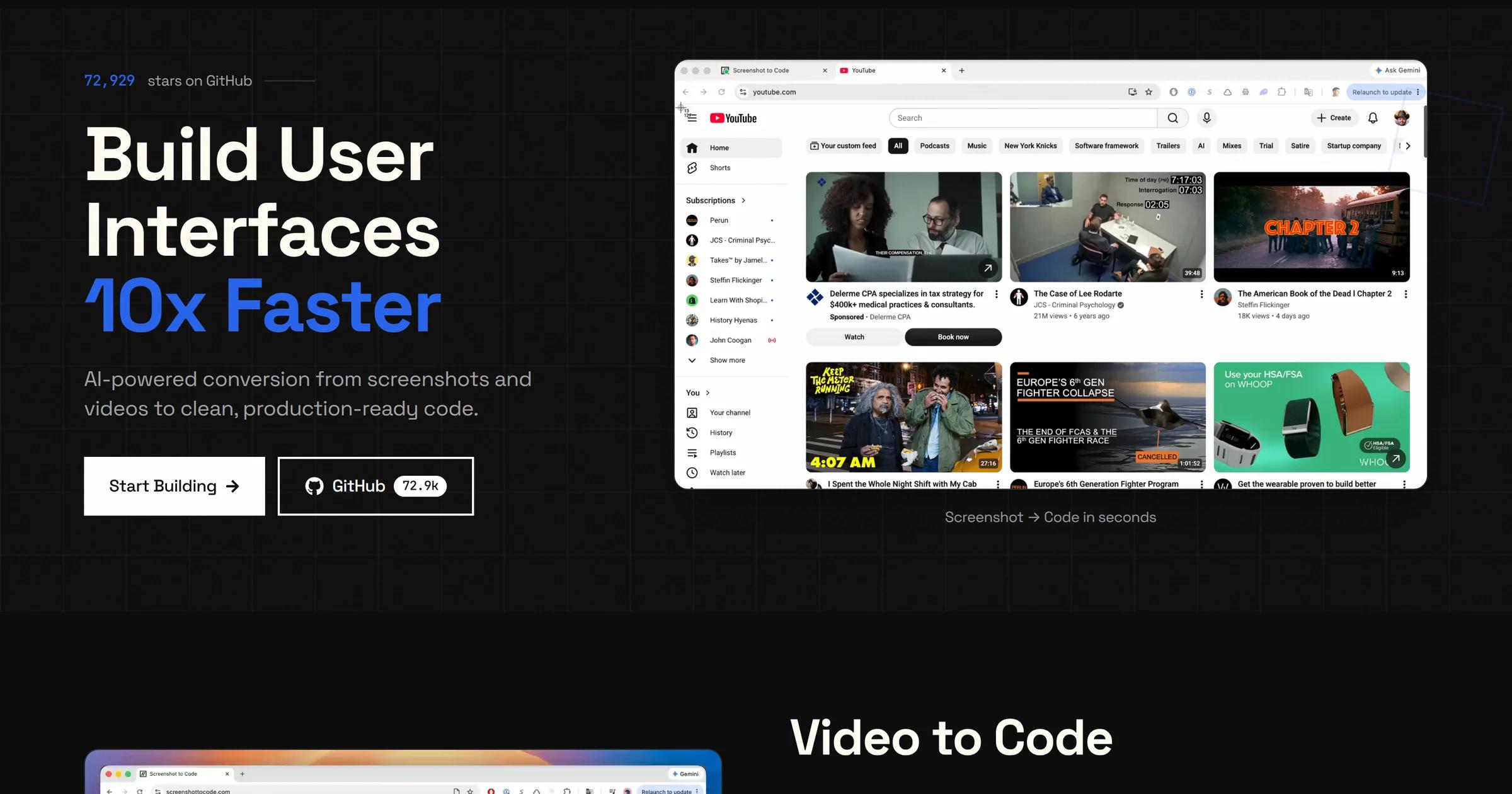
Turn any design screenshot into clean, working code with AI
Replaces Google Stitch, Locofy Ai, Builder Io, Banani Ai, Alloy
Who it's for
Drop in a Figma export or design screenshot and generate a working React or HTML scaffold in seconds. The output gives you the layout structure, Tailwind classes, and component hierarchy to refine, instead of writing it from scratch.
Skip if your designs rely heavily on complex animation states that static screenshots cannot represent. The tool works best on relatively clean, static layout compositions.
Convert a reference website screenshot or a rough wireframe into a starting HTML and Tailwind layout. For developers who are not designers, this collapses the gap between wanting a layout and having a working starting point.
Skip if you need production-ready accessible components with full ARIA attributes. The generated code is a structural scaffold, not a finished accessibility-reviewed component.
Export a frame from Figma and generate React and Tailwind code a developer can copy into a component file. Asset extraction with a Gemini API key pulls real images from the frame rather than substituting placeholders.
Skip if your Figma designs rely on auto-layout breakpoints or component variants that need design-system-aware generation. The tool reads the visual output, not the Figma layer structure.
Record a screen capture of a target website in action and generate a functional prototype. This is faster than reading the site's source HTML, especially when JavaScript-rendered content makes the DOM messy.
Skip if the site uses heavy animation frameworks with complex keyframe sequences. The generated code captures the static layout structure, not animation timing or motion choreography.
The problem
Translating a visual design into clean frontend code is a labor-intensive step that stalls prototyping. A designer hands off a Figma file or a screenshot, and the developer spends hours recreating margins, font weights, layout logic, and component hierarchy by hand. For teams iterating quickly on MVPs or redesigns, this handoff gap is one of the most reliable time sinks. The alternatives are unattractive: manually copying CSS values from Inspect mode, paying for proprietary design-to-code subscriptions with per-seat or per-export pricing, or maintaining fragile design-token pipelines that break every time the design system changes. Screen recordings of interactive sites are even harder to translate, since capturing animation and state transitions manually requires significant extra effort on top of the static layout work.
How it works
Outputs code in six stacks: HTML with Tailwind, HTML with CSS, React with Tailwind, Vue with Tailwind, Bootstrap, and Ionic with Tailwind. Choosing React and Tailwind is the most common path for teams that want output they can copy directly into a component library.
Works with OpenAI (GPT-5.5, GPT-5.4 Mini), Anthropic (Claude Opus 4.6, 4.8), and Gemini (3 Flash, 3.1 Pro). Adding multiple API keys lets the app automatically pick the strongest model mix per generation; single-key setups use that provider's models only.
When a Gemini API key is supplied, the tool extracts real logos, images, and icons directly from the screenshot rather than substituting placeholders. This produces code that references the actual assets, cutting the gap between generated output and the finished design.
Accepts video screen recordings of live websites and converts them into functional prototypes. Useful for replicating a reference site's layout and interactions without accessing its source code. Requires a Gemini API key.
An optional Chromium-based preview mode renders the generated page in a headless browser and lets the AI model visually inspect its own output. Enabled automatically when Playwright installs Chromium, or included by default in the Docker image.
When a Replicate API key is supplied, the tool adds image editing and background removal capabilities. Generated pages can reference edited or cleaned-up asset versions, reducing manual post-processing after code generation.
Features
- Multi-stack code generation
- Multi-provider AI model support
- Asset extraction from screenshots
- Screen recording to prototype conversion
- Screenshot preview with AI self-verification
- Image editing and background removal
How to install
Self-hosting runs the frontend and backend together using Docker Compose.
git clone https://github.com/abi/screenshot-to-code.git
docker-compose up -d --build
Recommended for this setup
Strengths
- MIT license with no usage restrictions: MIT-licensed on GitHub, with no restrictions on commercial use, forking, or modification. Unlike proprietary design-to-code tools that charge per export or per seat, the self-hosted version costs only the AI API calls you make.
- Choice of three AI provider families: Most design-to-code tools lock you to a single model. screenshot-to-code supports OpenAI, Anthropic, and Gemini simultaneously, letting you compare output across providers and fall back to an alternative when any one API is unavailable.
- Runs entirely on your own infrastructure: The backend is a standard FastAPI Python service and the frontend is a Vite/React app. Both run on any server with Docker Compose, keeping your screenshots and generated code off third-party infrastructure. This matters for client NDAs or regulated industries.
- Accepts screen recordings as input: Beyond static screenshots and image exports, the tool accepts video recordings of live websites. Paid alternatives in this category generally support static images only, making screenshot-to-code a better fit for capturing interactive flows.
Trade-offs
- Requires external AI API keys to function: screenshot-to-code does not bundle an AI model. You must supply at least one API key from OpenAI, Anthropic, or Google, meaning generation costs are usage-based and accumulate with volume. There is no fully offline or local-model path with reliable quality; the README notes that Ollama-based setups produce poor results.
- Multi-service self-hosting setup: Running locally means standing up a FastAPI backend (with Poetry and optional Playwright and Chromium) plus a separate Vite frontend. This is a moderate-complexity deployment. Docker Compose simplifies it, but production setups still require managing environment variables and multiple API keys.
- Output quality depends on input and model choice: Fidelity depends heavily on screenshot clarity and the AI model used. Complex or dense layouts, small text, or low-resolution inputs produce lower-quality code that needs manual correction. The README recommends Gemini specifically for the best screenshot-to-code accuracy.
Tech stack
FAQ
The software is MIT licensed and free to run on your own server. You do need at least one API key from OpenAI, Anthropic, or Google Gemini, and those providers charge per token. At typical usage, generating code from a screenshot costs a few cents. A hosted version is also available at screenshottocode.com for teams who prefer not to self-host.
It supports Gemini 3 Flash Preview and Gemini 3.1 Pro Preview, GPT-5.5 and GPT-5.4 Mini, and Claude Opus 4.6 and Opus 4.8. The README recommends Gemini as the best model for screenshot-to-code accuracy and requires Gemini specifically for asset extraction from screenshots and for the video (screen recording) input mode.
Yes. The tool has a React/Vite frontend and a FastAPI Python backend. The easiest path is Docker Compose: set your API keys in a .env file and run docker-compose up -d --build. The Docker image includes Chromium for the optional screenshot preview feature. Manual setup uses Poetry for the backend and pnpm for the frontend.
It outputs HTML with Tailwind CSS, HTML with plain CSS, React with Tailwind, Vue with Tailwind, Bootstrap, and Ionic with Tailwind. The six stacks cover the most common frontend environments. You select the target stack before generating.
The primary differences are self-hosting, model choice, and cost model. screenshot-to-code is MIT licensed, runs on your own server, and lets you pick from three AI provider families. Locofy.ai and Builder.io are proprietary SaaS tools with subscription pricing. screenshot-to-code also accepts screen recordings as input, which most paid alternatives do not support.