
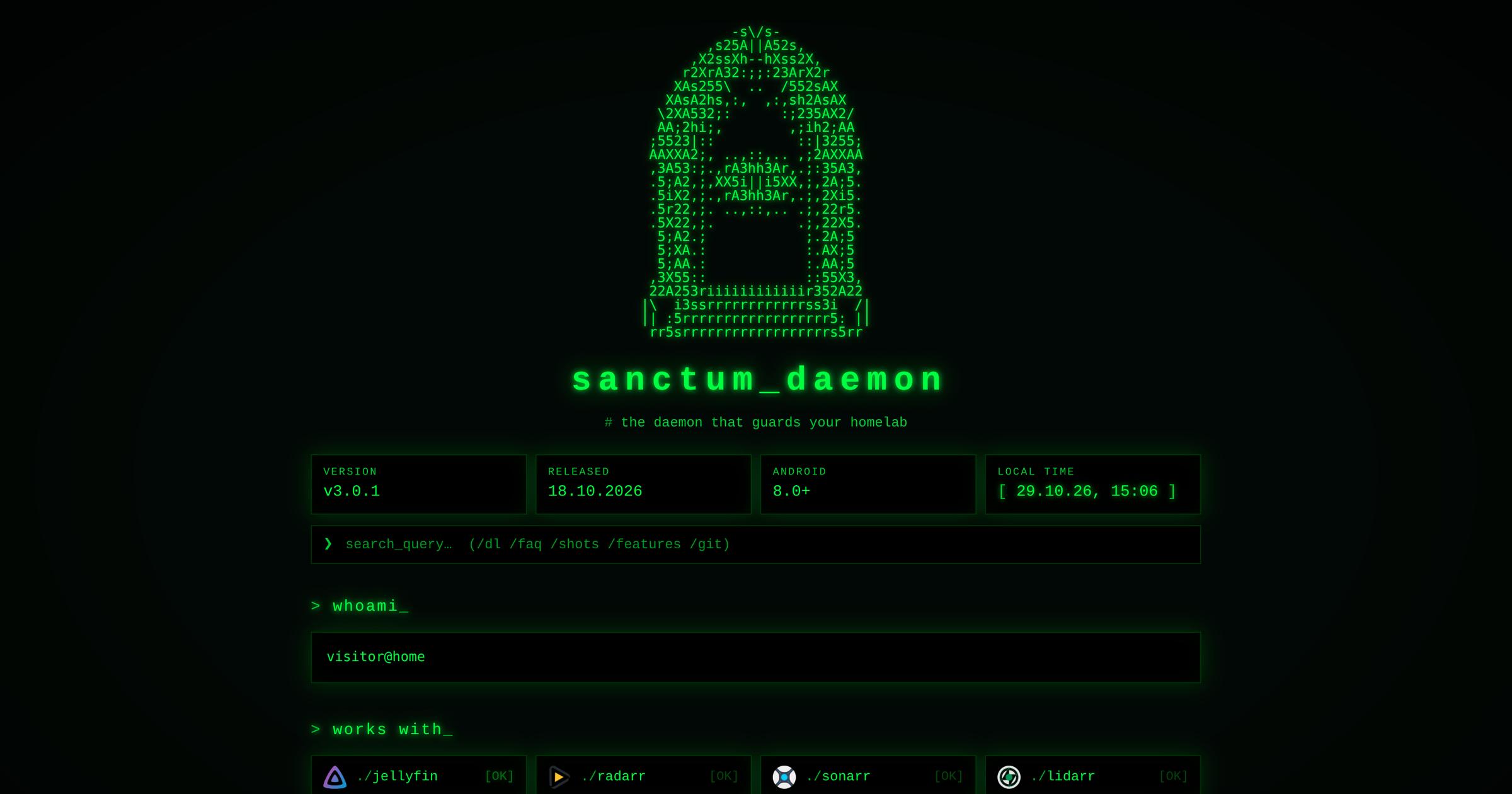
Sanctum Daemon
Native Android dashboard for Jellyfin and the *arr stack. No account.
Replaces Nzb360
Who it's for
Manages Jellyfin, Radarr, Sonarr, Lidarr, Prowlarr, Seerr, NZBGet, and ntfy from one app. The unified dashboard means a download failure, a stuck import, a new request, and a play session are all one app away.
You run Plex or Emby instead of Jellyfin, or only one or two *arr services. Sanctumd does not speak the Plex or Emby API, and the overhead of learning one more app is not worth it for minimal stack coverage.
GPL-3.0, no cost, deep Jellyfin admin screens, and a demo mode that requires no server to try. If nzb360's Jellyfin coverage or subscription price is the issue, Sanctumd covers more of the Jellyfin surface and costs nothing.
You are happy with nzb360's feature set and value the broader platform testing it receives across many user configurations. Sanctumd is built against one homelab; nzb360 has a wider install base that surfaces edge cases faster.
The TV-flavour APK installs alongside the phone app under a separate app ID and provides a Jellyfin streaming client using libmpv, which handles codec gaps that ExoPlayer leaves on cheap Android TV sticks. It supports Quick Connect sign-in, D-pad navigation, and direct output matched to the panel's refresh rate.
Your TV hardware is well-supported by the official Jellyfin TV client and you do not run into codec gaps. The TV APK is a streaming client only, with no dashboard or service management.
The problem
Running a self-hosted media stack typically means half a dozen separate apps on your phone. Radarr has its own mobile interface, Sonarr has another, NZBGet has one more, and Jellyfin's official client is a watch client, not an admin panel. When a download stalls, a request needs approval, or a library scan fails, you cycle through tabs and apps to find the problem and fix it, one service at a time. The deeper friction is that most of these mobile interfaces are afterthoughts rather than first-class designs. Checking why a specific NZBGet download failed, editing a quality profile in Radarr, or approving a per-season Seerr request each opens a different app with a different navigation model. The result is that homelab management from a phone is slower and more error-prone than it needs to be, and anything beyond a basic status check typically ends up being done from a browser on a computer instead.
How it works
Manages Jellyfin, Radarr, Sonarr, Lidarr, Prowlarr, Seerr, NZBGet, and ntfy from a single Compose interface. Each service is added once with its address and API key or credentials; from then on you can approve a Seerr request, check an NZBGet queue, rename Radarr files, and start watching in Jellyfin without leaving the app.
Reaches into the admin layer for Jellyfin, covering users, per-library access, plugins, transcoding settings (with only touched fields sent), metadata and artwork editing, playlists, collections, API keys, backups, storage, timed lyrics, and instant mix. The companion Android TV APK uses libmpv for codec coverage that ExoPlayer misses, and installs alongside the phone app under a separate application ID.
First launch offers a demo of a busy fictional setup: films, shows, music, six viewers, downloads, requests, and push notifications, all answered inside the app with none of your own services touched. It stays available under Settings at any time. Every screenshot in the README comes from demo mode, so what you see is exactly what you get.
API keys and passwords are stored in the app's private storage, encrypted with AES-256-GCM. The key lives in the Android Keystore and cannot be read from a backup or a rooted-but-locked device. Nothing is sent anywhere except to the addresses you configured. No analytics, no crash reporting, no sign-up. A password-protected portable config export (PBKDF2 to AES-GCM) handles device migration.
Adds ntfy as a first-class service alongside the *arr stack. Direct topic subscription delivers instant local notifications, with per-server merging and a 12-hour message history. A fallback on-device polling worker covers new media, imports, and requests when push is unavailable. Tapping a notification opens the relevant title in the app.
Any URL you want to reach from the phone, added as a named button under a service, GET or POST with a JSON body, fired with two taps to prevent accidental presses. Shortcuts appear on their own screen, as a dashboard card, as a home-screen widget, and as a quick-action button.
Features
- Unified *arr and Jellyfin admin in one app
- Deep Jellyfin admin, not just a watch client
- Built-in demo mode with a full made-up homelab
- Encrypted credentials, no backend, no account
- Live ntfy push notifications with topic browsing
- HTTP shortcuts for any URL on your homelab
How to install
Install the phone APK by sideloading a signed release from GitHub (Android 8.0+, arm64).
adb install -r sanctumd-vX.Y.Z.apkRecommended for this setup
Strengths
- GPL-3.0, no cost, no subscription: The APK is free to download from GitHub Releases and GPL-3.0 licensed, so there is no purchase price, no annual renewal, and no feature-gated tier. nzb360, the main paid competitor, costs money upfront and charges for major updates. For a tool you run against your own infrastructure, GPL-3.0 means the source is available to inspect and modify.
- No backend, no account, no third-party dependency: Every request the app makes goes directly to the address you typed in, using that service's own API. Nothing routes through Sanctumd's own servers because there are none. TMDB's CDN sees image requests when Seerr screens are open (the same images Seerr itself loads), but no other screen reaches outside your network.
- 500-test CI with a daily real-homelab smoke test: Every change passes a test suite of more than 500 cases, detekt, Android Lint, and an emulator launch test before release. The app also runs on a real homelab every day before anything is tagged. That is a higher automated gate than most solo Android projects, which typically ship without any CI at all.
- Editable dashboard with Glance home-screen widgets: The home screen uses editable tabs and a services drawer. Cards cover queues, missing titles, coming-soon, recently-added, statistics, and a watch leaderboard. Glance widgets bring shortcuts, service status, quick actions, and an agenda directly to the Android home screen without opening the app.
Trade-offs
- Android only, arm64, no Play Store listing: The APK supports Android 8.0 and above on arm64-v8a hardware only. 32-bit phones and x86 are unsupported unless you build from source. There is no Play Store listing, so installation requires sideloading a signed APK from GitHub Releases or using Obtainium. Self-signed server certificates are also unsupported; the app uses Android's standard certificate validation, so a real certificate or a device-trusted CA is required.
- Built and tested against one homelab setup: Sanctumd is built by one person for one homelab and tested against specific service versions listed in the README (Jellyfin 12.1.0, Radarr 6.4.4, Sonarr 4.0.20, NZBGet 26.3, and so on). Older major versions and uncommon configurations may work or may not. There is no crash reporting, so bugs reach the developer only through GitHub issues.
- 1 GitHub star, solo maintainer, no contributor community: The repository has 1 star and no forks as of its first months. It is maintained by one person with one homelab, which means feature requests are filtered through what that setup needs, and a maintainer absence would leave the project without updates. The GPL-3.0 license preserves the option to fork, but there is no contributor community to pick it up.
Tech stack
FAQ
No. Sanctumd speaks the Jellyfin API. Emby uses a similar API, so some screens may respond, but nothing is built or tested against Emby, and Plex is not supported at all. The tool is designed for Jellyfin and the *arr stack.
Download the signed APK from the latest GitHub Release and open it on the device, allowing installs from your browser or file manager when Android prompts. Obtainium can install it and keep it updated directly from those same releases. For sideloading from a computer, `adb install -r sanctumd-vX.Y.Z.apk` works.
No, and the README states there is no plan for one. Sanctumd is written in Kotlin with Jetpack Compose and targets Android only.
No backend, no analytics, no crash reporting, no sign-up. Requests go only to the addresses you configured. The one exception noted in the README: when Seerr screens are open, poster and cast images are loaded from TMDB's CDN, as that is where Seerr points for those assets. Nothing else reaches outside your network, and no other screen is affected.
Android 8.0 and above on arm64 hardware. The tested service versions are Jellyfin 12.1.0, Radarr 6.4.4.10685, Sonarr 4.0.20.3014, Lidarr 3.1.6.5078, Prowlarr 2.6.5.5623, Seerr 3.3.0, and NZBGet 26.3. Older major versions may work but are untested; the README lists what sees daily use.