
portabase
Self-hosted backup tool for PostgreSQL, MySQL, MongoDB, and 7 more
Replaces Simplebackups, Veeam Backup Replication, Druva Data Security Cloud, Rubrik Security Cloud, Cohesity Dataprotect
Who it's for
Portabase replaces per-engine backup scripts with a single dashboard covering PostgreSQL, MySQL, MongoDB, SQLite, and Docker volumes. You define schedules and retention policies once per database, connect your S3-compatible storage backend, and receive notifications when a job fails. The unified interface removes the context-switching cost of maintaining separate backup tooling for each engine.
If you run a single PostgreSQL instance and already use pg_dump with a tested cron job and restore runbook, the added complexity of a dedicated backup system may not be worth it. Portabase earns its setup cost when you are managing three or more engines simultaneously.
The Unraid Community Apps listing and single-command Docker install make Portabase practical for homelab environments. GFS retention policies and notifications are available without writing custom retention logic, and the non-profit governance model means the tool is not going to be acquired or moved behind a paywall.
If you only back up one or two simple databases and your storage is already handled by a NAS snapshot policy at the volume level, a lighter-weight cron plus rclone setup may be simpler to maintain long-term.
The REST API and MCP server let platform teams trigger pre-deployment database snapshots programmatically. The RBAC model supports a separation between who can configure backup schedules and who can trigger on-demand restores, which matters in teams with dedicated DBA and platform engineering roles working in the same Portabase instance.
If your deployment pipeline already relies on cloud provider managed snapshots (RDS automated backups, Velero for Kubernetes PVCs) and those cover your recovery objectives, Portabase adds an application-layer backup on top, which may be redundant depending on your RTO and RPO targets.
Teams paying monthly subscription fees for SaaS database backup tools get the same scheduling, retention, and restore capabilities from Portabase at no licensing cost. Self-hosting moves backup data off a third-party system, addressing data residency concerns for regulated industries and teams with strict data sovereignty requirements.
If you prefer paying for managed infrastructure and have no data residency requirements, a SaaS tool remains the more convenient choice. Portabase requires a server to run on and ongoing maintenance as the project evolves.
The problem
Ad-hoc database backup workflows break under pressure. Bash scripts written for pg_dump get passed between team members, never tested for restore, and forgotten when the engineer who wrote them leaves. When corruption or accidental deletion hits, the team discovers the backup was either incomplete, stale, or unrestorable. The cost of commercial database backup tools adds up fast for teams running multiple engines. Enterprise-grade products like Veeam or Cohesity are priced for large organizations with dedicated storage administrators, not for a DevOps team managing several database instances across a Kubernetes cluster. Simpler SaaS tools remove the infrastructure burden but introduce data access and vendor dependency concerns. Teams end up either overpaying for features they do not need or maintaining fragile custom tooling.
How it works
Backs up and restores PostgreSQL (versions 12-18), MySQL (5.7, 8, 9), MariaDB (10 and 11), MongoDB (4-8), SQLite 3.x, Firebird (3.0-5.0), and MSSQL Server (2017, 2019, 2022, and Azure SQL). Redis and Valkey are supported for backup, though restore is not available for those two engines. Docker volume backups include full restore support with Docker Engine 20.10 or later.
Define retention rules per database using Grandfather-Father-Son (GFS) tiers: hourly, daily, weekly, monthly, and yearly snapshots. Also supports keep-last-N and keep-for-X-days strategies. Rules run automatically and prune old backups without manual intervention, keeping storage costs predictable across long-running instances.
Connect multiple storage backends simultaneously and choose where each database's backups are stored. Supports any S3-compatible provider, giving you flexibility to store sensitive backups on-premises while keeping archival snapshots in cloud object storage. Storage configuration is per-database, not a single global setting.
The central dashboard never initiates inbound connections to agents. Agents run alongside your databases on your infrastructure and push data outbound to storage. No ports need to be opened on your database servers, reducing the attack surface compared to centralized backup systems that pull data from a management plane.
Schedule backups using standard cron syntax or fixed time intervals, configurable from the web interface without editing config files. Each database can have its own schedule, making it straightforward to run hourly PostgreSQL backups alongside daily MongoDB snapshots within the same Portabase instance.
Portabase exposes a REST API and an MCP server for integration with CI/CD pipelines, infrastructure automation tools, and AI agents. The CLI lets you install agents, manage configurations, and trigger operations from the terminal. The CLI auto-updates when a new version is released, so your tooling stays current without manual maintenance.
Features
- Nine-Engine Database Coverage
- GFS Retention Policies
- Multi-Backend S3-Compatible Storage
- Secure-by-Design Agent Architecture
- Scheduling via Cron Syntax or Fixed Intervals
- REST API, MCP Server, and CLI
How to install
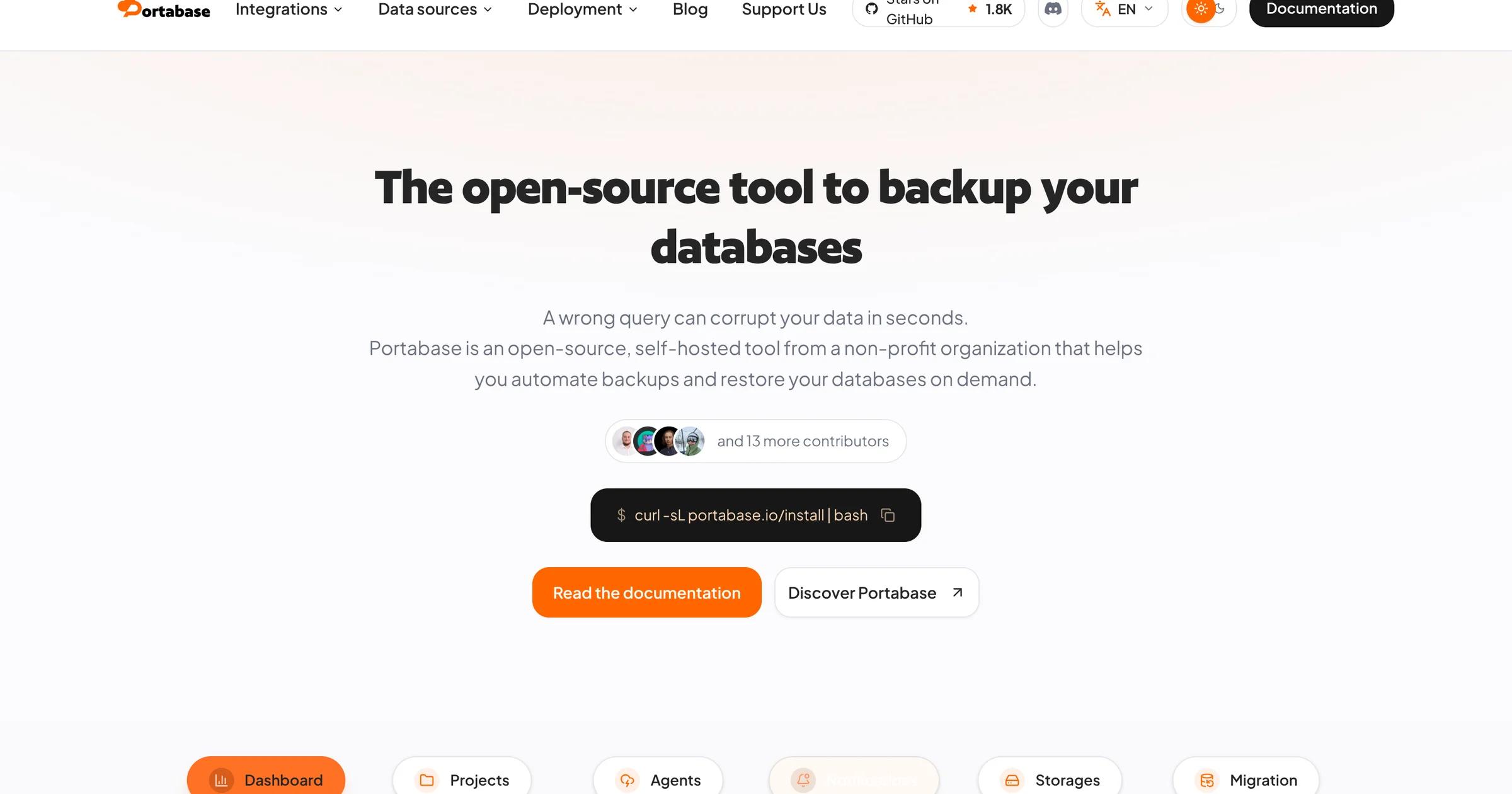
Self-hosting installs the Portabase dashboard and agent using the CLI, which sets up a Docker-based instance in under two minutes.
curl -sL portabase.io/install | bash
portabase dashboard .
portabase agent .
Recommended for this setup
Strengths
- Apache-2.0 License with Non-Profit Governance: Portabase is Apache-2.0 licensed, permitting commercial use, modification, and distribution without licensing fees. The project is led by a non-profit organization and supported by the IONOS Cloud Partner Program. For teams concerned about vendor capture or pricing changes, the governance model provides stronger guarantees than VC-backed open core products where monetization pressure can shift the licensing terms.
- Restore Is a First-Class Operation: Most backup tools focus on the backup side and treat restore as an afterthought. Portabase supports on-demand restore for all supported engines except Redis and Valkey. The dashboard surfaces restore alongside backup scheduling, which matters when an incident requires fast rollback and the team cannot afford to piece together a manual restore procedure under pressure.
- Quick Setup Across Multiple Deployment Options: The Portabase CLI installs the agent and dashboard via a single shell command, with the project reporting a setup time under two minutes. Deployment options include Docker Run, Docker Compose, Unraid Community Apps, and Kubernetes with Helm, covering the full range from a single-server homelab to a production Kubernetes cluster without requiring a different toolchain for each environment.
- Notifications and Alerting by Severity: Portabase sends notifications when backup jobs fail or incidents occur, with configurable channels based on severity level. Teams can route critical failures to a paging channel and routine warnings to a lower-priority queue. This removes the need to manually monitor the backup dashboard and makes it practical to run Portabase as unattended infrastructure.
Trade-offs
- Redis and Valkey: Backup Only, No Restore: Redis and Valkey are supported for backup but not for restore through Portabase. If your disaster recovery plan requires rolling back a Redis or Valkey instance from a Portabase snapshot, you will need a separate restore path for those engines. This limitation is documented in the compatibility table in the official docs and should be factored into your backup strategy before adopting Portabase for those engines.
- Relatively New Project: Portabase was created in October 2024 and has accumulated 1,668 GitHub stars with 35 open issues as of mid-2026. Development is active (last push August 2026) and the community is growing, but it has not been through the years of production hardening that older backup tools have. Teams with strict reliability requirements should evaluate the open issue backlog and test the restore path thoroughly before relying on it for critical workloads.
- Docker Required for All Standard Install Paths: All documented install paths (CLI, Docker Run, Docker Compose, Kubernetes with Helm) depend on Docker being available on the host. Portabase does not document a bare-metal install path without a container runtime. Teams running infrastructure without Docker support will need to work outside the documented setup paths.
Tech stack
FAQ
Portabase supports PostgreSQL (versions 12-18), MySQL (5.7, 8, 9), MariaDB (10 and 11), MongoDB (4-8), SQLite 3.x, Redis 2.8+, Valkey 7.2+, Firebird (3.0, 4.0, 5.0), MSSQL Server (2017, 2019, 2022, and Azure SQL), and Docker volumes (Docker Engine 20.10+). Redis and Valkey support backup operations only; restore is not available for those two engines. All other engines support both backup and restore.
Yes. Portabase is Apache-2.0 licensed and free to run on your own infrastructure with no usage-based or seat-based fees. The project is led by a non-profit organization. There is no managed cloud version with paid tiers; you provide the server and storage backend. The only costs are the infrastructure you run it on and the storage you use for backups.
No. Portabase uses a secure-by-design architecture where agents run alongside your databases on your infrastructure and initiate outbound connections to storage. The central dashboard never opens inbound connections to agents, so you do not need to expose your databases to the internet or open additional inbound ports on your infrastructure.
The fastest path is the CLI: run `curl -sL portabase.io/install | bash` to install it, then use `portabase dashboard .` and `portabase agent .` to start a local instance. Docker Run, Docker Compose, Unraid Community Apps, and a Kubernetes Helm chart install are also documented. Docker must be installed on your machine before starting any of these paths. The project reports a setup time under two minutes.
Yes. Portabase includes notifications and alerting with configurable channels based on severity levels. When a backup job fails or an incident occurs, the configured channels receive an alert. This removes the need to manually check the dashboard to confirm that scheduled backups completed, making it practical to run Portabase as unattended infrastructure.