
Password Safe
Store passwords in an encrypted local database, no cloud account
Replaces 1password, Dashlane, Keeper
Who it's for
Password Safe fits users who want a local encrypted password database and do not want a cloud account.
You need automatic multi-device sync, browser autofill, or team sharing controls.
The simple vault model is useful when passwords should stay in a local file under the user's backup and device-control process.
You cannot reliably back up and protect the database file.
The problem
Many password managers now assume cloud sync, browser accounts, team sharing, and subscription features. Some users and organizations need the opposite: a local encrypted vault that does one job and does not require a hosted account. Offline password storage reduces vendor dependency, but it also puts responsibility for backups and device access on the user. The best fit is a user who values simplicity and understands how to protect the database file.
How it works
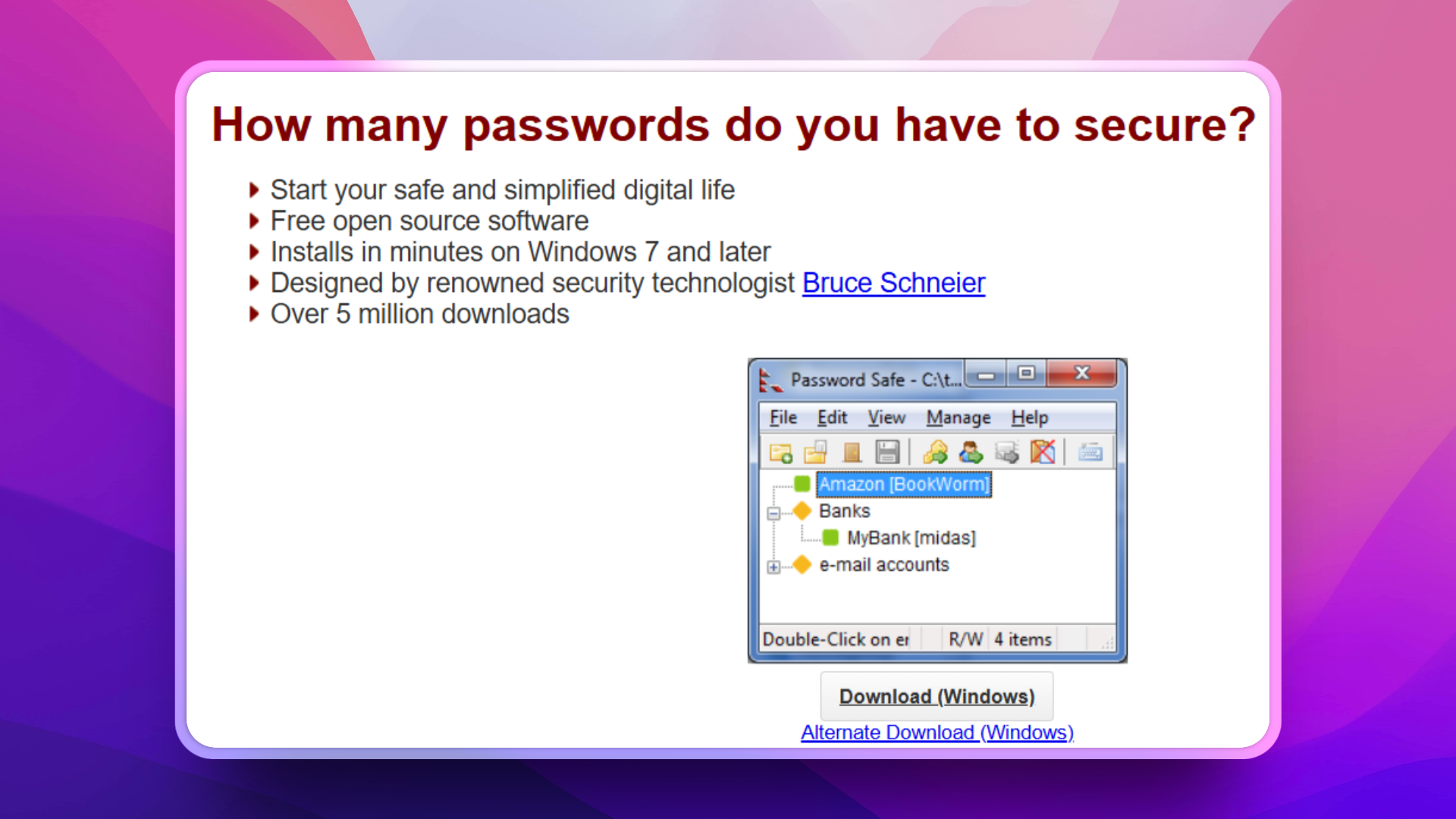
Password Safe stores passwords in an encrypted file unlocked by a single master password.
Password Safe supports Windows, macOS, Linux packages, and FreeBSD.
Password Safe supports Windows, macOS, Linux packages, and FreeBSD.
Features
- Encrypted local database
- Simple clipboard workflow
- Desktop platform support
Recommended for this setup
Strengths
- Focused offline design: Password Safe is intentionally simpler than cloud team vaults. That makes it attractive for users who want local encrypted storage without account infrastructure.
- Security lineage: Password Safe traces back to the original design by Bruce Schneier, which gives the project a clear security-history signal.
Trade-offs
- No built-in cloud convenience: An offline database avoids cloud lock-in but leaves sync, backups, and recovery to the user. Teams needing shared access controls should consider a team password manager.
Tech stack
FAQ
Password Safe stores passwords in an encrypted database file unlocked by one master password.
No. Password Safe is designed around local encrypted password storage rather than a hosted account.
It is better for individual offline vaults. Teams that need sharing, roles, and offboarding should use a team password manager.