
OpenYak
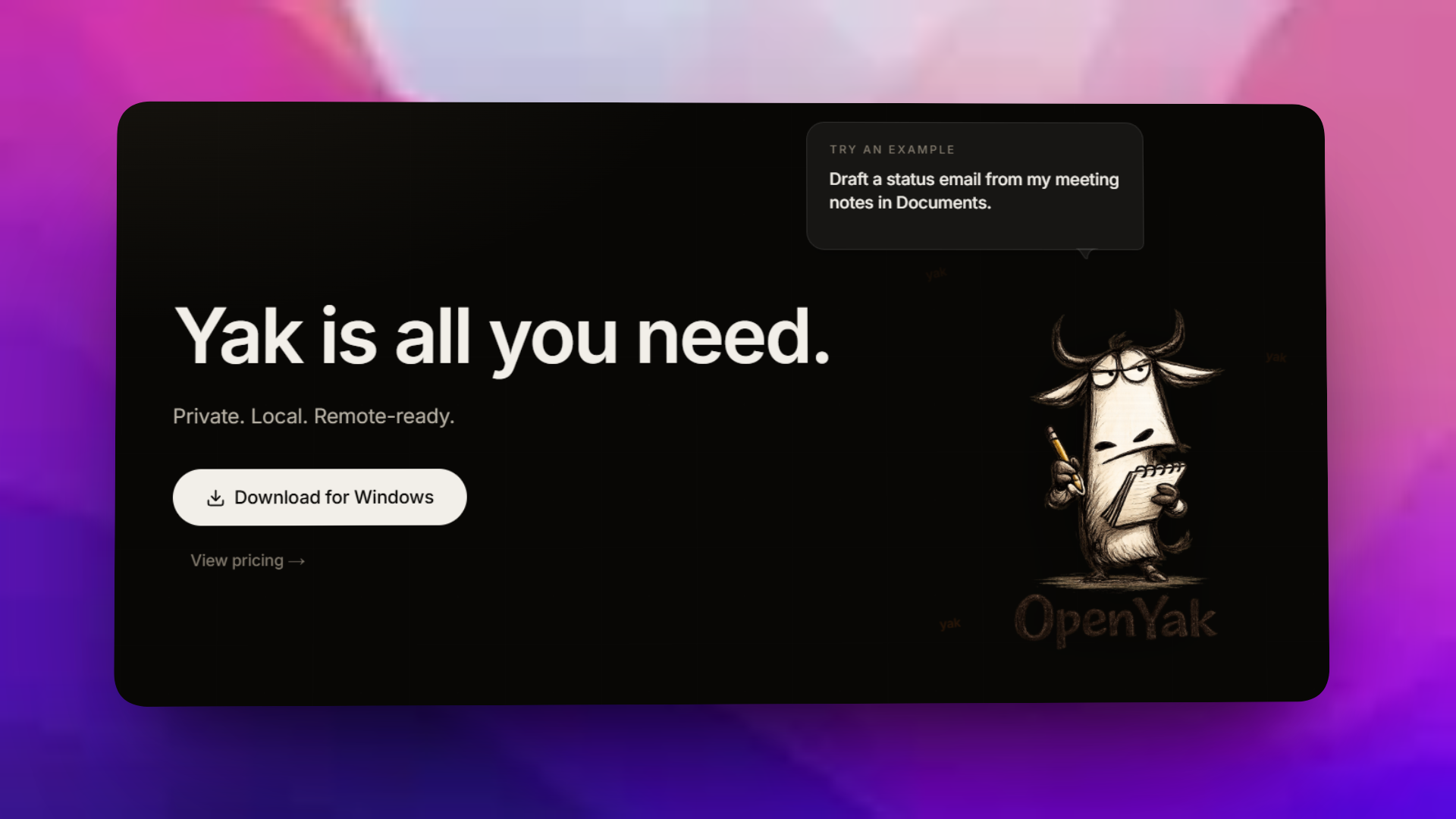
Local AI agent that enhances productivity with your own LLM
Replaces Kimi Work, Zapier Central, Glean Assistant, Lindy Ai
Who it's for
OpenYak fits users who want AI help with local documents while keeping workflow state on their own device.
Your organization requires all AI workflows to run through a centrally managed SaaS admin console.
The local model and BYOK paths make it useful for testing which tasks can stay local and which need a hosted model.
You do not want to manage model runtimes, provider keys, or desktop agent permissions.
The problem
Hosted AI assistants are convenient, but they often pull files, conversations, memory, and workflow state into a vendor account. That creates privacy, billing, and portability concerns for users who want AI help on sensitive local work. Desktop agent workflows need more than a chat box. Users want to attach documents, keep context across long tasks, choose local or cloud models, and produce reusable artifacts without turning every task into a cloud workspace.
How it works
OpenYak keeps files, conversations, memory, generated artifacts, tool permissions, and workflow state on the user's device.
OpenYak supports local models through Rapid-MLX or Ollama and direct BYOK calls to providers such as OpenRouter, OpenAI, Anthropic, and Google.
OpenYak supports DOCX, XLSX, PPTX, PDFs, CSVs, and local project context, then can generate briefs, tables, plans, and reusable artifacts.
Features
- Local-first desktop runtime
- Local or BYOK model choice
- File-centered agent workflows
Recommended for this setup
Strengths
- No account or telemetry requirement: OpenYak states that it requires no OpenYak account and includes no telemetry, which is a strong differentiator against hosted AI workspaces.
- Model boundary control: OpenYak requires no OpenYak account and includes no telemetry, which is a strong differentiator against hosted AI workspaces.
Trade-offs
- Local setup shifts responsibility to the user: Local-first workflows improve control but require users to manage desktop app updates, local model performance, provider keys, and file permissions.
Tech stack
FAQ
No. OpenYak does not require an OpenYak account.
Yes. OpenYak supports local models through Rapid-MLX or Ollama, plus BYOK access to cloud providers.
OpenYak supports DOCX, XLSX, PPTX, PDFs, CSVs, and local project context as inputs for agent workflows.