
Openworkbuddy
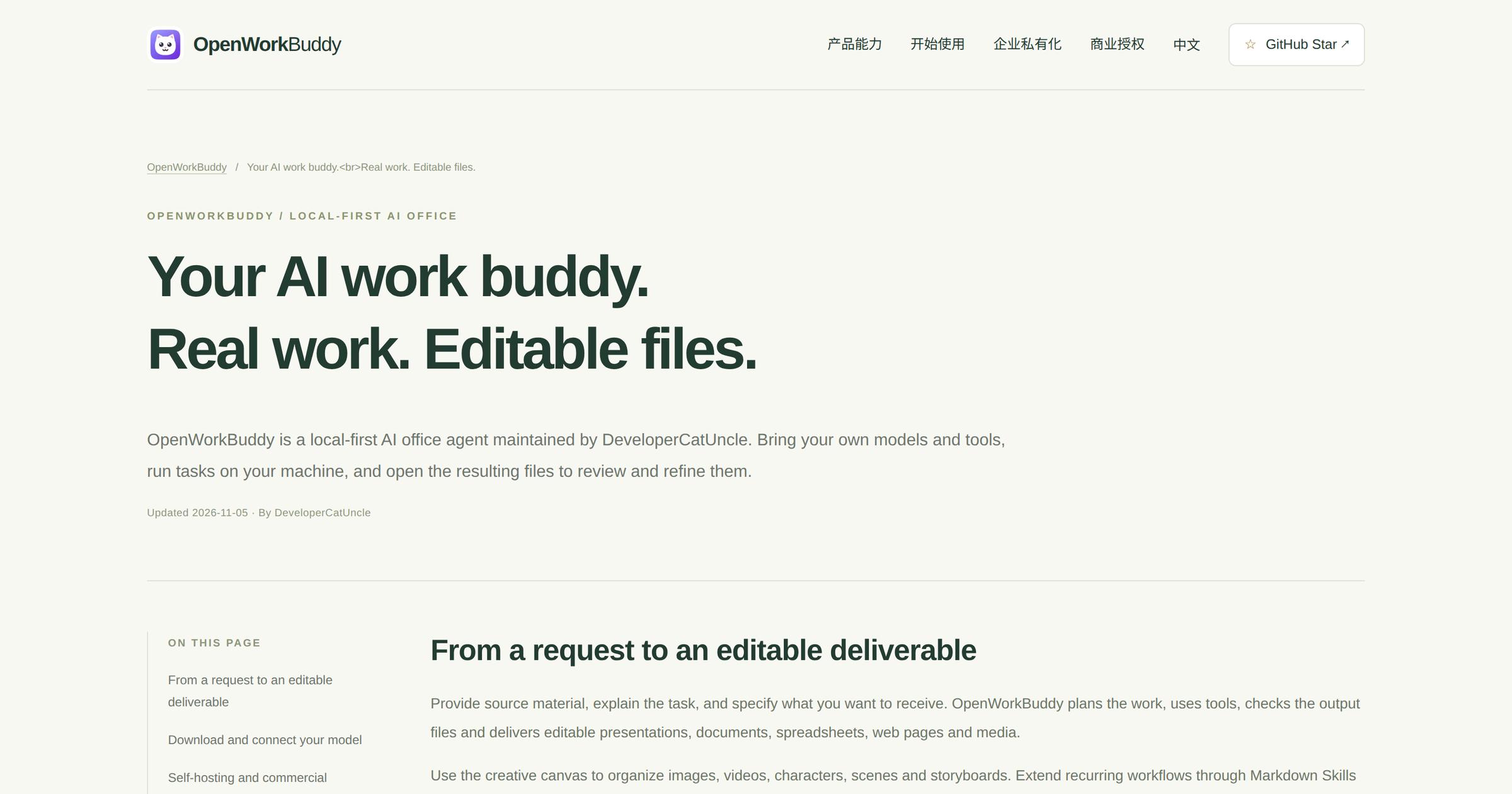
Local-first AI agent delivering editable office files, BYOK
Replaces Microsoft 365 Copilot
Who it's for
If your work involves weekly status reports, project update decks, or data summaries, OpenWorkBuddy turns those into a task description plus a file download. Attach the source data, describe the format and content, and retrieve the .pptx or .docx in the results panel.
Your output is a plain conversational response or a simple text file. OpenWorkBuddy's value is delivering editable structured files; for quick Q&A or summarisation tasks, a standard chat interface is simpler and faster.
Organisations that cannot route document content through a cloud AI vendor, or that want to control model costs per team, can run the Docker server deployment. Each member binds their own API keys; the admin sets quotas and permissions from the management console.
Your organisation has no data-privacy objections to cloud-hosted AI and is comfortable with a managed subscription. Microsoft 365 Copilot's direct integration with existing Office apps is a lower-setup path in that case.
The full agent loop, model routing, tool calling, file verification, and memory system live in one JavaScript repository. Running a real task from start to finish shows the planning cycle, tool dispatch, and progress verification in the execution trace, making it a readable reference for agent patterns.
You need a production-grade agent framework with multi-language support and a mature ecosystem. OpenWorkBuddy is primarily a product: its architecture is readable, but it is not a framework library.
The problem
AI-powered office tools embedded in subscription platforms create two overlapping costs. The first is financial: per-seat fees for Microsoft 365 Copilot add up quickly for small teams or freelancers who need the AI features but cannot justify the full plan cost. The second is data-related: generating a business report, financial model, or client deck through a cloud AI means that document content passes through a vendor's servers as part of the prompt, which creates compliance concerns for teams in regulated industries. The deeper productivity frustration is that most AI assistants return a conversational response rather than a file. A ten-slide presentation from a chat session still requires opening PowerPoint, copying the content, building the slides, and reformatting everything. The manual file assembly step persists even when the AI response is good, and that is the specific pain point OpenWorkBuddy is built to close.
How it works
OpenWorkBuddy generates real .pptx, .docx, .xlsx, and .html files, not formatted chat responses. After each task, the results panel shows the deliverable: you can preview it, download it, and continue editing it by describing further changes in plain language. The agent verifies the file exists and is non-empty before marking the task complete.
Connect to any supported provider by pasting an API key: DeepSeek, Qwen, Kimi, Zhipu, OpenRouter, Ollama, and Volc Engine are listed in the model settings. If you already have Claude Code or Codex installed locally, you can set either as the execution engine and avoid additional API billing entirely.
Save a Markdown file to skills/<name>/skill.md and it activates without a restart, code change, or rebuild. Skills define new workflows or domain-specific instructions that the agent picks up on the next task. This is the documented path for adding capabilities: no plugin packaging required, no marketplace involved.
By default the server binds to 127.0.0.1, so the application is not reachable from the network unless you configure it otherwise. Configuration files and output files stay on your machine. Data reaches a remote server only when a task calls a cloud model API, which you control by choosing which models to connect.
Running bash deploy.sh against your domain provisions Docker containers with automatic HTTPS. The first registered account becomes the super-admin. Admins control which models members can access, set per-user quotas, and revoke access on demand. Linux deployments use bubblewrap for member command sandboxing.
An infinite canvas workspace lets you organise images, videos, and short-form media in connected nodes. The same agent loop that generates documents can produce character reference sheets, scene images, and timed video sequences from a scripted brief, with generation parameters passed between canvas nodes.
Features
- Editable file delivery
- Bring your own AI model
- Skills system for extending capabilities
- Local-first data architecture
- Multi-tenant team deployment
- Creative canvas for media workflows
How to install
Download OpenWorkBuddy for macOS, Windows, or Linux from GitHub Releases: https://github.com/CatCatUncle/openworkbuddy/releases/latest
Recommended for this setup
Strengths
- Full execution transparency: Every agent step, tool call, planning decision, and file verification is logged in the execution trace. You can inspect why the agent made a decision, what tools it called, and latency metrics for each model call. This is different from opaque cloud copilots that return only the final result with no visible reasoning.
- No per-seat subscription cost: Personal and non-commercial use is free under the PolyForm Noncommercial licence. You bring your own API key; model costs are whatever your chosen provider charges, not a bundled markup. Teams that run the Docker server pay for their own compute, not a per-user platform fee.
- CLI and automation support: The openworkbuddy CLI shares the same configuration, skills, memory, and sessions as the desktop application. Single-shot commands exit after completing the task (exit code 0 for success, 1 for failure), so they work in scripts and cron jobs without blocking. Piped input passes source material directly into the task.
- MCP and IM integrations: OpenWorkBuddy supports MCP (Model Context Protocol) tools alongside its built-in toolset. IM integrations with Feishu (Lark), WeChat Work, DingTalk, and QQ allow remote task submission and result delivery through messaging apps, with scheduled tasks that catch up missed runs automatically.
Trade-offs
- Non-commercial licence for companies: Individuals may self-host and use OpenWorkBuddy for free for non-commercial purposes. Any company or commercial use by an individual requires a paid commercial licence from the copyright holder. Companies can evaluate it for up to 30 days at no cost before beginning actual business use. Contact contact@aijentra.com for commercial licensing.
- macOS installer not Apple-notarized: The macOS release package is locally signed but has not passed Apple notarization as of version 0.19.2. First-time installation requires going to System Settings > Privacy and Security > Open Anyway after the initial blocked-app prompt. The README documents the exact steps for the 'damaged app' variant as a separate case.
- Early-stage project, first released August 2026: The first public release appeared in August 2026, giving the project a limited track record. It has 9 open issues and is under active development with releases shipping multiple times per week. Some documented features such as specific video generation APIs are listed as requiring prior self-testing before production use.
Tech stack
FAQ
The PolyForm Noncommercial licence allows individuals to self-host at no cost for personal, non-commercial use. Companies and individuals doing paid work need a commercial licence; a 30-day free evaluation is available for companies considering it. Contact contact@aijentra.com for commercial licensing.
The settings panel lists presets for OpenAI, Anthropic, OpenRouter, DeepSeek, Qwen (Tongyi), Zhipu, Kimi, Volc Engine (ByteDance), and Ollama. If you have Claude Code or Codex installed locally, you can set either as the execution engine from the agent settings, which uses your existing subscription and avoids additional API billing. Model costs are charged by whichever provider you configure; OpenWorkBuddy does not bill separately for model usage.
OpenWorkBuddy itself runs locally and does not require a network connection to start or manage files. Task execution that calls a cloud model API requires a network connection to that provider. Using Ollama as the model engine allows fully offline task execution on a machine with enough RAM for the local model weights.
Clone the repository and run bash deploy.sh --domain your.domain.com. The script provisions Docker containers with automatic HTTPS. The first registered account becomes the super-admin. Admin controls include per-member model permissions, usage quotas, and access revocation. Linux team deployments require bubblewrap for the member command sandbox; the deploy script checks for it and blocks member commands if it is not installed.
OpenWorkBuddy delivers PPTX (PowerPoint-compatible), DOCX (Word-compatible), XLSX (Excel-compatible), and HTML pages. HTML output can be opened directly in a browser or deployed to static hosting. The results panel lets you preview each file before downloading it. For media workflows on the creative canvas, the agent can also produce images and video sequences depending on the model capabilities you configure.