
Jitsi
Free video conferencing you can self-host with no account needed
Replaces Zoom, Microsoft Teams, Google Meet
Who it's for
Use Jitsi when a community needs browser-accessible video rooms under its own domain or operating rules.
Skip it if the priority is enterprise admin policy, managed compliance exports, and vendor support.
Use Jitsi when video calls belong inside your product instead of in a separate meeting app.
Skip it if you need a managed video SDK with guaranteed support contracts and usage-based SLAs.
The problem
Video meetings are now core infrastructure, but hosted meeting suites create lock-in around accounts, recordings, moderation controls, and pricing. Communities, schools, events, and product teams often need a meeting room without forcing every participant into a specific vendor ecosystem. The issue gets sharper when video is part of a product experience. Embedding meetings, controlling branding, or enforcing private deployment rules can be awkward when the meeting vendor owns the entire room lifecycle.
How it works
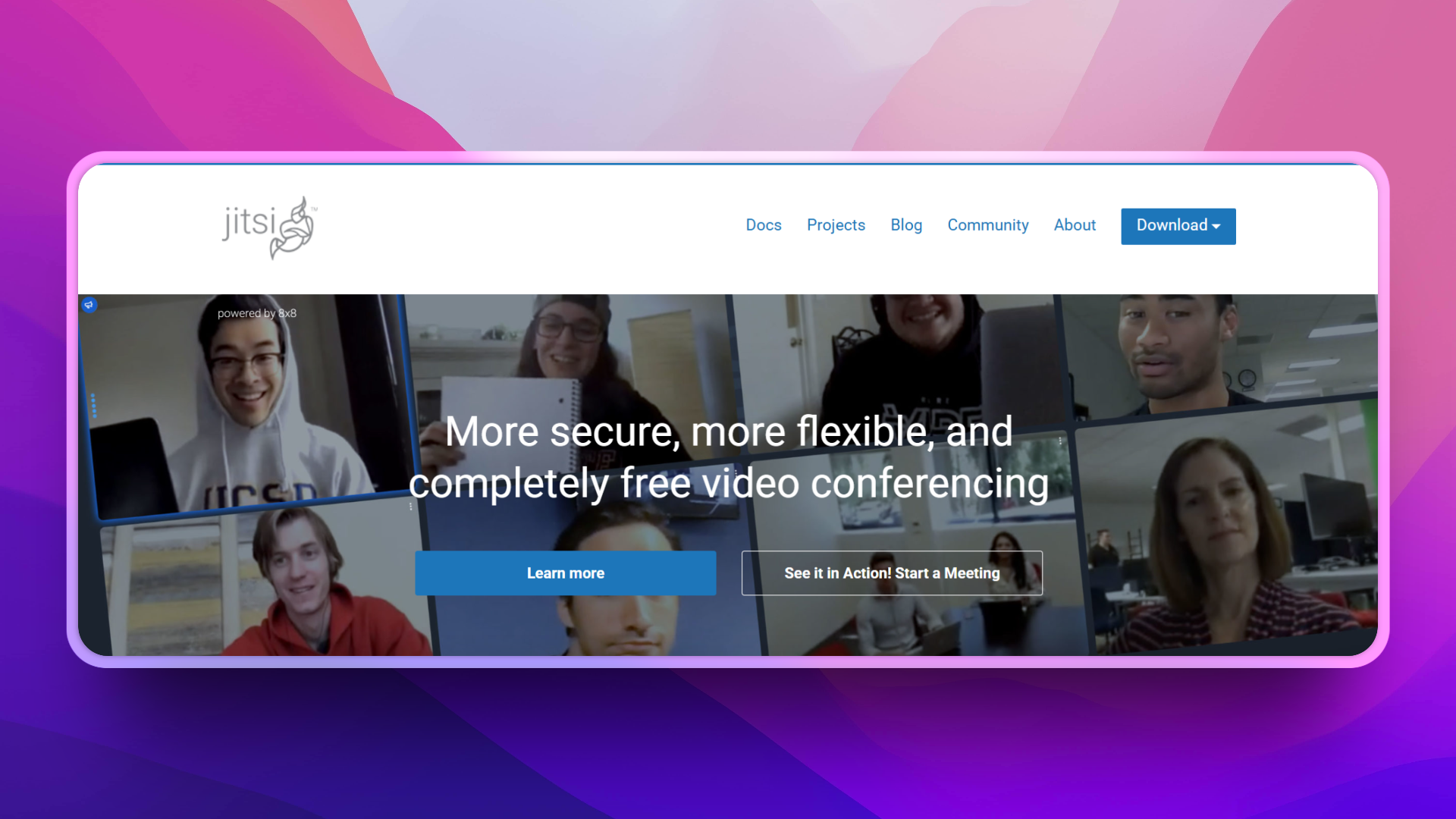
Participants can join meetings from a browser with video, audio, chat, and screen sharing. That lowers friction for external guests who should not need a corporate account before joining a call.
Developers can embed Jitsi meetings into web products and community portals. This fits tutoring apps, support rooms, telehealth prototypes, and event spaces that need video inside an existing workflow.
Teams can operate their own Jitsi deployment when they need control over domain, moderation settings, and infrastructure. That is a different tradeoff from buying hosted Zoom accounts for every use case.
Features
- Browser-based meetings
- Embeddable video rooms
- Self-hosted meeting infrastructure
Recommended for this setup
Strengths
- Open video stack under Apache-2.0: Apache-2.0 licensing gives teams a permissive base for modification and commercial use. Product teams can evaluate Jitsi as video infrastructure instead of treating meetings as a closed vendor feature.
- Flexible fit for communities and products: Jitsi works for public community rooms, private team meetings, and embedded product calls. That range is useful when the same organization needs more than a standard calendar-linked meeting app.
Trade-offs
- Video infrastructure is demanding: Self-hosted Jitsi requires real operations work: bandwidth, TURN/STUN configuration, moderation choices, and monitoring. Zoom or Microsoft Teams will be simpler when you only need managed corporate meetings.
Tech stack
FAQ
Jitsi can replace Zoom or Microsoft Teams for browser-based meetings, especially when teams need self-hosting or embedded rooms. It does not replace the full Microsoft 365 or Google Workspace collaboration suite.
Yes. Jitsi Meet can be self-hosted, though production deployments need networking, bandwidth, and operational care. Teams can also use hosted Jitsi options when they do not want to run the stack.
Jitsi Meet is Apache-2.0 licensed. That permissive license allows commercial use, modification, and redistribution with standard notice requirements.