
HA-MCP
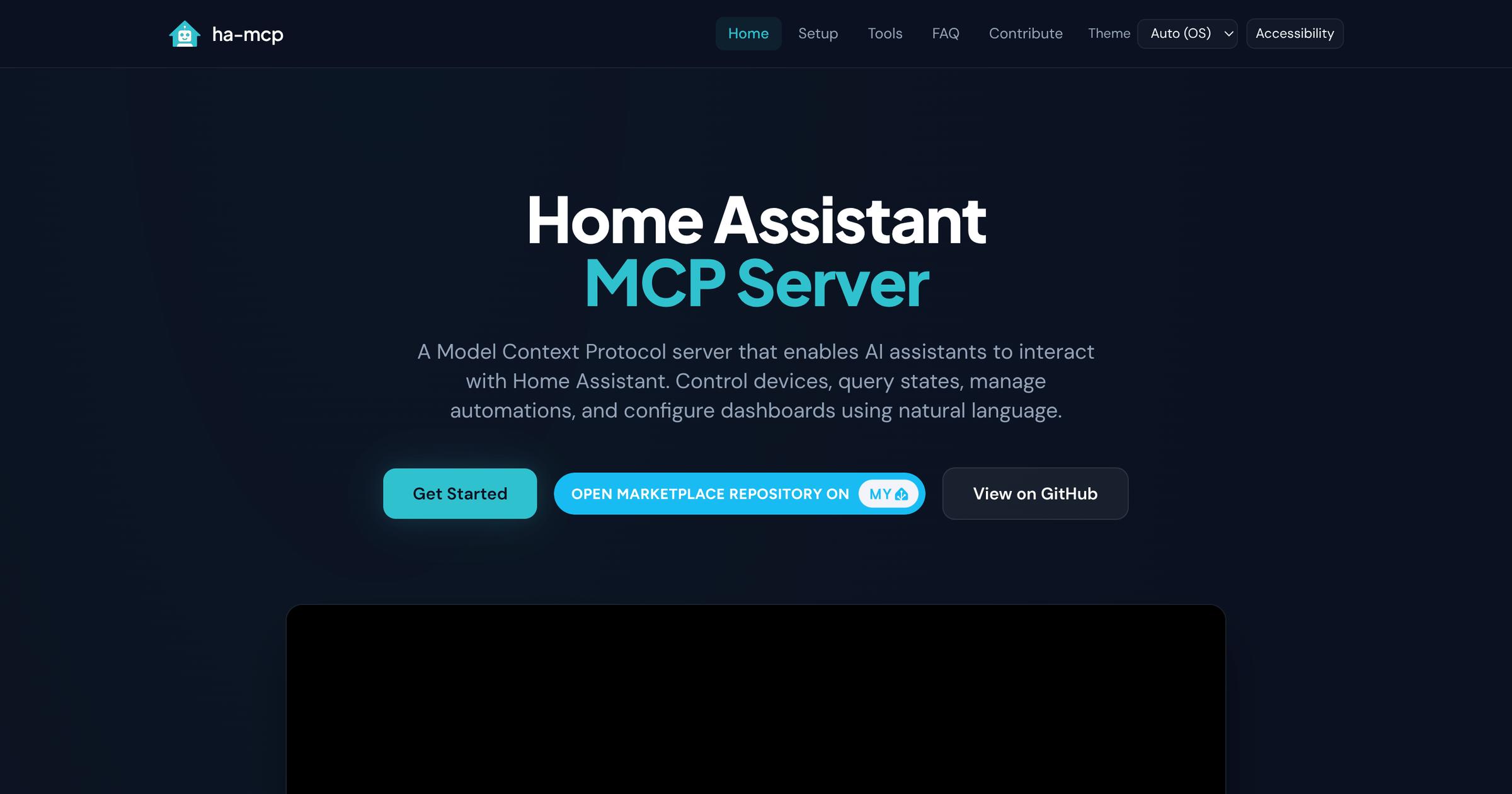
Natural language Home Assistant control via MCP, MIT licensed.
Replaces Josh Ai
Who it's for
Ha-mcp lets you describe automations in plain language and have an AI assistant create the YAML, trigger-action structure, and entity references. When an automation breaks, you can ask the AI to analyze the execution trace and suggest fixes, rather than reading logs manually.
You prefer writing YAML directly and have no interest in AI-assisted configuration. Ha-mcp adds an AI interaction layer on top of Home Assistant's native UI; it does not replace the UI or change how HA stores automations internally.
Ha-mcp includes tools to add and modify Lovelace dashboard cards through conversation. Users managing multiple rooms and dashboards can describe what they want without learning Lovelace config syntax, and the AI handles the underlying JSON structure.
Your Home Assistant setup is small and you are comfortable with the native dashboard editor. The AI interaction adds value mainly when editing configurations manually becomes tedious at scale.
Ha-mcp ships 87 tools across six categories, implements multiple transport options (streamable HTTP and stdio), handles remote access and authentication patterns, and uses FastMCP as its server framework. It is a production-grade reference implementation for anyone learning how to build MCP servers for real, complex domains.
You need a minimal tutorial-sized MCP example. Ha-mcp's surface reflects Home Assistant's breadth; its complexity is not representative of a simple MCP server.
The problem
Home Assistant covers hundreds of device integrations and supports complex automations, but daily operation requires knowing YAML syntax for automations, Lovelace config for dashboards, and entity naming for scripts. Creating a new automation means writing triggers and actions by hand or navigating nested menus. When an automation breaks, tracing the problem requires reading execution logs manually. Users who want to control their smart home through natural language have few good options in this environment. The professional AI smart home systems on the market require paid hardware installs and lock home automation into a proprietary stack. Building automations in Home Assistant through conversation is not natively supported.
How it works
Ha-mcp ships 87 tools organized into Search (fuzzy entity search, deep config search, system overview), Control (any service call, bulk device operations, real-time state tracking), Manage (automations, scripts, helpers, dashboards, areas, zones, groups, calendars), Monitor (history, statistics, camera snapshots, automation traces), System (backup and restore, updates, apps, device registry), and Safety (Read Only Mode, per-tool enable and disable, tool security policies, auto edit backups).
The recommended install runs ha-mcp as an in-process HACS custom component inside Home Assistant, working on every installation type: OS, Supervised, Container, and Core. On Home Assistant 2026.11+, it is available directly from the built-in Marketplace with no GitHub account or custom repository required. The HA-MCP sidebar panel handles server management, tool configuration, and backups.
Ha-mcp works with Claude Desktop, Claude.ai, ChatGPT, Cursor, GitHub Copilot, Open WebUI, VSCode, Gemini CLI, and more than 15 other MCP-compatible clients. A Setup Wizard on the official docs site generates the exact connection config for each client, covering both local and remote setups.
Beyond the HACS integration, ha-mcp runs as a Home Assistant add-on (apps), a Docker container, or a uvx PyPI package for hosting outside Home Assistant. Remote access works through Nabu Casa, a reverse proxy, or OIDC authentication against an external identity provider. Each path exposes the same 87-tool surface through a secret URL.
Safety features include a Read Only Mode that prevents writes, per-tool enable and disable switches, and tool security policies requiring user approval for sensitive operations. Automatic edit backups capture the config-entry identity and entity mapping for template helpers and integration options before any change, with a restore path if needed.
Features
- 87 Tools Across Six Capability Categories
- HACS and Marketplace Integration
- Works with 15+ AI Clients
- Multiple Deployment Paths
- Safety Controls and Edit Backups
How to install
Install the HA-MCP integration inside Home Assistant: from HACS on Home Assistant 2026.8 to 2026.10, or from Settings > Marketplace on 2026.11 and newer. To run the server on a separate host instead (Container or Core installs), pull the published Docker image and generate its configuration in the Setup Wizard at https://homeassistant-ai.github.io/ha-mcp/setup/.
docker pull ghcr.io/homeassistant-ai/ha-mcpThe PyPI package runs the same HTTP server without Docker:
uvx ha-mcp@latestRecommended for this setup
Strengths
- MIT Licensed with No Subscription: Ha-mcp is MIT licensed and free to self-host. Unlike proprietary smart home AI platforms that charge for hardware and professional installation, ha-mcp runs on existing Home Assistant infrastructure at no additional cost. No subscription, no vendor lock-in, and no data leaving your network when running in local-only mode.
- In-Process Server Needs No Separate Host: The recommended HACS custom component runs the full server in-process inside Home Assistant, requiring no separate host, container, or port to manage. Because it runs inside HA, it has direct access to every integration and entity, and remote access is handled through the existing Home Assistant webhook infrastructure.
- Broad AI Client Compatibility: Ha-mcp works with any MCP-compatible client, covering Claude, ChatGPT, Cursor, Copilot, Open WebUI, VSCode, and more. This contrasts with proprietary smart home AI systems that integrate a single AI provider. Users can switch AI clients or run multiple clients against the same ha-mcp server.
- Active Maintenance and Community Adoption: Ha-mcp has 6,682 GitHub stars, 432 forks, and 8 open issues (pull requests excluded) as of November 11, 2026. Created in September 2025, the project has received consistent code updates through its first year, with the most recent push on November 11, 2026. A low open issue count on a repository with this level of adoption points to regular triaging.
Trade-offs
- stdio Transport Has Known Connection Problems: The README explicitly notes that the stdio transport has connection problems that streamable HTTP does not (issue #1713). It is recommended only for demo and testing use. For any production setup, the HACS integration, add-on, Docker, or uvx HTTP path is required; a stdio-only config will likely see intermittent hangs.
- HACS Integration Requires Home Assistant 2026.8.0 or Newer: The HACS custom component requires Home Assistant 2026.8.0 or newer. Users on older Home Assistant versions need the add-on (apps) path on OS and Supervised installs, or Docker and uvx on Container and Core installs, which adds extra setup steps.
- Remote Access Needs Nabu Casa or a Reverse Proxy: Using ha-mcp outside the local network requires either a Nabu Casa subscription, a reverse proxy already pointing at Home Assistant, or the community OpenAI Tunnel integration for ChatGPT specifically. Users running fully local setups with no cloud connection will not get remote access without additional networking configuration.
Tech stack
FAQ
No. Ha-mcp is MIT licensed and free to self-host. No subscription is needed for the tool itself or the HACS integration. If you use Claude.ai or ChatGPT as your AI client, their standard plans (including free tiers) apply separately, but those are independent of ha-mcp.
The recommended install is the HACS custom component, which runs the full server in-process inside Home Assistant and works on every installation type (OS, Supervised, Container, Core). On Home Assistant 2026.11+, it is available from the built-in Marketplace. Installation takes three steps: install from HACS or Marketplace, restart Home Assistant, then add the HA-MCP Server integration and copy the connect URL from the Configure screen.
Yes, via two paths in the HACS integration: a Home Assistant webhook URL accessible through Nabu Casa or any reverse proxy already pointed at HA, and direct network access on the local LAN. For ChatGPT users who cannot expose a public URL, the community OpenAI Tunnel integration handles outbound-only tunnel connections. The add-on path uses the Webhook Proxy app for remote access.
Ha-mcp works with Claude Desktop, Claude.ai, ChatGPT, Cursor, GitHub Copilot, Open WebUI, VSCode, Gemini CLI, and more than 15 other MCP-compatible clients. A Setup Wizard on the official docs site generates the exact connection configuration for each client, covering both local and remote setups.
Yes. By default, the HACS integration starts with both remote access and local network access disabled. Enable only the local network access option to keep ha-mcp reachable on your LAN while preventing external access. No data leaves your network in local-only mode.