Gopass
GPG-encrypted CLI password manager with Git versioning for teams
Replaces 1password, Bitwarden, Keeper Security, Hashicorp Vault
Who it's for
Teams storing AWS keys, API tokens, and database passwords can version-control all secrets alongside their code workflow. The Git backend means secrets history integrates with existing development tooling, and the terminal-native interface fits existing shell scripts and CI setups.
You need a GUI, mobile app, or non-technical team members to access secrets. Gopass is CLI-first; non-technical users will find the setup and daily workflow difficult.
Gopass operates without network access, so secrets stored locally remain accessible on disconnected machines. No account is required and no cloud service is needed. Sync happens on demand when the machine comes online and you choose to run git push.
Your team needs automatic background sync across devices without running git push manually. Gopass sync is explicit and does not happen automatically in the background.
For developers comfortable with GPG and Git, gopass gives full data ownership, no subscription fees, and terminal-native access from any shell session. The MIT license permits commercial use and modification without restriction.
You share passwords with non-technical family members or need a managed mobile experience. Bitwarden's free tier handles mixed-technical households better.
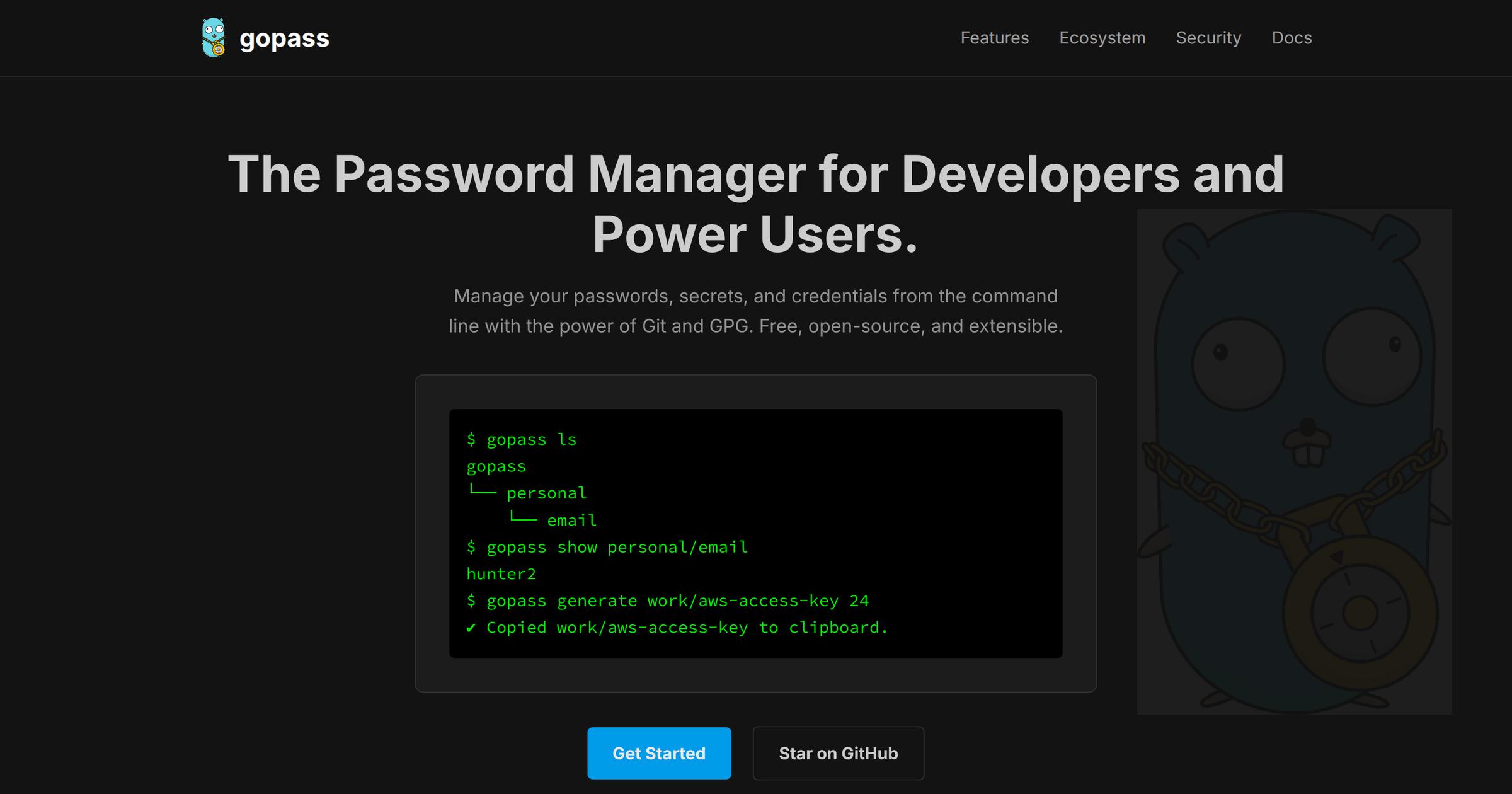
The CLI interface makes gopass scriptable. Pipelines retrieve secrets with gopass show -o and pipe them directly into environment variables or config files without storing plaintext in scripts or environment files.
You need dynamic secrets with automatic expiry or revocation, such as database credentials that rotate. HashiCorp Vault is purpose-built for that; gopass stores static secrets only.
The problem
Most password managers store your secrets on a third-party server. For individuals this is an acceptable tradeoff, but for teams handling infrastructure credentials, API keys, and deployment secrets, it means trusting a commercial service with the keys to your production systems. Paid managers like 1Password and Bitwarden charge per-seat fees that add up for large teams, enforce their own sync mechanisms, and create a central point of failure. For developers and sysadmins who live in the terminal, switching to a GUI to fetch a password interrupts workflow. The standard UNIX approach of storing secrets in flat files adds no encryption or versioning. What teams need is a way to store secrets where they already store code, versioned in Git with encryption and a full audit trail of who changed what and when.
How it works
Gopass encrypts each entry with one or more GPG public keys. Only recipients with the matching private key can decrypt. An age backend is available for teams that prefer age's simpler key management. Private keys never leave your machine; there is no central server that holds them.
Every add, change, and delete creates a Git commit. You get a complete history of modifications with timestamps and authors. Syncing is a standard git push or git pull to any remote you control: a private server, GitLab, or a shared Git host.
Add a teammate's GPG public key as a recipient, and gopass re-encrypts the relevant entries for them. Shared stores let distributed teams maintain credentials without a centralized account system. Removing a recipient revokes their future access to any re-encrypted entry.
The gopass-bridge extension for Firefox and Chrome connects your browser to your local gopass store for password autofill. Passwords are retrieved from your encrypted local store without being sent to a cloud service.
Gopass runs on Linux, macOS, BSD, and Windows with the same interface and store format. It operates fully offline on an air-gapped machine, with no network access required unless you choose to sync a Git remote.
Features
- GPG and Age Encryption
- Git-Versioned Secret Store
- Multi-User Team Sharing
- Browser Extension via gopass-bridge
- Cross-Platform CLI with Offline Support
How to install
Install gopass with Homebrew on macOS or Linux, or use your system's native package manager.
brew install gopassRecommended for this setup
Strengths
- MIT License with No Server Required: Gopass is MIT licensed. You own the store, run it on your own infrastructure, and there are no licensing fees or seats to manage. Unlike 1Password or Keeper Security, there is no central server to trust or account to maintain.
- Full Audit Trail via Git: Every change to the secret store is a Git commit. Teams can audit exactly who changed which secret and when, using standard git log. This level of traceability is not available in most commercial password managers without an enterprise plan.
- Offline and Air-Gap Support: Gopass works without network access. You can run it on an air-gapped machine, sync only when you choose, or never connect to a remote at all. The store is files on disk, not an account in a cloud service.
- Drop-In Replacement for pass: Gopass is a compatible drop-in replacement for the standard UNIX pass format. Existing pass stores work directly with gopass, and teams migrating from pass gain additional features (team sharing, browser integration, improved CLI) without a full data migration.
Trade-offs
- GPG Key Setup Required: Gopass requires a GPG key pair before you can initialize a store. For users unfamiliar with GPG, generating keys, setting expiry dates, and distributing public keys to teammates is a non-trivial setup step. The documentation covers it, but it is a steeper on-ramp than creating an account with a managed password manager.
- CLI-Only Core Experience: The primary interface is the command line. While gopass-bridge adds browser autofill, there is no native GUI or mobile app. Teams that need polished cross-device graphical access will find gopass more demanding than managed alternatives like Bitwarden.
- Team Sharing Requires Key Distribution: Adding a new team member requires exchanging GPG public keys and triggering re-encryption of relevant entries. This process is explicit and auditable, but it is a manual step that account-based services automate. For teams without existing GPG infrastructure, the initial setup effort is noticeable.
Tech stack
FAQ
Yes. Gopass is MIT licensed and free for any use, including commercial team deployments. There is no paid tier, no seat count, and no account required. You can inspect the source code, fork it, and modify it without restriction.
No. Gopass stores secrets as encrypted files in a local directory. Git sync is optional; you push to any remote you choose (GitHub, GitLab, a private server, or nothing at all). The store works fully offline without network access.
Each team member has a GPG key. You add their public key as a recipient in the shared store, and gopass re-encrypts the relevant entries for them. Changes sync via git push and pull. Adding or removing a recipient triggers re-encryption of all affected entries.
The default encryption backend is GPG, but gopass supports an age backend as an alternative. Age uses simpler key management while still providing strong encryption. The backend is set at store initialization: run gopass setup with the --crypto=age flag to use it instead.
Both can be self-hosted, but they differ in architecture. Bitwarden runs a server with a database, web UI, and mobile apps; gopass stores secrets as GPG-encrypted files in a directory, with Git for sync. Gopass has no server to maintain, but also no web UI or mobile app. Bitwarden (or Vaultwarden) is the better choice when you need web or mobile access for a broader team.