
Fortify
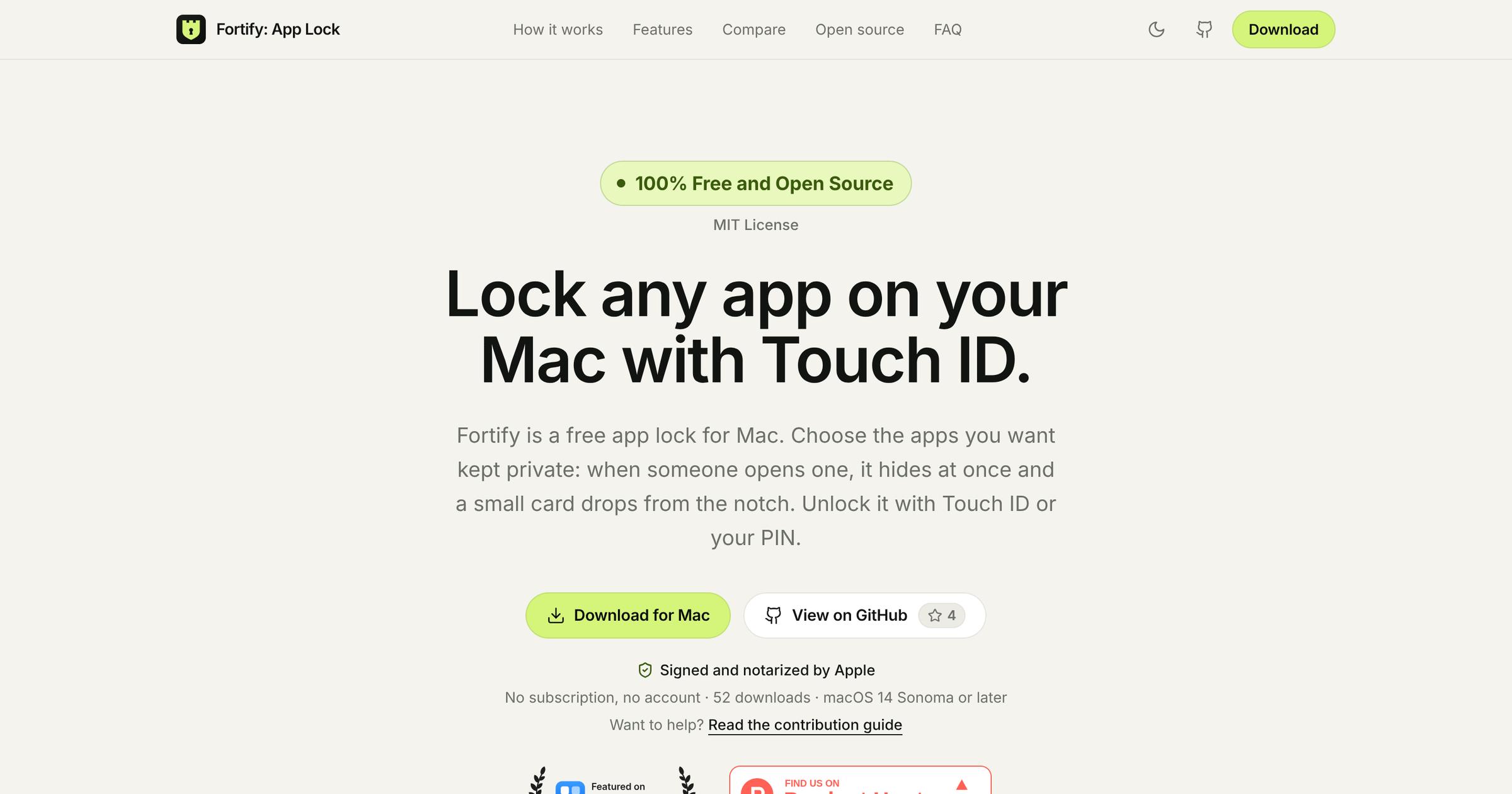
Per-app Touch ID or PIN lock for macOS, local-first and open source
Replaces Appcrypt, Lockish
Who it's for
Parents who want to keep mail and messages private while letting a child use the Mac for homework or browsing. The lock card appears instantly, Touch ID makes unlocking fast when you return, and automatic relocking means you do not need to remember to re-secure apps.
If you share your Mac regularly with the same person, giving them their own macOS user account provides better isolation without asking them to unlock your apps.
Locking mail, messages, and notes before a client demo keeps private conversations out of sight when sharing a screen or handing over the keyboard. Lock All from the menu bar secures every protected app in one click before the session starts.
If the demo is entirely remote screen-sharing with no physical handoff, per-app locking adds no benefit.
Fortify's zero-network, zero-account design suits users who do not want app locking software to phone home or require a vendor login. The MIT license lets them inspect and build from source if they want to verify behavior independently.
If the concern is preventing someone with the Mac password from accessing data, Fortify does not solve that; FileVault and separate user accounts do.
The problem
When you hand your Mac to someone else, there is no built-in way to block access to specific apps while leaving everything else usable. Switching to a separate macOS user account is the right answer for long-term sharing but overkill for a quick handoff; it breaks your active work session and asks the other person to navigate an unfamiliar account. Locking the screen protects the whole Mac but requires your password to unlock it, which defeats the purpose of a brief handoff. The result is a gap. Your mail, messages, notes, and browser are open to anyone who sits down at your keyboard. Per-app locking tools exist in the paid market, but they typically require a text password that bypasses Touch ID, or they tie the license to a vendor account that makes no sense for a simple privacy utility.
How it works
Covers any locked app the moment it opens with a full-screen lock card from the notch. Unlock with Touch ID for one-tap access, or a 4 or 6 digit PIN that works even with the MacBook lid closed. The PIN is stored as a PBKDF2-SHA256 hash in the app's local preferences. Nothing is sent off-device.
Relocks when you minimize, hide, or close an unlocked app, when your Mac sleeps, or when the screen locks. No manual step is needed to re-secure apps after using them. Once you walk away or close the lid, the lock is back in place.
The lock card appears even when a locked app is running in full-screen mode or on a different desktop space. The app stays hidden until you authenticate, with nothing showing through on any display configuration.
Press Control+Command+L in any unlocked app to lock it immediately and return to the app you were in before. The shortcut is configurable in Settings and can be turned off. This covers situations where you need to lock quickly without visiting the menu bar.
One click in the menu bar locks every protected app at once. Covers situations where you need to step away and want all sensitive apps secured without unlocking your Mac first. The menu bar icon is always accessible regardless of which app is in focus.
Locks Progressive Web Apps installed from Chrome, Brave, Edge, or Safari, alongside native macOS apps. Apps are grouped by category (browsers, messaging, web apps, and more) and can be displayed as a list, card view, or grid. Right-click any app to move it to a different category.
Features
- Touch ID and PIN unlock
- Automatic relocking
- Full-screen and multi-desktop coverage
- Keyboard lock shortcut
- Lock All from the menu bar
- Web app and native app support
How to install
Download the signed macOS installer from GitHub Releases: https://github.com/aadityesh/fortify/releases/latest
Recommended for this setup
Strengths
- MIT license, no cost and no account: Fortify is MIT licensed and completely free. No subscription, no license key, and no vendor account are required. The full source is on GitHub. Unlike AppCrypt and Lockish, which are paid commercial tools, Fortify has no purchase barrier and no commercial license terms.
- Zero network access by design: Fortify makes no network connections. No analytics, no telemetry, and no update checks are collected or transmitted. The PIN is stored only as a PBKDF2-SHA256 hash in the app's local preferences. A compromised network connection cannot expose your credentials.
- Signed and notarized Apple installer: The release is signed with a Developer ID and notarized by Apple. macOS opens it like any App Store app, with no Gatekeeper warnings and no need to override security settings. The source is also on GitHub for users who want to audit or build it themselves.
Trade-offs
- Privacy lock, not a security barrier: Fortify is designed for social situations such as lending your Mac to a friend or colleague. It is not encryption. Someone with access to your macOS account and enough time can force-quit the Fortify process or read app data directly from disk. For genuine data security against account-level access, FileVault full-disk encryption and separate macOS user accounts are the right tools.
- macOS 14 Sonoma or later required: Fortify requires macOS 14 Sonoma or later on Apple Silicon or Intel. Macs running macOS 13 Ventura or earlier cannot use it. There is no Windows or cross-platform version.
- Very new project with minimal community adoption: Fortify was created in October 2026 and has minimal community adoption at this stage. The app is signed, notarized, and accompanied by thorough documentation, but long-term maintenance and issue response are unproven.
Tech stack
FAQ
Yes. Fortify is MIT licensed and free, with no subscription or vendor account. The signed installer is available from GitHub Releases, and the full source code is in the same repository under the MIT license.
Yes. A 4 or 6 digit PIN always works as the unlock method, even with the MacBook lid closed. Touch ID is optional. If your Mac does not have a Touch ID sensor, or if the lid is closed, the PIN is the fallback unlock method.
Yes. Fortify is a privacy lock for social situations, not a security barrier against account-level access. Someone with the Mac password and enough time can force-quit the Fortify process or read app data from disk. For genuine data protection against that threat, Apple's FileVault and separate macOS user accounts are the right tools. Fortify covers the more common situation of lending your Mac briefly and wanting quick per-app privacy.
Fortify requires macOS 14 Sonoma or later, on both Apple Silicon and Intel Macs. macOS 13 Ventura and earlier are not supported.
The Accessibility permission lets Fortify hide locked apps when they open and notice when an unlocked app is minimized or closed. It observes which windows are open, not their content. No app data or screen content is read by Fortify.