
ComfyUI-Copilot
Build and debug ComfyUI image workflows using natural language
Replaces —
Who it's for
Use ComfyUI-Copilot when manual node setup slows down image-generation experiments or production workflow changes.
You prefer a hosted image generator with no node-graph control.
Use ComfyUI-Copilot when many graph variants need to be assembled and debugged quickly inside ComfyUI.
Your workflow is already fixed and simple enough that assistant overhead adds little value.
The problem
ComfyUI is flexible, but node graphs can be intimidating. Users need to know which nodes exist, how they connect, what parameters matter, and why a workflow fails before they can get useful output. That slows down both beginners and experienced creators. Even when someone understands the image they want, translating that intent into a correct graph can take repeated trial, error, and debugging.
How it works
ComfyUI-Copilot helps turn a text description into a ComfyUI workflow, reducing the amount of manual node selection and wiring required.
The plugin can help diagnose broken or inefficient ComfyUI graphs, which is useful when node connections or parameters produce unexpected results.
Because it is built for ComfyUI, the assistant works in the existing node-graph environment rather than sending users to a separate image-generation app.
Features
- Natural-language workflow creation
- Workflow debugging assistance
- ComfyUI plugin integration
Recommended for this setup
Strengths
- Fits existing ComfyUI users: ComfyUI-Copilot improves the workflow users already have instead of replacing ComfyUI with a hosted image tool or a separate prompt interface.
- Reduces graph setup friction: Natural-language assistance can shorten the path from creative intent to working node graph, especially for complex or unfamiliar workflows.
Trade-offs
- Dependent on ComfyUI knowledge and setup: The plugin helps with workflows, but users still need a working ComfyUI installation and enough understanding to review generated graphs and outputs.
Tech stack
FAQ
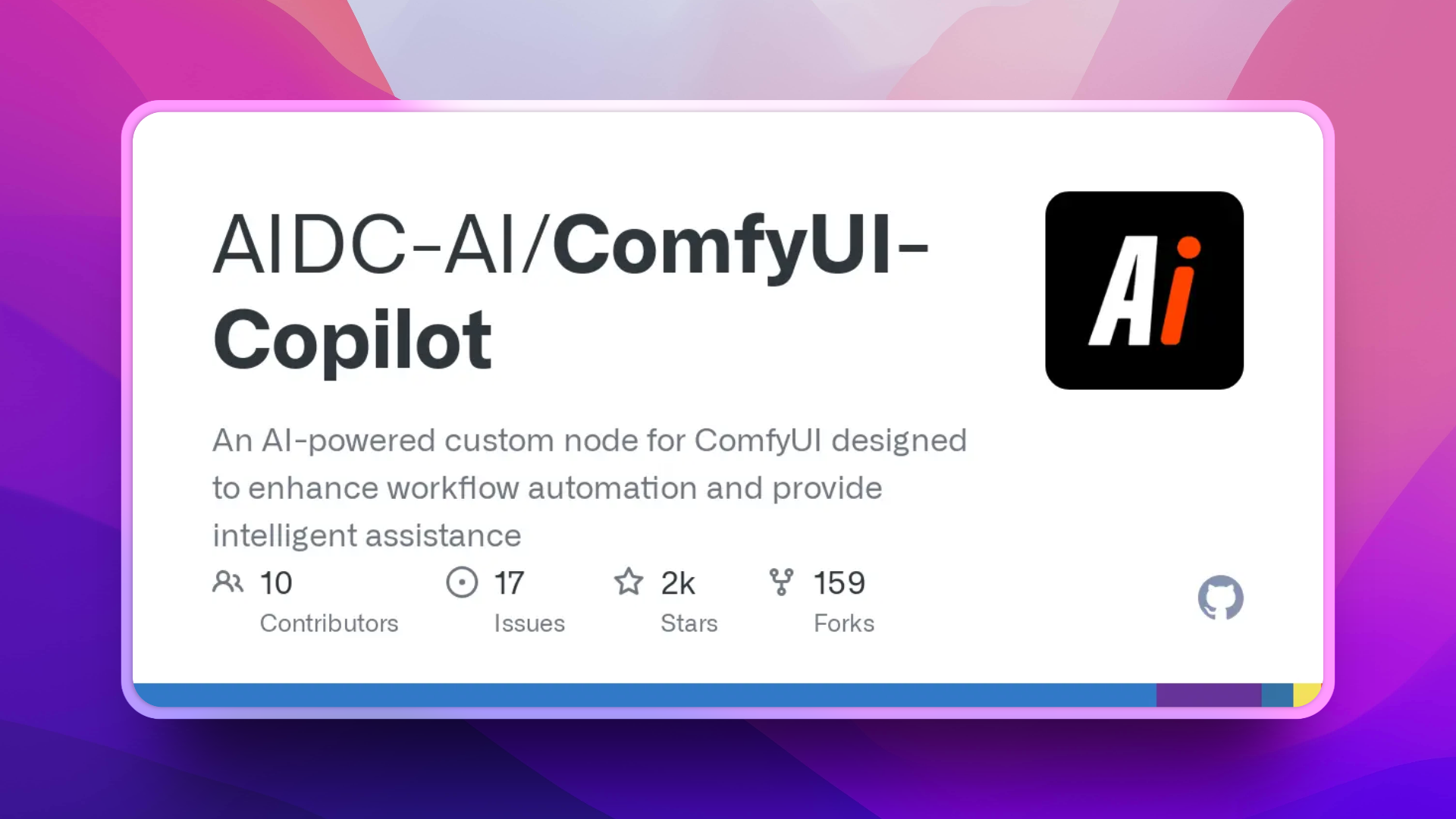
ComfyUI-Copilot is an assistant plugin that helps create, debug, and optimize ComfyUI node workflows using natural-language guidance.
No. It works with ComfyUI and helps users operate the existing node workflow more quickly.
It fits ComfyUI users who want help building or troubleshooting node graphs, especially when workflows become complex.