
Claude Quickstarts
MIT-licensed quickstarts for Claude agents, bots, and browser tasks.
Replaces —
Who it's for
The quickstarts provide working patterns for the most common integration types: a tool-using agent, a chat bot, and browser automation. Each example includes the boilerplate that documentation pages skip: session lifecycle handling, error patterns, and environment variable setup.
If your use case is a simple single-turn prompt completion (send a message, get a response), the Claude API documentation is sufficient without a reference project.
The Managed Agents quickstarts show how to wire Claude into tools your team already uses: Slack, Linear, GitHub, and Sentry. Each integration uses a webhook bridge with no long-lived connections or databases, making it straightforward to add alongside an existing backend.
If your team needs a no-code or low-code path to AI integration, the quickstarts require reading and adapting code; a managed bot platform may be faster.
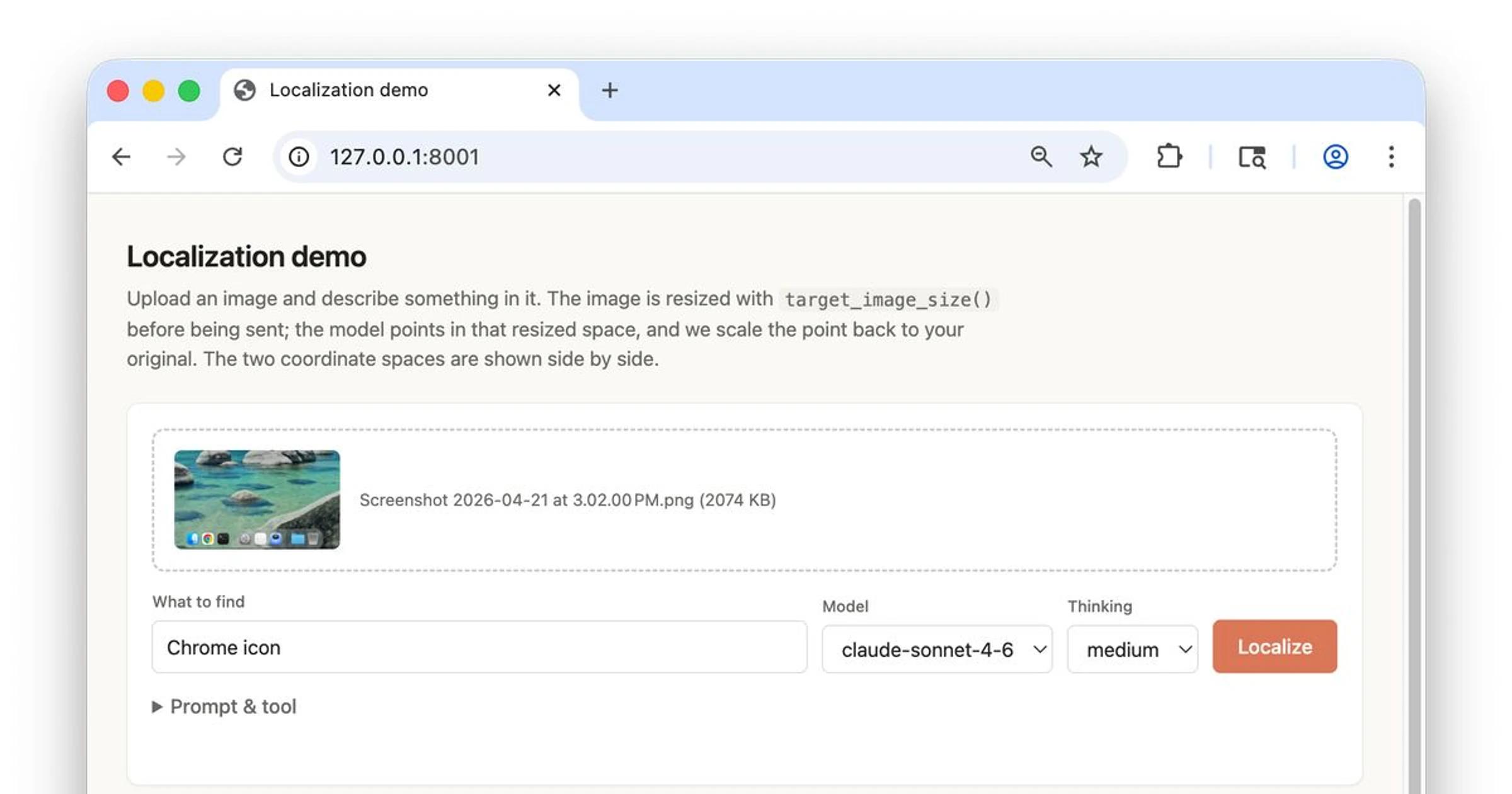
The Computer Use Best Practices quickstart is a native macOS reference implementation that demonstrates patterns for building reliable automation: explicit tool definitions, correct image sizing and pruning, prompt caching, and batched tool calls. The containerized Computer Use Demo provides a sandboxed environment for initial experimentation.
Running against the macOS desktop requires a VM; the quickstart documentation recommends against running computer use directly on a primary machine.
The Knowledge Wiki quickstart shows how to distill a document corpus into a versioned memory store with provenance on every fact, then answer repeated questions from it at lower per-question cost than raw-document search. The Road Trip Planner demonstrates streaming, vault credentials, agent overrides, and a multiagent coordinator in one complete example.
If your data lives in structured databases rather than document corpora, a direct database query tool is likely simpler than the wiki pattern.
The problem
Most developers who get Claude API access face the same friction: the API documentation explains individual capabilities but does not show how to combine them into a working application. Building a customer support agent or a persistent coding agent from scratch means making dozens of small architecture decisions before writing a line of product code. The challenge is especially sharp for teams without prior LLM integration experience. Tool definitions, session management, vault credentials, and multi-agent coordination are individually documented but rarely shown as a complete working system. Teams end up spending days on boilerplate infrastructure that has nothing to do with the actual problem they are trying to solve.
How it works
A complete customer support agent that uses Claude's tool-use capabilities to query a knowledge base and generate natural-language responses. The project demonstrates how to structure tool definitions, handle multi-turn conversations, and wire up a document retrieval layer without an external framework.
Two families of quickstarts cover desktop and browser automation: the Computer Use Demo runs Claude against a containerized desktop over VNC; the Browser Use Demo uses a Playwright-backed tool for DOM inspection, navigation, and form interaction. The best-practices variant adds prompt caching, server-side compaction, and trajectory recording for production-grade reliability.
A two-agent pattern built on the Claude Agent SDK: an initializer breaks down a feature list and hands work to a coding agent that persists progress in git between sessions. Each feature is built incrementally, so the agent can resume after interruption and work through a list of requirements autonomously.
The Managed Agents family includes 10 quickstarts for session lifecycle management: a Daily Brief agent that posts Slack digests on a cron, a Knowledge Wiki that distills documents into a provenance-tracked memory store, a Sentry Autofix agent that opens PRs from stack traces, and a Linear bot that responds to @mentions. Each is deployed as files applied with `ant apply`.
A TypeScript MCP server that exposes the Managed Agents Sessions API as nine tools, letting Claude Desktop, Claude Code, or claude.ai interact with agents already deployed in a workspace. One tool converts the session event stream into a single request/response call. An agent allowlist limits what a bearer-token holder can reach.
A chat interface for analyzing financial data, powered by Claude's ability to write and run visualization code. The agent interprets natural-language queries about financial data, generates charts, and returns them interactively. No dedicated data science stack is required.
Features
- Customer Support Agent with Knowledge Base
- Computer and Browser Automation Toolsets
- Autonomous Coding Agent on Claude Agent SDK
- Managed Agents: 10 Persistent Session Quickstarts
- MCP Server for Claude Managed Agents
- Financial Data Analyst with Interactive Charts
How to install
Clone the repository and navigate to a quickstart directory to install its dependencies.
git clone https://github.com/anthropics/claude-quickstarts.gitRecommended for this setup
Strengths
- MIT License with No Commercial Restrictions: Every quickstart is MIT-licensed, so the code can be forked, modified, and used commercially with no restrictions. Unlike code samples tied to paid platforms or vendor SDKs with restrictive terms, the license places no limits on what you build with these patterns.
- Full Coverage of Current Claude API Capabilities: The collection covers tool use, computer and browser automation, Managed Agents sessions, vault credentials, multi-agent patterns, and streaming with event deltas in a single repository. Developers building in any of these areas get reference code rather than assembling patterns from blog posts and issue threads.
- Up-to-Date Versioned Toolset Shapes: The Computer Use and Browser Toolset quickstarts reference the current versioned toolset shapes (computer_toolset_20260801, browser_toolset_20260801), which is the correct interface for Claude's computer and browser capabilities. Projects built against older interface shapes often break silently when the API changes.
- Minimal, Readable Reference Code: Each quickstart is intentionally small. The Browser Toolset and Computer Toolset minimal examples show the interface without production complexity, and the Managed Agents examples each demonstrate one to four specific API features. This makes it straightforward to extract the relevant patterns without reading through unrelated code.
Trade-offs
- Requires a Claude API Key Before Anything Runs: Every quickstart requires a Claude API key from console.anthropic.com before anything runs. Teams exploring before committing to the Claude API have no offline or no-key path; the projects are reference implementations for Claude specifically, not general LLM-agnostic templates.
- 124 Open Issues in an Actively Extended Repository: The repository has 124 open issues. For a reference collection that is actively extended, some quickstarts may lag behind the latest API changes or have rough edges reported by the community. Reviewing relevant open issues before building on a specific quickstart is worth the time.
- No Managed Runtime or Deployment Tooling: The quickstarts provide code, not a hosted platform. Deploying a Managed Agents session in production requires you to manage the infrastructure: a server, environment variables, vault setup, and monitoring. For teams that want a fully managed AI agent platform, this is code to run yourself, not a service to subscribe to.
Tech stack
FAQ
Yes: each quickstart requires a Claude API key from console.anthropic.com. Anthropic offers a free tier for new accounts, and most of the quickstarts work within it for development and testing. High-volume or production use, especially computer and browser automation, will consume more tokens and may require a paid plan.
No: the quickstarts are written specifically for the Claude API, including its tool-use format, the Managed Agents framework, and the versioned computer and browser toolset shapes. They are not framework-agnostic templates, and adapting them to another provider would require rewriting the core integration code.
Most quickstarts are in Python. TypeScript versions are also available for the Browser Toolset and Computer Toolset minimal examples and the Managed Agents MCP Server. The Managed Agents Chat SDK example is in TypeScript with Next.js.
Yes: the entire repository is MIT licensed. You can fork any quickstart, adapt it, and ship it in a commercial product without restriction. The license applies to the code; API usage costs are separate and billed by Anthropic.
The Autonomous Coding Agent quickstart is a reference implementation built on the Claude Agent SDK, designed to show the two-agent pattern (initializer plus coding agent) with progress persisted in git. Claude Code is a separate product. The quickstart teaches the pattern so you can build your own agent with similar behavior into your own application.