
anki
Spaced repetition flashcards that make memory reliable
Replaces Quizlet, Brainscape, Remnote, Mochi, Supermemo
Who it's for
Learners who need to retain hundreds or thousands of discrete facts across a long study period benefit from Anki's algorithmic scheduling. Rather than cycling through all material equally, Anki identifies which cards are about to slip and surfaces them at the right moment, keeping a large fact base active without expanding daily study time as the deck grows.
If you need collaborative deck editing, shared progress tracking with classmates, or pre-built content from professional exam-prep publishers, a consumer flashcard platform with a built-in content library may fit better.
A vocabulary list of several thousand words is difficult to maintain without spaced repetition. Anki's audio support means each card can include pronunciation recordings, and decks can be shared with other learners through AnkiWeb. The algorithm keeps all active vocabulary in rotation without daily sessions expanding indefinitely as new words are added.
If you want a fully guided language learning path with structured lessons, grammar explanations, and progression tracking, Anki does not provide curriculum. It handles recall; the learning path is your responsibility.
Anki works beyond exam prep for any material that needs long-term retention. The spaced repetition algorithm is more efficient than rereading notes periodically, since it focuses review time only on what is about to be forgotten. Cards can include formatted text, images, and audio, making it adaptable to technical and non-technical subject matter.
If your goal is active note-taking, linking ideas, or building a knowledge graph, Anki is a recall tool only. It does not replace a notes app or a personal knowledge management system.
The problem
Memory fades quickly without review, but reviewing everything equally is inefficient. Most study tools put the burden of scheduling on the learner: flashcard apps with no interval scheduling, notes apps with no recall testing, or timed-interval tools that ignore your actual recall performance. The result is that learners over-review familiar material and neglect what is slipping, producing a false sense of mastery. The deeper problem is scale. A learner building to proficiency in a new subject might need thousands of discrete facts active at once. Manual scheduling breaks at this scale. Without an algorithm that adapts to your actual recall performance, either the review load becomes unsustainable or the retention rate collapses as the deck grows.
How it works
After each card review you rate your recall, and Anki recalculates when you will see that card next. Cards you know well are pushed weeks or months into the future; cards you struggle with return within hours or days. The algorithm ensures you never waste time on already-solid knowledge or lose ground on material that is slipping.
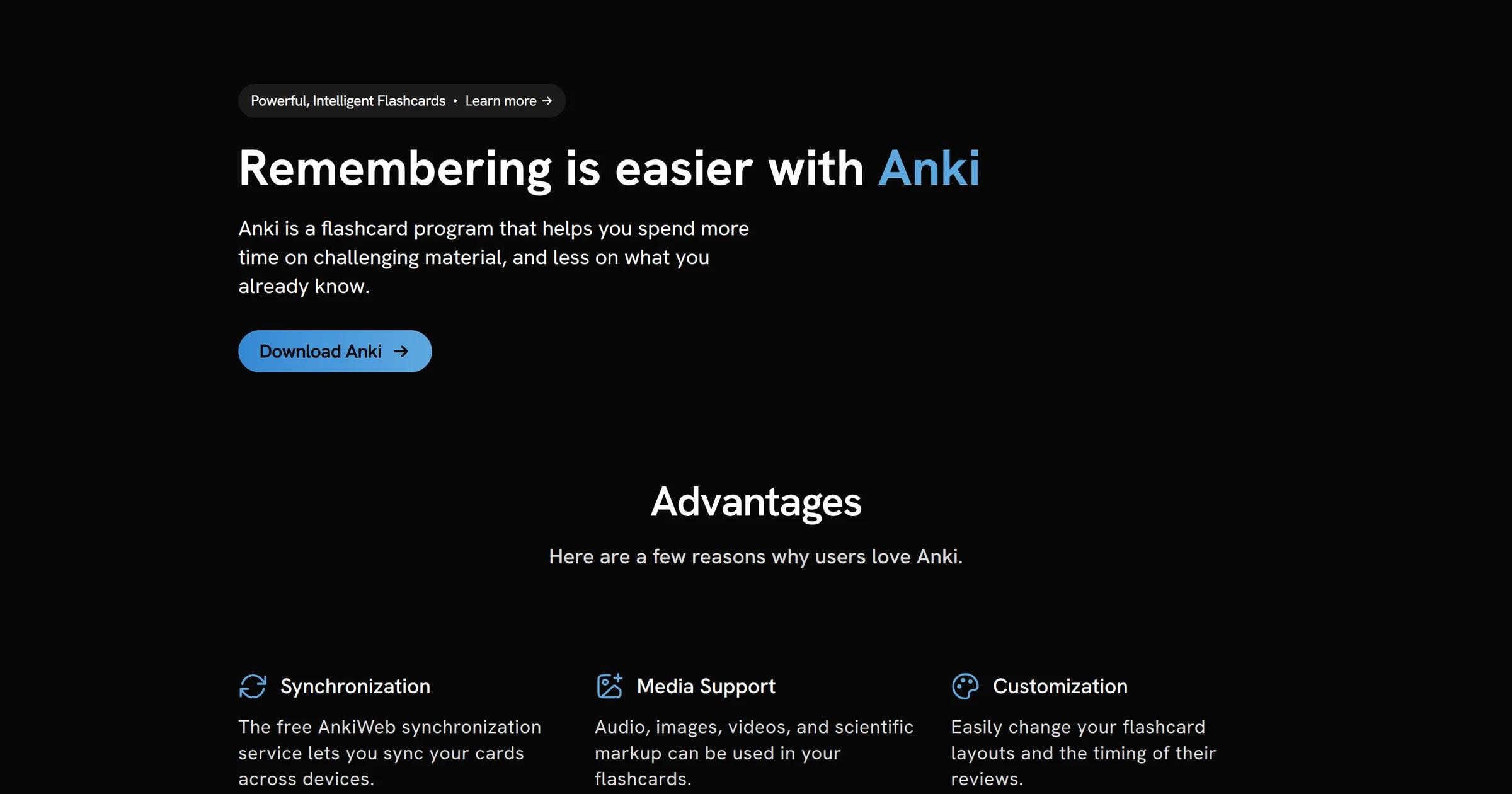
AnkiWeb synchronizes your decks, notes, and review history across all your devices at no cost. A session on your desktop carries forward to AnkiMobile on iOS and AnkiDroid on Android, with no manual export or import required. The sync service is free and has no deck-count or card-count limits.
Cards can include audio clips, images, videos, and scientific markup such as LaTeX for mathematical and chemical notation. Audio covers pronunciation practice for language learning; LaTeX renders equations correctly for science and engineering students. Media is stored locally and synced through AnkiWeb.
Desktop Anki supports community add-ons that extend the core feature set. Add-ons cover image occlusion for anatomy diagrams, cloze-deletion enhancements, bulk card import formats, and statistics dashboards beyond the built-in graphs. The add-on library is indexed on AnkiWeb and installs in one click from within the app.
Anki handles decks of over 100,000 cards without performance problems, according to the official website. This makes it viable for whole-curriculum study without needing to split decks for performance reasons as your collection grows.
Features
- Spaced repetition scheduling
- Free cross-device sync via AnkiWeb
- Rich media card support
- Add-on ecosystem
- 100,000-card deck support
Recommended for this setup
Strengths
- Full SRS algorithm at no cost: Anki's spaced repetition engine and all desktop features are free for Windows, macOS, and Linux. Unlike paid alternatives in the same category, you get the full algorithm and unlimited cards without a subscription tier. AnkiWeb sync is also free.
- Over a decade of active development: The project has been under continuous development since 2012 and remains actively maintained, with code pushed as recently as September 2026. At 30,865 GitHub stars and 3,210 forks, it has a large contributor base and a substantial community of add-on authors and deck sharers.
- Local-first data storage: The desktop app stores your card collection locally on your own machine. AnkiWeb sync is optional and free; your decks remain accessible without it. Community deck sharing is built into AnkiWeb, so learners can distribute decks to others or download decks for subjects they study.
Trade-offs
- Steep learning curve for card creation: Anki's default interface is functional rather than consumer-friendly. Creating effective cards requires learning Anki's template system, understanding the difference between notes and cards, and investing time upfront to build or find quality decks. Beginners who expect a drag-and-drop card editor will find the initial experience significantly more demanding than consumer alternatives.
- AnkiMobile for iOS is a paid app: The Android version (AnkiDroid) is free, but AnkiMobile for iOS is a one-time paid purchase. The purchase funds Anki's development. If iOS is your primary study device, AnkiDroid on Android or the mobile web at AnkiWeb.net offers a free fallback, though without the full native iOS experience.
- No built-in content library: Anki does not provide a marketplace of pre-made study content built into the app. Finding quality decks for your subject requires knowing where to look (AnkiWeb shared decks, community repositories). New users who want a ready-made content experience may be better served by consumer alternatives until they are comfortable building their own decks.
Tech stack
FAQ
The desktop app for Windows, macOS, and Linux is completely free. AnkiDroid for Android is also free. AnkiMobile for iOS is a one-time paid purchase that funds Anki's development. The AnkiWeb sync service is free with no card-count limits.
After reviewing a card, you rate your recall (Again, Hard, Good, Easy). Anki uses this rating to calculate the next review interval. Cards you recall easily get pushed further into the future; cards you struggle with return sooner. Over time the algorithm builds a personalized schedule that keeps all active cards in rotation with the minimum time investment required.
Yes. The desktop app source code is at github.com/ankitects/anki, licensed under AGPL-3.0-or-later. This license allows you to run and modify Anki freely for any purpose, including commercial or team use. If you run a modified version as a network service, you must make the modified source code available to your users. AnkiDroid for Android is also open source. AnkiMobile for iOS is a closed-source commercial app sold to fund development.
Anki's spaced repetition algorithm and desktop app are free with no subscription required. Quizlet is a proprietary, subscription-based service. The trade-off is that Quizlet has a more polished interface and a large built-in library of pre-made study sets for popular subjects, while Anki requires you to build or find your own decks.
Yes. The desktop app and both mobile apps work fully offline. Cards and review history are stored locally on the device. When you reconnect, AnkiWeb syncs changes across devices. There is no dependency on an internet connection to study.