Agent Teams AI
AI agent teams with a Kanban board, code review, and 300+ models.
Replaces Conductor
Who it's for
Agent Teams AI is built for developers who want multiple AI agents handling separate features or bug fixes simultaneously. The Kanban board shows task ownership and status across all agents, the Changes viewer handles code review, and cross-agent messaging handles handoffs without manual coordination.
If you only run one AI agent at a time and do not need task tracking or review workflows, the app adds overhead that a plain terminal session does not.
The included free model and no-signup flow let you evaluate multi-agent orchestration with no cost commitment. Connect a paid provider only when you have confirmed the workflow fits your project.
If you need a managed, cloud-hosted orchestration service with SLAs and enterprise support, Agent Teams AI is self-managed with community support only.
Agent Teams AI auto-detects installed Claude Code, Codex, and OpenCode runtimes and assigns them to agent roles. Teams mixing providers in a single project get a unified task view across all agents without extra configuration.
If you use only one provider and have no need for the Kanban board or inter-agent communication, the CLI tool for that provider is a simpler option.
The problem
Running multiple AI coding agents in parallel means opening separate terminal windows, manually tracking which agent is working on what, and manually reviewing every diff. There is no shared task state across agents, no handoff protocol, and no way to see at a glance whether agents are blocked, reviewing, or done. The usual workaround is to run one agent at a time, give it a large prompt, and check the output. This keeps things simple but forfeits the speed of parallel work. The other path is to wire up a custom orchestration script, which adds infrastructure complexity and still leaves you with no visual dashboard. Neither path gives you the agent-to-agent communication and built-in review workflow that mirrors how a human engineering team actually operates.
How it works
Agents pick up tasks, update statuses, and move cards across a 5-column board with review states. You can drag and drop for manual reordering, but the board updates itself as agents complete and hand off work. Each card links to its task detail, execution logs, and diff.
The Changes viewer shows file and hunk-level diffs for every task. You can accept or reject individual hunks, edit in place, undo a decision, or leave feedback directly on the diff. The layout mirrors Cursor's review workflow, scoped to each agent's task output.
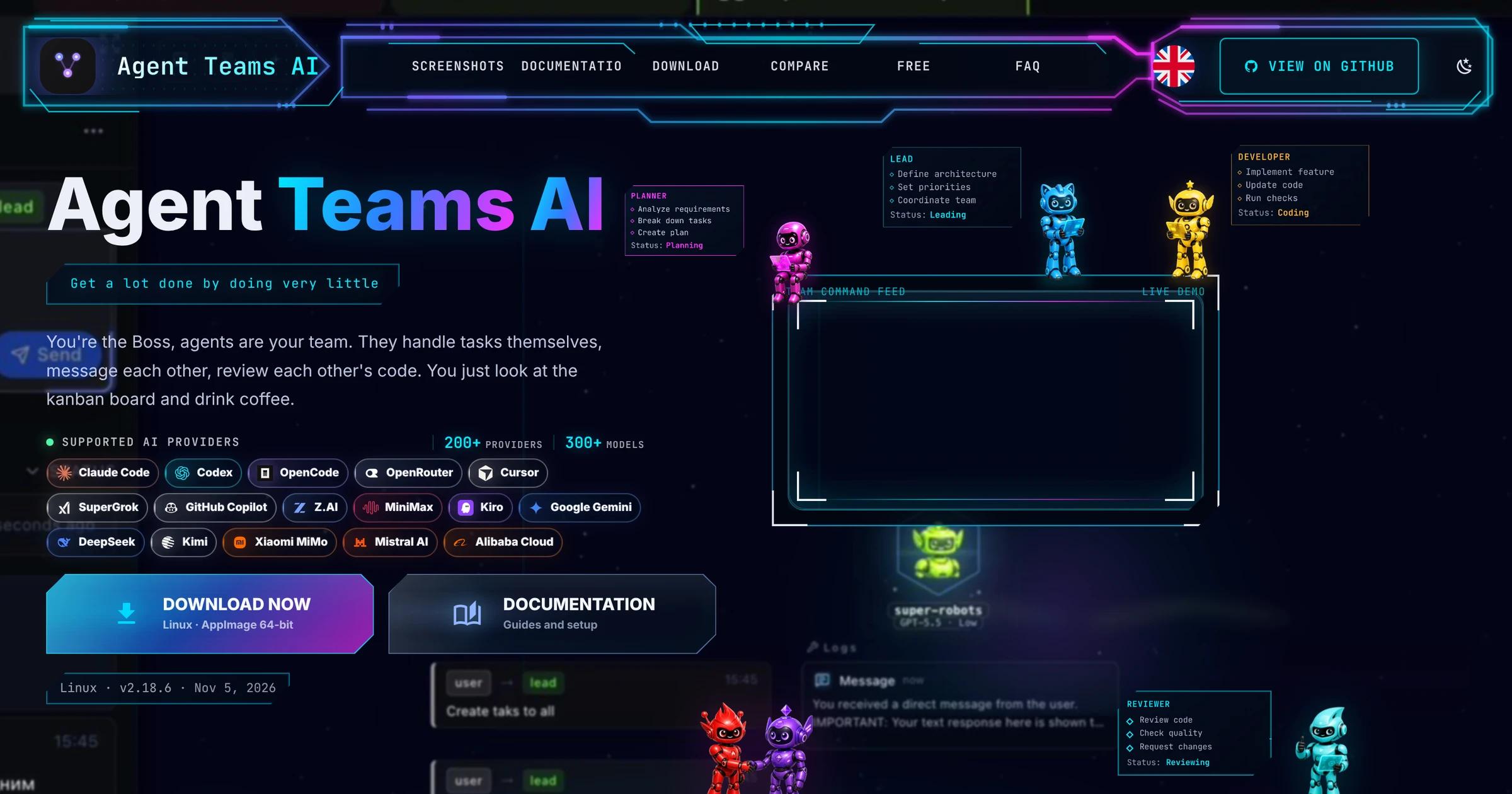
Teams can mix Claude Code, Codex, OpenCode, Cursor, SuperGrok, GitHub Copilot, Z.AI, MiniMax, Kiro, and other providers in a single team. A free model with no auth is included, so you can run your first team without an API key or account.
Token and estimated-cost usage is tracked across teams, agents, tasks, projects, models, runtimes, sessions, and runs. Monthly budgets can be set with alerts at 80% and 100% usage. For supported scheduled runs, an optional hard cap is available.
Agents send direct messages and task comments within and across teams. Teams can be grouped into departments or squads in a nested organization view, with a live map showing team status, task progress, dependencies, and cross-team communication.
Solo Mode runs a single agent that creates its own tasks and shows live progress. It uses fewer tokens than a full team and can be expanded to a multi-agent team at any point without reconfiguring the project.
Features
- Kanban board with autonomous task management
- Built-in Changes viewer for code review
- Multi-provider support across 300+ models
- Token analytics and budget alerts
- Cross-team communication and nested organizations
- Solo Mode for single-agent workflows
How to install
Download the installer for your platform (macOS, Windows, or Linux) from GitHub Releases: https://github.com/777genius/agent-teams-ai/releases/latest
Recommended for this setup
Strengths
- Free with a no-auth model included: Agent Teams AI has no paid tier. A free model with no authentication is bundled so you can run your first agent team immediately with no signup, API key, or credit card. Paid provider connections are optional and controlled by the provider you choose.
- Unified workspace for tasks, code review, terminal, and messaging: The Kanban board, task detail pages, agent message feeds, execution logs, Changes viewer, and an integrated visual terminal are all in one Electron app. You do not need separate browser tabs, terminal windows, or external dashboard tools to follow what your agents are doing.
- AGPL-3.0: unrestricted for internal and commercial use: AGPL-3.0 permits running Agent Teams AI for internal and commercial team use without restriction. The copyleft clause applies only if you distribute a modified version as a managed service: then you must publish your source changes.
- Auto-detects installed runtimes, no manual wiring: The app detects Claude Code, Codex, and OpenCode runtimes installed on your machine. You can connect Cursor, SuperGrok, GitHub Copilot, Z.AI, MiniMax, and Kiro from the UI. No environment file setup or configuration script is required to start.
Trade-offs
- AGPL-3.0 restricts managed-service redistribution: If you plan to run a modified version of Agent Teams AI as a hosted service for others, AGPL-3.0 requires you to publish the source changes. Teams running it internally have no such restriction, but businesses building a competing hosted product need to review the license terms before proceeding.
- 26 open issues; active development may bring surface-level churn: The repo had 26 open issues when this entry was written. As a project launched in February 2026 with 2406 stars, it is under active development. Some features documented on the product site may be in flux, and stability should be evaluated against the latest release.
- Desktop app only; no headless or server deployment: Agent Teams AI runs as an Electron desktop app, not a server or container. If you need to run agent teams on a remote machine, in CI, or as a background service, there is no documented path for headless deployment. All orchestration requires the desktop app to be open.
Tech stack
FAQ
Yes. Agent Teams AI has no paid tier. A free model with no auth is included for immediate use. When you connect a paid provider such as Claude Code or OpenCode, you use that provider's existing subscription or API key; Agent Teams AI itself charges nothing. All features, including the Kanban board, Changes viewer, and organizations, are available on the free download.
Agent Teams AI runs on macOS (Apple Silicon and Intel), Windows (64-bit), and Linux. Linux packages include an AppImage, .deb, .rpm, and .pacman installer. All platforms are supported on the same release cadence. Download the installer for your platform from GitHub Releases.
Agent Teams AI auto-detects Claude Code, Codex, and OpenCode runtimes on your machine. From the UI you can connect Cursor, SuperGrok, GitHub Copilot, Z.AI, MiniMax, Kiro, and others. The app supports 300+ models from 200+ providers. A free model with no authentication is included for first use.
AGPL-3.0 allows you to run Agent Teams AI for internal and commercial team use without restriction. The copyleft clause applies only if you distribute a modified version as a network service: then you must publish the modified source. For teams running it on their own machines to orchestrate their own work, there is no restriction.
Yes. A free model with no auth is bundled, so you can run your first team immediately with no account or API key. Claude Code, Codex, and OpenCode are auto-detected if installed, but they are not required. Paid provider connections are optional and controlled by the provider you choose.