
agency-agents
Expert AI agent personalities for every workflow
Replaces —
Who it's for
Engineering teams adopting AI coding tools across frontend, backend, DevOps, and infrastructure work can install division-specific agents to give every developer consistent, expert-level assistance. The agents reduce variance in code quality and ensure best practices are followed without requiring senior review on every change. Teams report faster onboarding for junior developers who get expert guidance embedded in their workflow.
Your team uses a single AI model tier below GPT-4 or Claude Opus. The agents are optimized for frontier models and may produce inconsistent results with smaller models.
Indie developers and solopreneurs working across the stack benefit from instant access to specialist expertise without hiring. Use the Frontend Developer agent for UI work, the Backend Architect for API design, the DevOps Automator for deployment pipelines, and the Security Penetration Tester for vulnerability checks. The agents replace the need to context-switch between expert mindsets manually.
You work in a single specialized domain and already have deep expertise. The value comes from cross-domain coverage.
Teams with inconsistent code review practices can use the Code Reviewer agent as a first-pass filter before human review. The agent checks for security issues, maintainability problems, and common bugs with a defined rubric. This reduces senior engineer review burden and ensures all PRs meet baseline quality standards before human eyes see them.
Your team needs highly custom review criteria tied to proprietary systems not covered by the agent's general rubric.
Security engineers can activate the Security Penetration Tester, Code Reviewer, or Section 508 Accessibility Specialist agents for focused audits. The agents think like attackers or compliance auditors, surfacing vulnerabilities and compliance gaps that general-purpose AI assistants miss. Use them for pre-release security checks or ongoing vulnerability scanning across repos.
You need agents trained on your organization's specific threat model. The agents use general security best practices.
The problem
AI coding assistants are powerful, but most developers treat them as generic chat interfaces. Without domain-specific context, you get surface-level answers that miss the nuance a specialized expert would catch. Writing effective agent personalities from scratch takes hours of iteration, testing across tasks, and deep understanding of both the domain and how to structure AI instructions. Most teams lack the time or expertise to craft production-ready agents for specialized workflows like security audits, database tuning, or incident response. The result is inconsistent AI assistance that varies wildly based on how well you prompt in the moment, and experts end up re-explaining context on every interaction instead of codifying it once and reusing it.
How it works
Each agent defines identity, expertise area, communication style, technical deliverables, and success metrics. Coverage spans engineering (frontend, backend, DevOps, AI, embedded, mobile), design (UI, UX, brand), security (penetration testing, code review, compliance), operations (SRE, incident response, database reliability), and content (technical writing, documentation). Every agent is production-ready with workflows tested across real projects.
Agents work with Claude Code, Cursor, GitHub Copilot, Codex, Gemini CLI, OpenCode, Aider, Windsurf, and other AI coding tools. The install scripts auto-detect which tools you have and convert agents to the correct format for each platform. No manual configuration needed. The desktop app (macOS, Linux, Windows) provides a visual browser for the full roster and one-click installation.
Unlike generic prompt templates, each agent has a unique voice and approach. The Frontend Developer agent focuses on performance and pixel perfection. The Security Penetration Tester agent thinks like an attacker. The Incident Response Commander agent prioritizes triage and communication. These personality traits shape how the agent analyzes problems, asks questions, and presents solutions.
Every agent includes concrete deliverables, not vague guidance. The Backend Architect agent delivers API schemas and database designs. The DevOps Automator agent produces CI/CD pipeline configs. The Technical Writer agent creates documentation templates. Each agent file contains code examples showing what output to expect, reducing ambiguity and ensuring consistent results.
Agents are grouped into divisions (Engineering, Design, Security, Operations, Marketing, Content) matching how teams are structured. You can install entire divisions or individual agents based on your workflow. The installer supports selective installation to avoid overwhelming tools with limited agent slots. Teams can fork the repo and add custom agents to their private divisions.
The entire collection is MIT licensed, so you can fork it, modify agent personalities for your team's needs, add proprietary agents, and redistribute without restriction. Each agent is a standalone markdown file, making it simple to version control, review, and customize. The repository structure is designed for easy contribution and extension.
Features
- 200+ domain-specialized agent personalities
- Multi-tool integration with 15+ AI platforms
- Personality-driven communication patterns
- Deliverable-focused workflows with code examples
- Division-based organization for team workflows
- MIT license with fork-friendly structure
How to install
Agency Agents installs via the desktop app or shell scripts.
# Clone the repository
git clone https://github.com/msitarzewski/agency-agents.git
cd agency-agents

# Install for Claude Code
./scripts/install.sh --tool claude-code

# Or install selective divisions to avoid overwhelming tools with limits
./scripts/install.sh --tool cursor --division engineering,security

# Manual copy if you only want specific agents
cp engineering/engineering-frontend-developer.md ~/.claude/agents/
Recommended for this setup
Strengths
- Battle-tested agent definitions from community iteration: The collection was born from a Reddit thread and refined over months of production use across hundreds of projects. Each agent incorporates feedback from real development workflows, with personality traits and deliverables tuned based on what actually works. Unlike AI prompt marketplaces with untested content, these agents reflect hands-on engineering experience.
- Saves prompt engineering time with ready-made expertise: Writing a production-quality agent personality from scratch takes 2-4 hours of iteration and testing. Agency Agents gives you 200+ specialists instantly. Teams report cutting onboarding time for AI-assisted workflows from weeks to hours because developers skip the prompt-learning curve and jump straight to domain tasks. The desktop app makes discovery and installation frictionless.
- Transparent and auditable agent behavior: Every agent file is readable markdown, so you see exactly what instructions the AI receives. No black-box prompts or hidden system messages. Security-conscious teams can audit agent personalities before installation, modify risky instructions, and version control changes. This transparency is impossible with proprietary agent platforms where prompts are opaque.
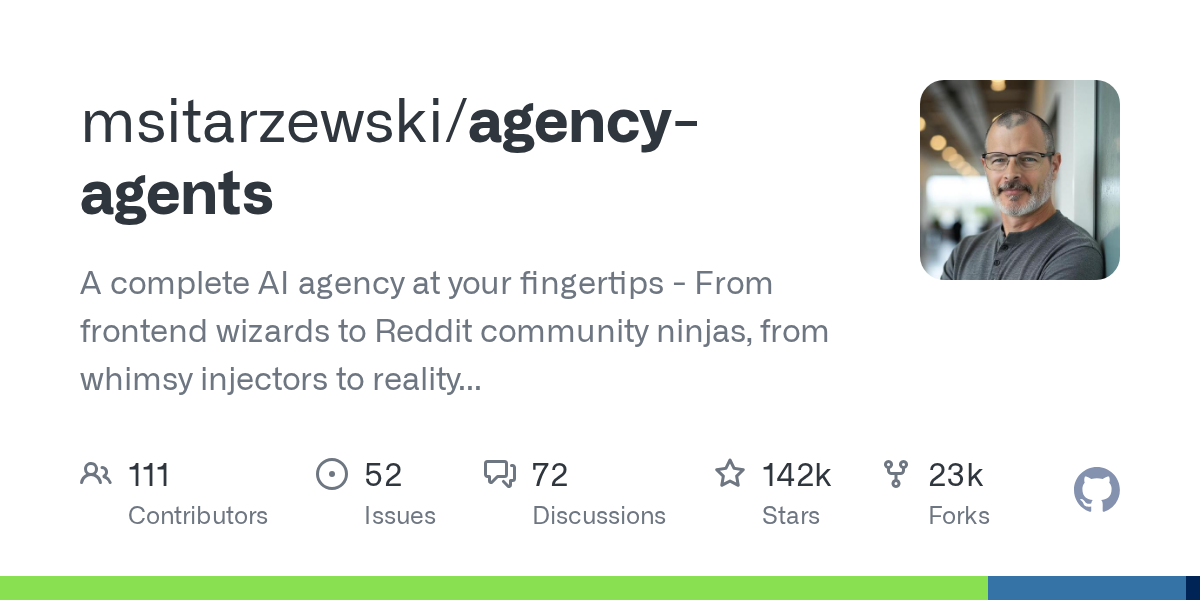
- Active community with 144,000+ GitHub stars: The repository has 144,000 stars and 23,000 forks, making it one of the most popular AI agent collections. The community contributes new agents regularly, reports bugs, and shares real-world usage patterns. GitHub Issues serve as a knowledge base for tuning agents to specific tools and workflows. This scale means edge cases get caught and fixed quickly.
Trade-offs
- Agent effectiveness varies by underlying AI model: The agents are prompt-based, so their quality depends on the AI model your tool uses. Claude Opus and GPT-4 handle complex agent personalities better than smaller models. Tools using less capable models may see inconsistent results, especially with agents requiring deep technical reasoning like the Solidity Engineer or Multi-Agent Systems Architect. The agents are optimized for frontier models, not budget-tier ones.
- Large agent count can overwhelm tools with limits: Installing all 200+ agents into tools with registration limits (e.g., OpenCode caps at 119 agents) causes silent failures where excess agents are ignored. The installer warns about this and supports selective installation by division or individual agent. Teams need to curate which agents they actually use rather than installing everything. Managing a large agent roster requires discipline to avoid clutter.
- No built-in agent versioning or update notifications: The repository evolves continuously, but there is no semantic versioning for individual agents. If you install agents manually via git clone, you will not get notified when an agent is updated with bug fixes or new capabilities. The desktop app auto-updates, but manual installers need to re-run scripts periodically. Teams forking the repo must merge upstream changes manually to benefit from improvements.
Tech stack
FAQ
Yes. The entire collection is MIT licensed and free to use, modify, and redistribute. The agents are markdown files in a public GitHub repository. There is no paid tier, no per-seat licensing, and no usage limits. The desktop app for installing agents is also free and open source. You only pay for the underlying AI service (Claude, GPT-4, etc.) your coding tool uses.
The agents work with Claude Code, Cursor, GitHub Copilot, Codex, Gemini CLI, OpenCode, Aider, Windsurf, Kimi Code, Osaurus, Hermes, Mistral Vibe, OpenClaw, and Antigravity. The install scripts auto-detect your tools and convert agents to the correct format. The desktop app supports the same tool list and handles installation with a click. If your tool supports custom agent prompts or system messages, you can manually adapt the markdown files.
Yes. The MIT license allows forking, modification, and redistribution. Each agent is a standalone markdown file, so you can edit personality traits, deliverables, or workflows to match your team's standards. Many teams fork the repository, add custom agents for proprietary systems, and maintain a private agent library. The structure is version-control-friendly, making it easy to review and merge changes.
If you installed via the desktop app, it auto-updates agents as the repository evolves. For manual installations via git clone, run git pull in the repository directory and re-run the install script to update your tools with the latest agent definitions. If you forked the repo for custom modifications, you will need to merge upstream changes manually to get updates while preserving your customizations.
The agents are optimized for frontier models (GPT-4, Claude Opus, Gemini Pro) and may produce inconsistent results with smaller models. Agents requiring deep reasoning, like the Solidity Engineer or Multi-Agent Systems Architect, perform poorly on budget-tier models. If your coding tool uses a smaller model, start with simpler agents like the Technical Writer or Minimal Change Engineer to test effectiveness before installing the full roster.